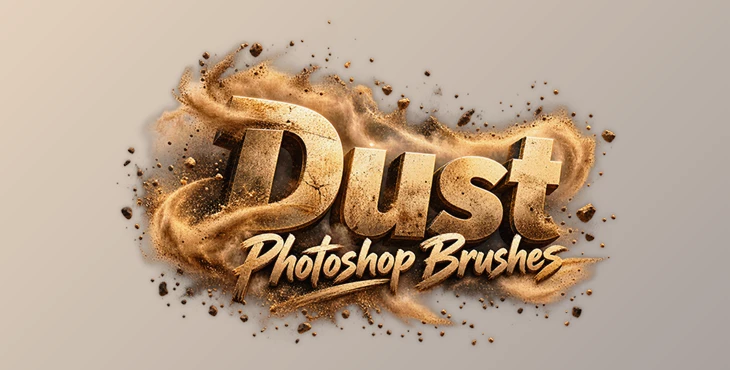
Downloadable Files
You can download Dust Photoshop Brushes for free from the bottom of this page.
Add Realistic Dust and Texture to Your Photoshop Projects
Clean, perfectly smooth images don't always create the right mood. Sometimes, a little dust, dirt, or texture is exactly what a design needs to feel more natural. Dust Photoshop Brushes is a collection of 10 Photoshop brushes that lets you add realistic dust particles and subtle imperfections to your artwork.
The brushes work well for creating everything from light dust textures to stronger, gritty effects. You can adjust their size, opacity, and density to match the look you're going for.
What Can You Create with Dust Photoshop Brushes?
The main purpose of this brush set is to add texture and atmosphere to images without making the effects look artificial.
Dust can change how an image feels. A few scattered particles can give a photograph a slightly aged appearance, while heavier dust textures can create a rougher, more dramatic look.
The brushes are suitable for several types of creative work:
Photo Manipulation: Add dust particles and imperfections to make edited photographs feel more natural.
Cinematic Artwork: Create atmospheric dust effects that add depth and mood to a scene.
Vintage Designs: Give clean images a worn, slightly dirty appearance.
Posters and Album Covers: Add gritty textures that complement dramatic compositions.
Digital Illustrations: Introduce small surface imperfections and atmospheric details.
Compositing: Add dust effects to help create a more consistent atmosphere across different visual elements.
The effects can be subtle or noticeable, depending on the style of your project.
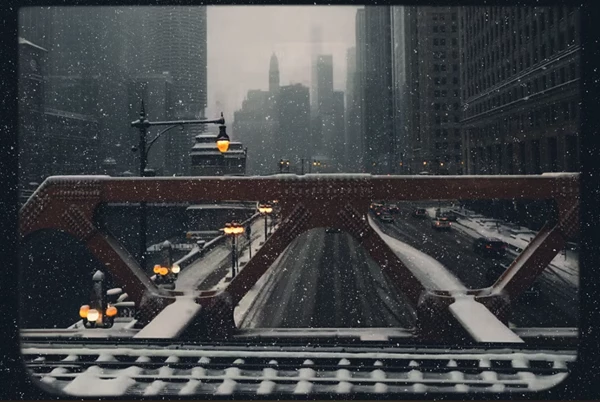
Adjustable Dust Effects in Photoshop
One of the practical features of Dust Photoshop Brushes is the ability to control how the dust appears in your artwork.
You can adjust three main settings:
Setting | What It Controls |
|---|---|
Brush Size | Changes the scale of the dust effect |
Opacity | Controls how visible or transparent the dust appears |
Density | Adjusts how concentrated the dust particles look |
These controls give you flexibility when working with different images.
For instance, a cinematic landscape might only need a small amount of faint dust to create atmosphere. A vintage poster, on the other hand, might benefit from more visible particles and a rougher texture.
Because the brushes are adjustable, you can create both styles using the same collection.
Creating Natural Imperfections Without Overdoing the Effect
Not every image needs a heavy dust overlay. In many cases, small imperfections are enough to make a digital composition feel less polished and more organic.
Dust Photoshop Brushes can produce different visual results depending on how you apply them.
Light dust effects work well when you want to introduce a little texture while keeping the original image clearly visible. Stronger effects are better suited to artwork that needs a dirty, distressed, or cinematic appearance.
This flexibility is particularly helpful for designers working across different visual styles. The same brushes can be used to add a faint atmospheric texture to a photograph or a more noticeable layer of dirt to an album cover.
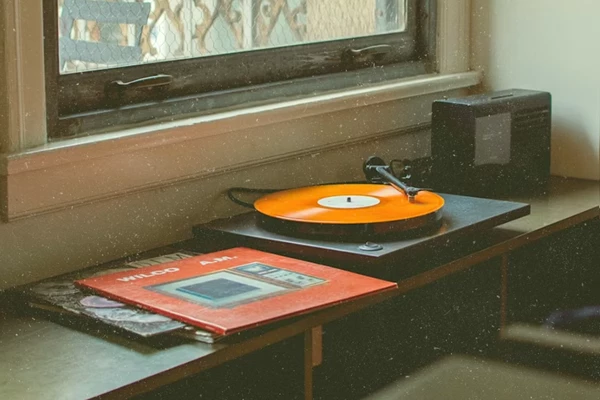
What's Included in the Brush Set?
The package contains:
10 Dust Photoshop Brushes (.ABR): A collection of brushes designed for realistic dust particles, dirt, and texture effects.
Help File: An accompanying file with additional guidance.
The brushes are provided in Photoshop's .ABR format and are intended for use in Adobe Photoshop.
Is Dust Photoshop Brushes Worth Using?
Dust Photoshop Brushes is a straightforward option for artists and designers who want to add realistic dust and surface imperfections to their Photoshop projects.
Its main advantage is the ability to create different levels of dust texture using adjustable brushes rather than relying on a single fixed effect.
For cinematic compositions, vintage artwork, photo manipulation, and digital illustrations, this collection provides a simple way to introduce extra texture and atmosphere without making the editing process complicated.

Files Password : gfxplugin.com OR 123456