Downloadable Files
You can download The Procedural Anime VFX Toolkit for free from the bottom of this page.
Create Anime-Style VFX in Blender Without the Hassle
Creating anime-style effects in Blender can take a lot of work, especially when you need to animate them. The Procedural Anime VFX Toolkit gives you 16 ready-made effects that you can add to your scene and customize without building everything from scratch.
The pack uses Geometry Nodes, but you don't need to know how to work with nodes to use it. Most of the controls are simple sliders in Blender's Modifier tab. You can change how an effect looks, adjust its animation, and combine it with other effects.
Create Anime Effects with Simple Controls
The main idea behind this toolkit is to make creating and animating effects less complicated.
After adding an effect to your Blender scene, you can start changing its settings right away. There's no need to set up simulations or manage lots of separate objects.
Each effect comes with its own controls, so you can adjust its appearance and animation from the Modifier tab.
You also don't have to use the default animation. The toolkit lets you animate any of the available settings, giving you more freedom to change how an effect behaves over time.
This is particularly helpful when you want to create different animations from the same asset without rebuilding it.
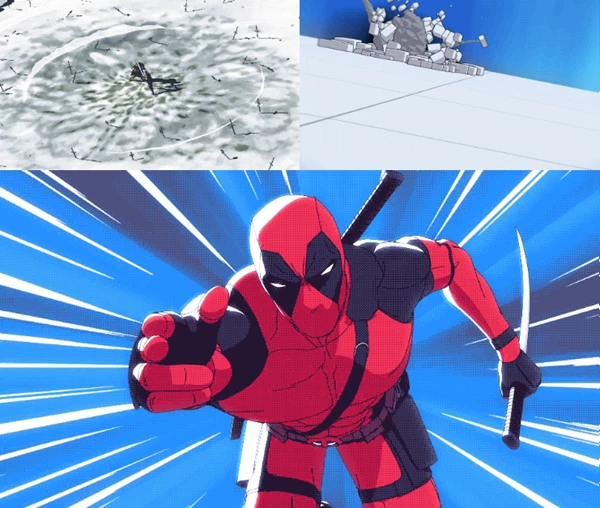
Customize and Combine Different Effects
The effects aren't limited to one fixed look. Each asset has a default appearance, but you can change it using the extra settings.
You can make different variations of a single effect or combine several assets to create something more complex.
Since the effects are procedural, you can keep adjusting their settings as you work on your scene.
The pack is also suitable for people who are new to Geometry Nodes. You can work with the basic controls without opening the node editor.
However, if you want to make deeper changes, you can explore the nodes yourself. They're organized and labeled to make them easier to understand.
What's Included in The Procedural Anime VFX Toolkit?
The pack contains 16 different procedural effects for Blender, along with a detailed manual.
Here's what you get:
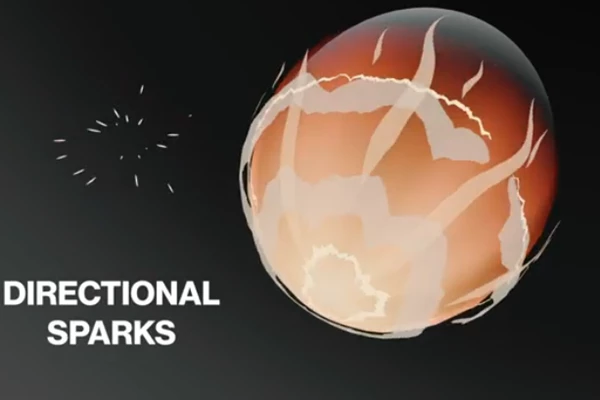
16 procedural VFX assets: A collection of effects with adjustable settings.
Animation controls: Sliders for controlling the animations without setting up simulations.
Customizable parameters: Settings that let you change the look and behavior of each effect.
Editable Geometry Nodes: Organized node setups that you can explore and modify.
Detailed manual: Instructions explaining the effects and their controls.
The creator has also tested and improved these effects while using them in real projects.
Blender Compatibility
There are two important things to know before using this toolkit.
First, The Procedural Anime VFX Toolkit requires Blender 4.2 or newer. It isn't designed to work properly with older versions.
Second, the effects are made for the EEVEE render engine. They won't work in Cycles out of the box.
If your project uses EEVEE, you can work with the effects as intended. For Cycles projects, you'll need to make additional changes.
Is The Procedural Anime VFX Toolkit Worth Using?
If you're making anime-style animations or stylized effects in Blender, this pack gives you a collection of assets that are easy to adjust.
You don't need to build complex node systems or simulations just to get started. The effects are already prepared, and you can change their appearance and animation using the available controls.
It's a good option for Blender artists who want to spend more time working on their scenes and less time setting up effects.

Files Password : gfxplugin.com OR 123456