Downloadable Files
You can download Typewriter Subtitles for free from the bottom of this page.
Give Your Subtitles a Typewriter Effect
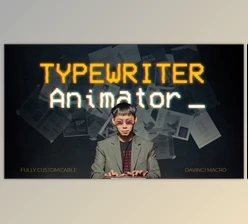
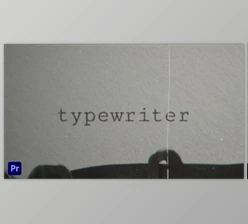
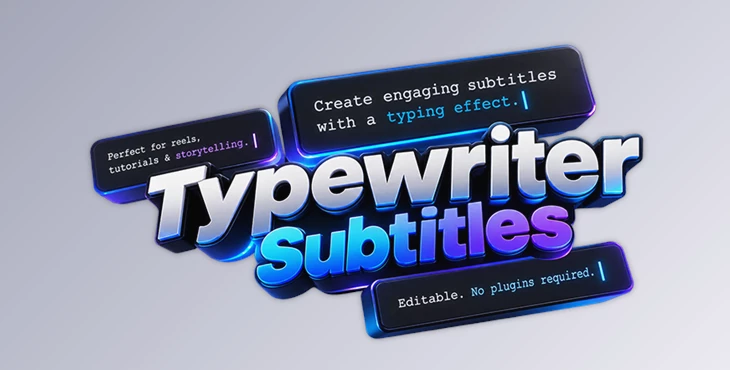
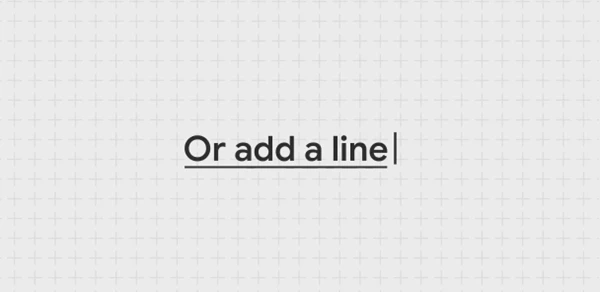
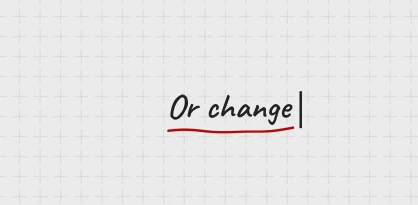
Typewriter Subtitles is an After Effects template that brings a classic typing effect to your videos. Rather than displaying subtitles all at once, it creates a typewriter-style animation with a moving cursor, giving your text a more dynamic and engaging look.
It's a nice choice for Reels, tutorials, and storytelling videos where you want subtitles to feel like part of the animation rather than just static text on the screen.
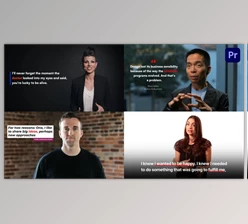
The template includes 5 typewriter subtitle designs, so you can choose a style that fits your content. Everything is editable in After Effects, and you won't need any additional plugins to use it.
What's Included in Typewriter Subtitles?
The template keeps things simple while giving you the essentials for creating animated subtitles.
5 Typewriter Subtitles: Five subtitle designs featuring typing-style text animation.
Cursor Animation: Adds a moving cursor to recreate the familiar typewriter effect.
Easy Editing: Customize the subtitles directly in After Effects.
4K Resolution: Supports high-resolution video projects.
No Plugins Required: Works without installing additional plugins.
Video Tutorial: Includes a tutorial to help you get started.
Where Can You Use These Subtitles?
The typing animation works particularly well when text needs to appear progressively, making it suitable for different types of video content.
For Instagram Reels and other short-form videos, the effect adds movement to on-screen text. In tutorials, it can introduce instructions or explanations with a typing animation.
It's also a good fit for storytelling videos, especially when you want to reveal a sentence gradually rather than showing the entire message immediately.
Compatibility and Editing
Typewriter Subtitles is designed for Adobe After Effects and supports 4K resolution. The template is editable, so you can adjust the subtitle content to match your video.
No third-party plugins are required, and an included video tutorial walks you through using the template.
With five ready-made subtitle designs and a familiar typing effect, Typewriter Subtitles offers a straightforward way to add animated text to your After Effects projects.

Files Password : gfxplugin.com OR 123456