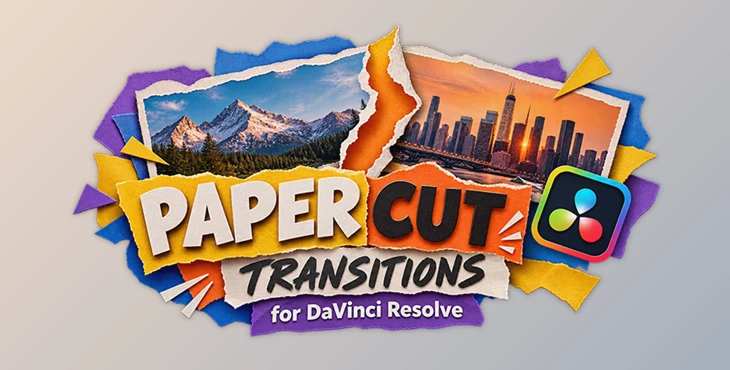
Downloadable Files
You can download Paper Cut Transitions for DaVinci Resolve for free from the bottom of this page.
Give Your Videos a Handcrafted Paper Cut Look
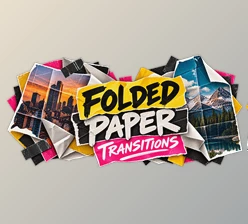
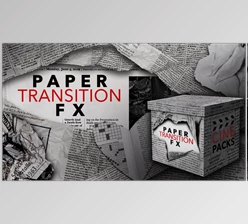
Paper Cut Transitions for DaVinci Resolve is a collection of ready-to-use transitions that bring a creative, handmade paper-cut effect to your edits. The pack uses fully handcrafted textures to give transitions a more organic look than standard digital effects.
It's a great choice for editors who want to add a little personality to their videos without spending time building custom transitions from scratch.
The transitions work with both photos and videos, making them suitable for creative montages, social media content, promotional videos, and other editing projects.
What Makes These Paper Cut Transitions Special?
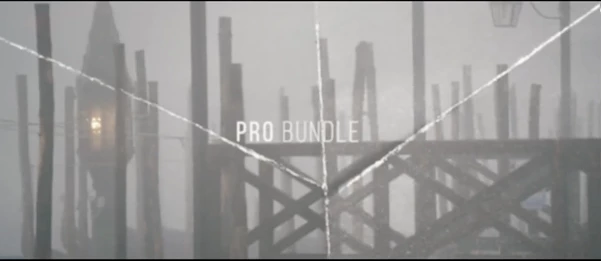
The main highlight of this pack is its handcrafted paper textures. These give each transition a distinctive visual style inspired by physical paper cutouts.
The transitions are already prepared for use in DaVinci Resolve, so you can focus on editing rather than creating effects manually.
Here are the key features:
Handcrafted Textures: Paper-inspired visuals with a natural, handmade appearance.
Ready-to-Use Transitions: Prebuilt effects that fit directly into your editing workflow.
No Plugins Required: Everything works without installing additional plugins.
Photo and Video Support: Use the transitions with either still images or video footage.
Flexible Compatibility: Works with any frame rate (FPS) and resolution.
Easy to Use: Designed for a straightforward editing experience.
Video Tutorial Included: A detailed tutorial helps you understand how to use the pack.
Compatibility and Requirements
Paper Cut Transitions for DaVinci Resolve requires DaVinci Resolve 19 or higher.
The pack supports different resolutions and frame rates, so you can use it across projects with varying video settings.
A detailed video tutorial is also included to guide you through using the transitions.
Add a Creative Touch to Your Edits
Paper Cut Transitions is a practical option when you want something more playful and textured than a traditional cut or dissolve.
Its handcrafted appearance works particularly well for edits that benefit from a collage-inspired or artistic style. And since the transitions come ready to use, you can bring that look into your DaVinci Resolve projects without creating the paper effects yourself.

Files Password : gfxplugin.com OR 123456