Downloadable Files
You can download Film Burns Film Flash Frames for free from the end of this page.
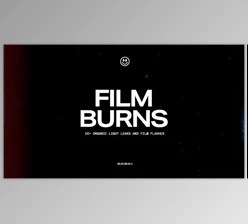
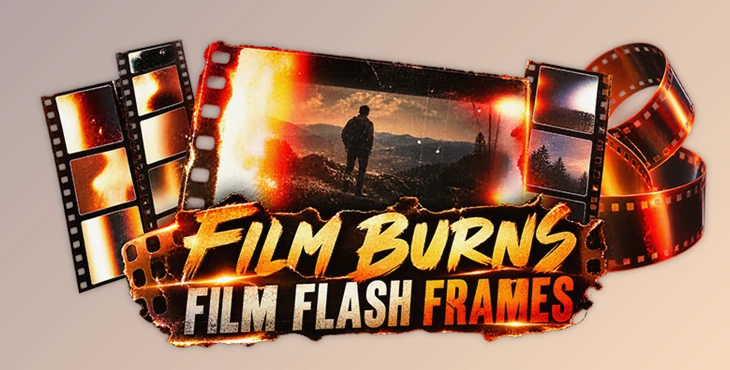
Film Burns Film Flash Frames by Sickboat
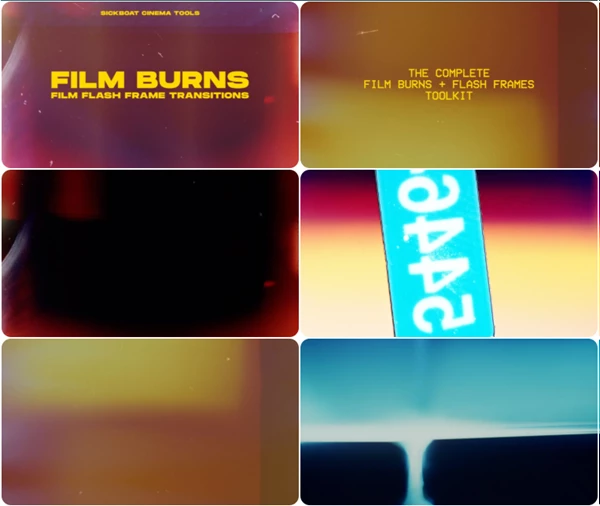
This collection from Sickboat is designed to bring the visual imperfections of real film into digital video, using authentic film burns, flash frames, and light leaks captured from 8mm and 16mm film stocks.
Rather than building these effects digitally from scratch, editors can place the supplied overlays directly over their footage. The pack contains 45 film elements in 4K resolution, giving you a selection of organic transitions and bursts of light that can be incorporated into different editing styles.
Real 8mm and 16mm Film Elements
The defining feature of Film Burns Film Flash Frames is its source material. The included overlays come from 8mm and 16mm film stocks, providing real film-based textures rather than digitally recreated burn effects.
The collection combines three closely related types of elements:
Film Burns for irregular areas of exposed light and color
Flash Frames for short, bright film-style flashes
Light Leaks for adding organic light patterns over footage
There are 45 overlays across these categories, allowing editors to choose different film elements depending on the transition or visual treatment they need.
Because the assets have a modular design, individual overlays can be incorporated and customized independently instead of relying on a single fixed effect.
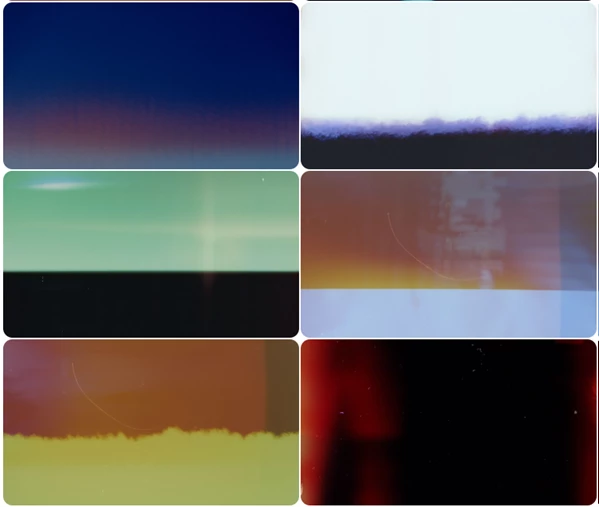
4K ProRes 422 Overlays
Every film element is supplied at 3840 × 2160 resolution, making the pack suitable for 4K editing workflows. The overlays are delivered as ProRes 422 video files, so they can be treated as video assets directly inside an editing timeline.
The core technical details include:
| Specification | Details |
|---|---|
| Number of elements | 45 |
| Elements | Film Burns, Flash Frames, Light Leaks |
| Film stocks | 8mm and 16mm |
| Resolution | 4K (3840 × 2160) |
| Video format | ProRes 422 |
| Design | Modular |
| Workflow | Drag and drop |
This format keeps the effects independent from a specific plug-in or proprietary effect system.
Drag-and-Drop Editing Workflow
Film Burns Film Flash Frames is built around a straightforward overlay workflow. After choosing an element, it can be dragged into the project and placed over the desired section of footage. A blend mode is then used to integrate the film element with the underlying video.
Choose an overlay → Drag it onto the timeline → Position it over the footage → Apply a blend mode → Customize the placement
This approach is particularly suited to using flash frames and burns as transitions between shots. Light leaks can also be layered over footage when the goal is to introduce film-based light artifacts without replacing the original image.
Since the elements are modular, editors retain control over which overlay appears and where it is positioned in the edit.
Compatibility Across Editing Software
The pack is designed to work with all video editing software capable of handling the supplied video overlays and blending workflow. The product specifically lists compatibility with:
Adobe Premiere Pro
Final Cut Pro
DaVinci Resolve
Adobe After Effects
This broad compatibility comes from the fact that the film burns, flash frames, and light leaks are provided as ProRes 422 video files rather than effects tied to one particular editing application.
For editors, filmmakers, and content creators who want to introduce genuine 8mm and 16mm film artifacts into digital footage, Film Burns Film Flash Frames provides a focused collection of 45 4K overlays that can be placed and customized directly within an existing editing workflow.

Files Password : gfxplugin.com OR 123456