Downloadable Files
You can download IconDock for free from the end of this page.
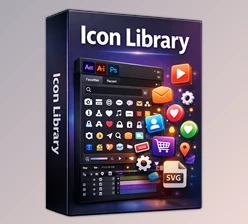
IconDock
Finding the right icon sounds like a small part of a motion design project, but it can quickly interrupt your creative flow. You leave After Effects, open a browser, search through different icon libraries, download a file, organize it, and finally import it back into your composition.
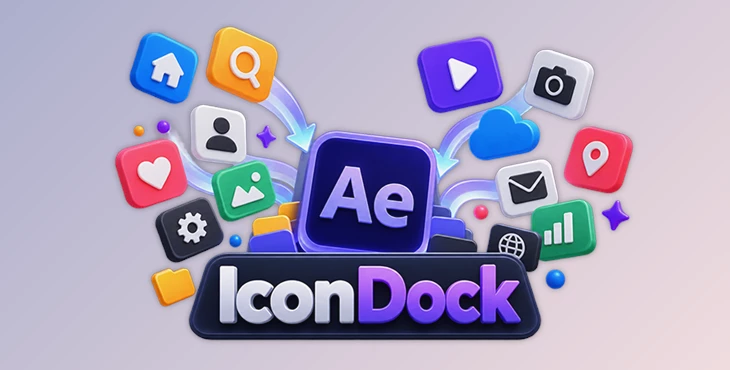
IconDock is designed to make that entire process much faster. It brings a huge searchable icon library directly into Adobe After Effects, allowing you to find, customize, and import icons without constantly switching between applications.
Find the Right Icon Without Leaving After Effects
Icons are everywhere in modern motion graphics. They can represent actions, objects, services, social platforms, navigation elements, statistics, and countless other ideas without requiring long explanations.
For example, an explainer animation might need icons for email, cloud storage, payments, users, or notifications. A corporate presentation may use icons to visualize different departments or services, while a social media animation might rely on simple symbols to communicate information quickly.
The problem is rarely using the icons themselves. The time-consuming part is finding them.
A typical workflow may involve searching several websites, previewing different designs, downloading the selected files, locating them on your computer, and importing them into After Effects. Repeating this process for dozens of icons can significantly slow down a project.
IconDock simplifies this workflow by moving icon search and import directly into After Effects.
A Huge Icon Library Inside Your Workflow
IconDock gives motion designers and video editors access to hundreds of thousands of icons without requiring them to leave Adobe After Effects.
Instead of treating icons as external assets that must first be downloaded and managed separately, the tool allows you to search for what you need and bring it directly into the current project.
This is especially useful for projects with many visual symbols, such as UI animations, infographics, explainer videos, or corporate motion graphics.
Search for the icon you need, choose the right format, customize the color when needed, and import it into the composition.
The result is a cleaner workflow with fewer interruptions between searching and designing.
Search Hundreds of Thousands of Icons
One of IconDock's main features is its large, searchable icon collection. You can search hundreds of thousands of icons directly from inside After Effects.
This is particularly useful when a project requires many different symbols. Instead of building simple icons manually or repeatedly searching online libraries, you can explore available options from your existing workspace.
Import Icons as PNG, SVG, or Shape Layers
Different projects require different types of assets, so IconDock provides several import options.
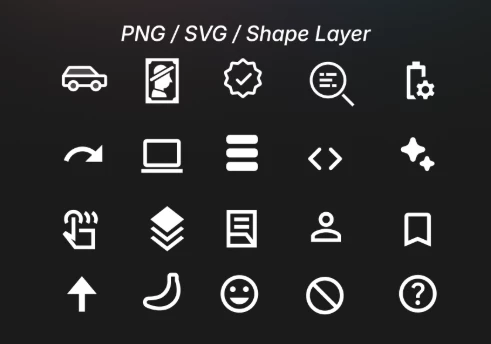
Icons can be imported as PNG, SVG, or Shape Layers.
PNG can be convenient when you simply need a ready-to-use raster graphic. SVG provides a scalable vector option, while Shape Layers are especially useful for motion design because they can become part of the native After Effects workflow.
Choosing the right format based on what you plan to do with the icon can keep your composition more manageable.
Customize Icon Colors Before Importing
IconDock also lets you customize icon colors before bringing them into your project.
Imagine creating an infographic based around a specific brand palette. Instead of importing every icon and then adjusting it afterward, you can choose a suitable color before import.
This makes it easier to keep icons visually consistent with the rest of your design.
No Browser Tabs or Manual Downloads
The main idea behind IconDock is reducing unnecessary steps.
You do not need to repeatedly open browser tabs, visit icon websites, manually download assets, find the downloaded files, and then import them into After Effects.
Keeping these tasks inside the application helps maintain concentration, especially during projects where icons are used frequently.
Fast and Lightweight Workflow
IconDock is designed around a quick icon-search workflow, not unnecessary complexity.
You search, select, customize, and import.
This straightforward process can be valuable during fast-paced projects, where spending several minutes searching for each asset adds up over time.
Where Can IconDock Be Useful?
IconDock fits many types of motion design and video projects.
For UI animations, icons can represent buttons, settings, notifications, navigation, and application functions. For explainer videos, they can turn abstract concepts into recognizable visual elements.
In infographics, icons can make statistics and categories easier to understand visually. Corporate videos can use them for services, departments, processes, and business concepts.
The same workflow also works for social media content and YouTube videos, where clear visual symbols often communicate information quickly without overcrowding the screen with text.
Tips for a Cleaner Icon Workflow
Having access to a huge icon library does not mean every project needs dozens of different icon styles. Visual consistency is still important.
When selecting multiple icons for the same animation, try to use designs with similar line weights, proportions, corner styles, and overall visual language. Mixing thin outline icons with heavy filled icons, for example, can make a composition feel inconsistent unless that contrast is intentional.
Color consistency matters as well. IconDock's color customization can be useful here. Define a small palette for the project and reuse those colors across related icons rather than choosing a completely different color for every element.
Also consider the final animation before deciding which format to import. If an icon will remain mostly static, a simple PNG or SVG may be enough. If you intend to animate individual vector properties or integrate the icon more deeply into an After Effects composition, a Shape Layer can provide a more flexible starting point.
Small Workflow Improvements Can Save a Lot of Time
IconDock addresses a simple but repetitive motion design problem: finding and importing icons.
By bringing hundreds of thousands of searchable icons directly into After Effects and supporting PNG, SVG, and Shape Layer imports, it reduces the steps between finding an asset and using it.
Color customization adds another useful layer of convenience, particularly for projects that need a consistent visual identity.
For motion designers working on UI animations, explainers, infographics, corporate videos, YouTube projects, or social media content, IconDock can make icon-heavy workflows more organized and efficient.
Instead of repeatedly interrupting the creative process to search the web and manage downloaded files, you can spend more of that time where it matters: designing and animating.

Files Password : gfxplugin.com OR 123456