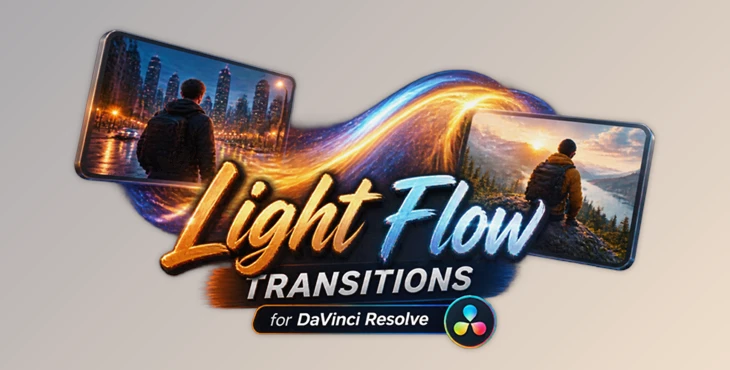
Downloadable Files
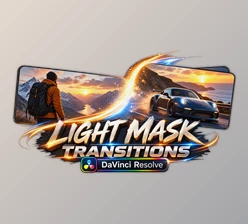
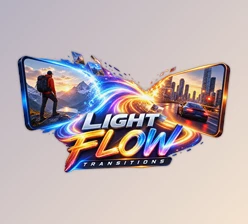
You can download Light Flow Transitions for DaVinci Resolve for free from the end of this page.
Introduction: Bring More Flow to Your Edits ✨
A great video is not only about beautiful shots; the way scenes connect with each other can completely change the final feeling of a project. The right transition can make your edits smoother, more dynamic, and more professional.
However, creating custom transitions from scratch can take a lot of time, especially when you want to achieve unique light effects, smooth movements, and cinematic details.
Light Flow Transitions for DaVinci Resolve is a ready-to-use collection of handcrafted elements designed to help you create eye-catching transitions without complicated workflows. Simply drag and drop the elements into your timeline and give your videos a more polished look.
What Are Light Flow Transitions? 🎬
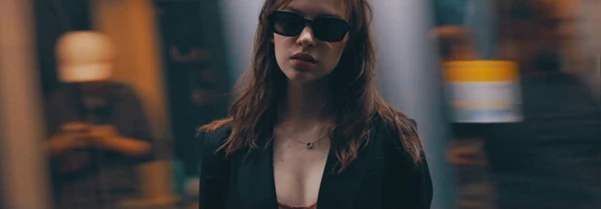
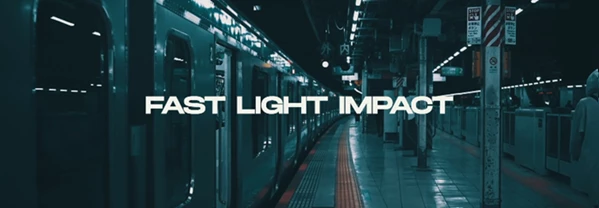
Light Flow Transitions are visual transition effects that use moving light elements, smooth motion, and dynamic overlays to create a stylish connection between different scenes.
Instead of a simple cut between two clips, this product (Videohive 64737045) add energy and visual flow to your videos. For example:
- In travel videos, they can create smoother movement between different locations.
- In promotional videos, they can add a modern and professional visual style.
- In music videos, they can enhance the rhythm and energy of the edit.
Using ready-made transition elements allows you to spend more time focusing on storytelling and creativity instead of building every effect manually.
Introducing Light Flow Transitions for DaVinci Resolve 🚀
Light Flow Transitions for DaVinci Resolve is a professional transition package created to help editors quickly add unique light-based effects to their projects.
Designed with simplicity in mind, this package allows both beginners and experienced editors to create impressive transitions with an easy workflow.
Features
🎨 Handcrafted Ready-to-Use Elements
This package includes professionally designed handcrafted elements that are ready to use. Add unique visual details to your projects without creating transitions from scratch.
⚡ No Plugins Required
No additional plugins are needed. The package works directly inside DaVinci Resolve, making the editing process faster and easier.
🎞 DaVinci Resolve 19 and Above Support
Fully compatible with DaVinci Resolve 19 and newer versions, providing a smooth workflow for modern editors.
📸 Works for Photo and Video Projects
Whether you are editing videos, creating slideshows, or adding motion effects to photos, these transitions can enhance different types of visual projects.
🔄 Works with Any FPS and Resolution
The package is designed to work with different frame rates and resolutions, giving you flexibility across various projects.
🖱 Easy Drag & Drop Workflow
Adding transitions is simple. Just drag the desired element into your timeline and customize it according to your project needs.
🎛 Full Customization
Adjust and personalize the transitions to match your creative style, project mood, and visual direction.
Professional Tips for Better Results 💡
To achieve a more natural and professional result, always use transitions that match the style and pacing of your project.
Here are some useful tips:
- Avoid using transitions between every single scene; selective use creates a stronger impact.
- Match the speed and intensity of the light effects with the mood of your video.
- Use shorter transitions for fast-paced content like social media videos and advertisements.
- Preview transitions together with your music to create better timing between visuals and audio.
With the right balance between effects and storytelling, these transitions can help even simple edits feel more cinematic.
Final Thoughts: Make Every Cut More Creative 🌟
Light Flow Transitions for DaVinci Resolve is a simple and effective solution for adding movement, light, and professional visual style to your projects.
By providing ready-to-use handcrafted elements, an easy drag-and-drop workflow, and full customization options, this package (Videohive 64737045) helps you save editing time while improving the overall quality of your videos.
If you want to create smoother, more engaging transitions without complicated setups, this project (Videohive 64737045) gives you the tools to bring more creativity and style to every edit.

Files Password : gfxplugin.com OR 123456