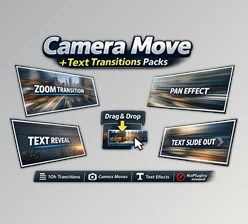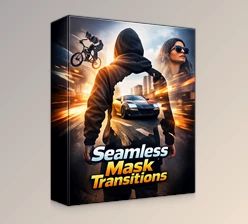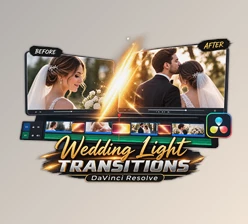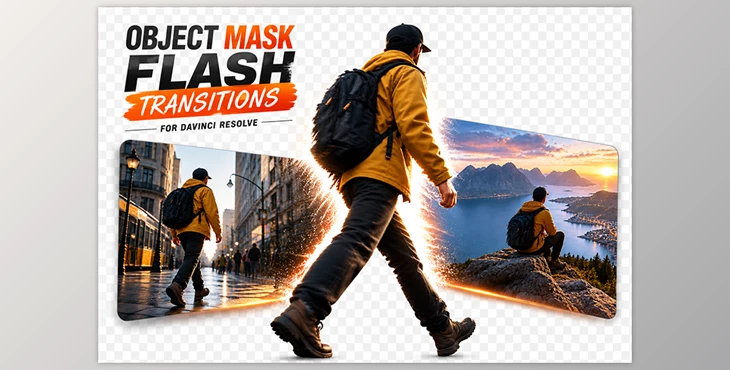
Downloadable Files
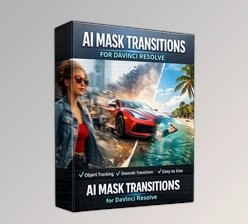
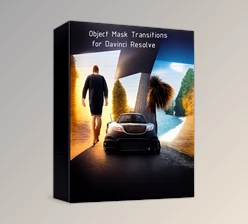
You can download Object Mask Flash Transitions for Davinci Resolve for free from the end of this page.
Tired of Basic Cuts Between Clips?
A great edit is not just about beautiful footage. Sometimes the biggest difference comes from how you move from one scene to the next. A simple cut works, but it rarely adds personality or keeps the energy flowing.
That’s why object mask transitions have become so popular. Instead of hiding the cut, they turn it into part of the story by using things already inside the frame—like a person walking past the camera, a passing car, or even a tree—to reveal the next shot.
The result feels smooth, cinematic, and surprisingly natural without looking like an obvious visual effect.
What Makes Object Mask Transitions So Effective?
The idea is simple: a foreground object briefly covers the screen, and while it does, the next clip appears behind it. Because your eyes are already following that movement, the transition feels much more believable than a random flash or swipe.
Picture a travel vlog where someone walks across the camera. Instead of cutting to the next location, the person becomes the transition itself. Or imagine a sports montage where a fast-moving athlete wipes into the next highlight. Small details like these make edits feel much more intentional.
Adding a subtle flash gives the movement even more impact, making scene changes feel energetic without becoming distracting.
A Faster Way to Create the Look
Object Mask Flash Transitions for DaVinci Resolve is a ready-to-use collection of cinematic transitions built specifically for DaVinci Resolve. Rather than creating masks and animations manually, you can drop the macro into your timeline, tweak a few settings, and get the effect in minutes.
It is designed to keep the workflow simple, so even if you are fairly new to DaVinci Resolve, the controls are easy to understand and customize.
Features
Fast and lightweight workflow
The transitions are optimized for quick rendering, so you can preview and export projects without slowing your editing process.
No plugins required
Everything works natively inside DaVinci Resolve. Just import the included macro file and start editing.
Built for both horizontal and vertical videos
Whether you are editing YouTube videos or vertical content for Reels and TikTok, the transitions adapt to different formats without extra work.
Works with photos and videos
You are not limited to video clips. The same transitions also work with still images, making them useful for photo montages and promotional edits.
Easy color customization
The flash colors can be adjusted to match your project’s mood, branding, or overall color palette for a more cohesive look.
Compatible with any frame rate
From cinematic 24fps projects to smooth 60fps edits, the transitions work across different timelines without additional setup.
Where It Really Shines
This pack fits naturally into projects where movement and pacing matter most:
- Travel vlogs with lots of location changes
- Commercial and product videos
- Sports edits and highlight reels
- Creative storytelling projects
- Lifestyle and social media content
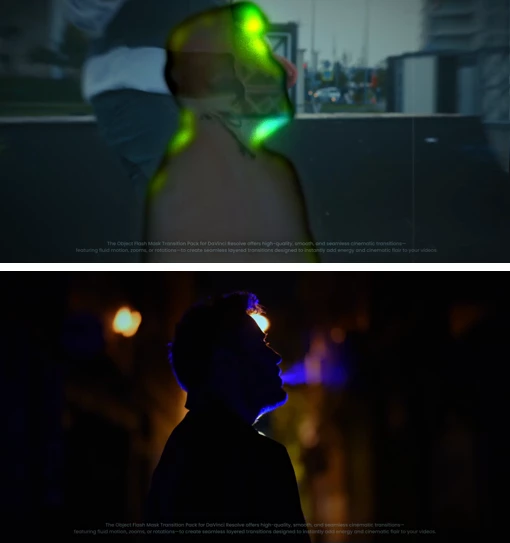
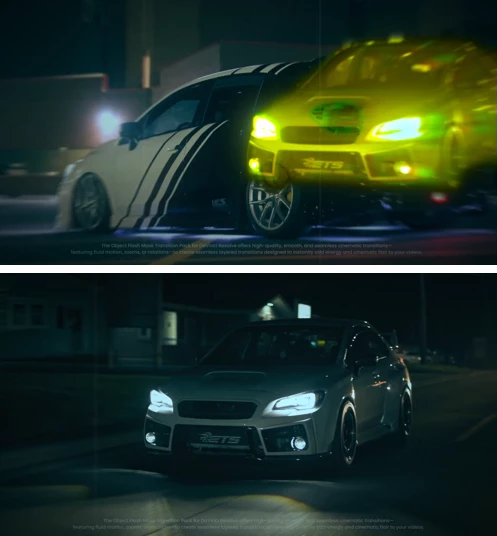
For example, you can let a passing bus reveal the next city shot, use a runner to transition between action scenes, or connect multiple product clips with stylish flash wipes that feel much more polished than standard transitions.
A Few Tips for Better Results
Transitions will look best with footage that contains movement in the foreground. You do not need perfect clips.
- Look for natural foreground objects. People, cars, trees, and buildings usually create the cleanest transitions.
- Match the direction of movement. If both clips flow the same way, the transition feels much smoother.
- Keep the flash subtle. A little light adds energy, but too much can pull attention away from the footage.
- Use transitions on key moments. Saving them for important scene changes makes them feel more impactful.
Final Thoughts
Overall, the goal with any editing project is to make it look good. The Object Mask Flash Transitions for DaVinci Resolve make it much easier to create transitions that can otherwise take considerable time to edit manually.
Use this tool if you want to add more cinematic elements to your travel, commercial, or sports videos without adding complexity to your editing project.

Files Password : gfxplugin.com OR 123456