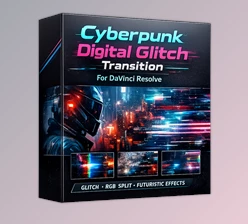
Downloadable Files
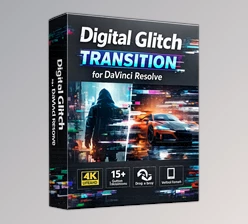
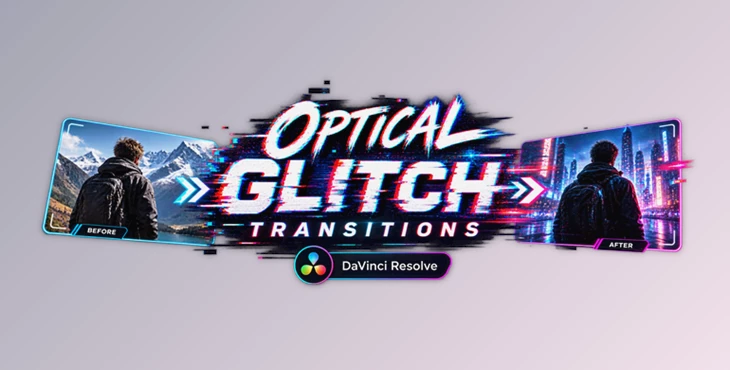
You can download Optical Glitch Transitions for DaVinci Resolve for free from the end of this page.
Give Your Cuts a Cyberpunk Edge
If you want your video cuts to feel faster and more futuristic, then Optical Glitch Transitions for DaVinci Resolve might be perfect for your editing workflow. Instead of using ordinary video cuts, add some optical glitches to give your video a more futuristic feel.
Use this project (Videohive 64746420) for gaming, music, tech, or social media videos to make your cuts more eye-catching.
What Are Optical Glitch Transitions?
Optical glitch transitions aim to mimic the errors that digital screens often produce when changing from one scene to another. These editing techniques can produce visual effects such as color separation, RGB shifts, rapid distortion, and chromatic aberration.
The basic idea is to show a break in the recorded footage from one editing clip to the next. Such transitions are ideal for editing music or action footage with a futuristic visual style.
For instance, editing gaming highlights will produce a glitch effect when the screen rapidly separates into red, green, and blue screens. Alternatively, an EDM music video can feature glitch transitions every beat in the song. Although these transitions are subtle, they can make edits stand out and be more dynamic.
Meet the Optical Glitch Transitions Pack
Optical Glitch Transitions for DaVinci Resolve comes in the form of a native .drfx bundle, which is of great convenience to DaVinci Resolve users. Once installed, this product (Videohive 64746420) can be added directly to your project and fine-tuned through DaVinci Resolve’s interface.
No third-party plugins are required to use this transition effect. All of the adjustment and editing will take place within DaVinci Resolve.
Features
Dynamic Optical Glitches
The pack creates complex digital distortions, RGB splitting, and chromatic aberrations. These effects are useful when you want a transition to feel energetic rather than static.
High-Energy Blending
Fast and seamless transitions work particularly well for action-heavy edits and beat-driven sequences. They can help connect clips without interrupting the momentum of the video.
Easy Customization
You can adjust elements such as glitch intensity, color shifts, and movement through the Inspector. This gives you more control over how strong or subtle each transition feels.
Universal Aspect Ratios
The transitions are designed to work with different video formats, including 4K, HD, square, and vertical projects. This makes them suitable for everything from traditional video content to Shorts, Reels, and TikToks.
Native .drfx Installation
Because the pack comes in a native .drfx format, installation is straightforward. Once installed, the effects become available through your DaVinci Resolve effects library.
Drag-and-Drop Workflow
You can apply the transitions directly between clips on the Edit Page timeline. This keeps the process quick and beginner-friendly.
No Additional Plugins
The pack is designed around a native DaVinci Resolve workflow, so you don’t need extra plugin software to create these digital distortion effects.
Where These Transitions Shine
For gaming and esports, aggressive glitch effects can make highlight reels and montage edits feel more intense. A quick RGB split before a major gameplay moment can emphasize the impact of the cut.
For technology and sci-fi content, optical distortion naturally fits futuristic visuals. It can be used between product shots, interface animations, or cinematic sequences to reinforce a high-tech atmosphere.
For music videos, especially electronic, trap, and EDM projects, the fast movement of the transitions can be timed with kicks, drops, or other strong beats.
They also work well for TikTok videos, Instagram Reels, and YouTube Shorts, where quick visual changes can help maintain attention and give simple edits a more energetic appearance.

Pro Tips for Better Results
Match the Glitch to the Beat
Placing glitch transitions on a strong beat in your song will help to make it look more intentional when applied in your edited video.
Don’t Overuse the Effect
Since glitch transitions are very attention-grabbing by nature, using them between every clip in a cut sequence will have the opposite of the desired effect. Limit their use to important moments within the edit.
Adjust the Intensity
Rather than using the maximum intensity of the glitch transition for a commercial or tutorial video, use a more subtle glitch transition to support the more polished nature of the project.
Keep Direction and Movement Consistent
If your edit has a strong sense of movement, ensure the movement created within the glitch transition complements the movement within the edited footage. Maintaining a sense of movement will help to support the edit, even with its highly-stylized glitch effect.
Think About the Story
Glitches can be used to highlight edits in your film rather than add them without consideration.
Final Thoughts
Optical Glitch Transitions for DaVinci Resolve will give your videos an energetic, futuristic touch. With so many different digital distortions and editing options in this DaVinci Resolve effect pack, you have plenty of opportunities to experiment with how glitch transitions can be applied to your videos.
Whether you use your videos for gaming montages, EDM videos, or social media content, this product (Videohive 64746420) will ensure your videos stand out from the crowd. Use the different intensity levels to find the perfect look for your editing project.

Files Password : gfxplugin.com OR 123456