Downloadable Files
You can download Real Swish Pan Transitions for free from the end of this page.
Give Your Edits a More Dynamic Feel
Do you want your video transitions to give the impression of the camera panning from one shot to the next? The Real Swish Pan Transitions for DaVinci Resolve will help deliver that dynamic effect to your videos.
This project (Videohive 64654818) allows your camera to feel as if it is quickly panning from one clip to the next in your project. This can add a sense of fluidity to your edits.
What Are Swish Pan Transitions?
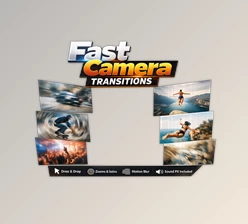
A swish pan transition is a fast camera-style movement used to connect two scenes. As the camera moves quickly, the image becomes naturally blurred before revealing the next shot.
This technique is popular in music videos, travel content, action footage, commercials, and other projects where you want to maintain visual energy between cuts. Realistic motion blur and smooth acceleration help the transition feel like part of the original camera movement rather than an effect simply placed on top of the footage.
Meet Real Swish Pan Transitions
Real Swish Pan Transitions DaVinci Resolve is a native transition pack designed to make this process much easier. Instead of manually creating camera movement, blur, and speed changes for every cut, you can apply a ready-made transition directly from the DaVinci Resolve Effects library.
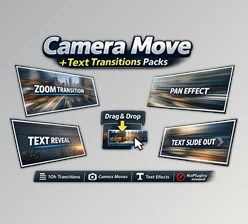
The pack comes as a native .drfx bundle, so installation is straightforward. Once installed, the transitions can be dragged and dropped between clips on the Edit Page timeline.
Features
Realistic Motion Blur
The transitions use speed-based optical motion blur to create a more convincing camera-pan effect. This helps fast movements blend naturally into the next shot.
Multi-Directional Movement
Choose from multiple movement directions, including:
- Left
- Right
- Up
- Down
- Diagonal
This gives you more flexibility when matching the transition to the composition and movement of your footage.
Dynamic Speed Ramping
Smooth acceleration and deceleration create a more organic camera feel. Instead of moving at a constant speed, the transition builds momentum and then naturally slows down.
Easy Installation
The native .drfx format allows you to install the pack directly into DaVinci Resolve without dealing with complicated plugin setups.
Drag-and-Drop Workflow
Once installed, you can apply the transitions directly between clips from the Effects library. This makes them particularly useful when working on projects with lots of cuts.
Flexible Controls
You can customize important aspects such as transition speed and blur intensity using simple controls, allowing you to fine-tune the effect for different types of footage.
Resolution Independent
The transitions are designed to work across different video formats, including 4K, HD, square, and vertical phone footage.
Where Can You Use It?
For music videos, swish pans can help create rhythmic transitions that follow the beat and maintain a high-energy visual style.
For vlogs and travel videos, they can connect locations and scenes while giving the edit a sense of continuous movement.
In action and sports footage, aggressive camera movement can emphasize speed and intensity, making already dynamic shots feel even more energetic.
For commercials and promotional videos, smooth swish pans can add a polished cinematic touch without requiring complicated manual animation.
Tips for More Professional Results
The key to making swish pan transitions look convincing is matching the movement to the footage. If the first shot already contains movement toward the right, for example, a right-moving transition can make the cut feel more natural.
It’s also worth adjusting the blur and speed rather than using identical settings throughout the entire project. Faster transitions can work well for action sequences, while slightly smoother movements may be better for travel footage or cinematic edits.
Try to use the transition with purpose. When every cut contains a strong swish effect, the movement can become distracting. Using it selectively can make important scene changes stand out while keeping the overall edit balanced.
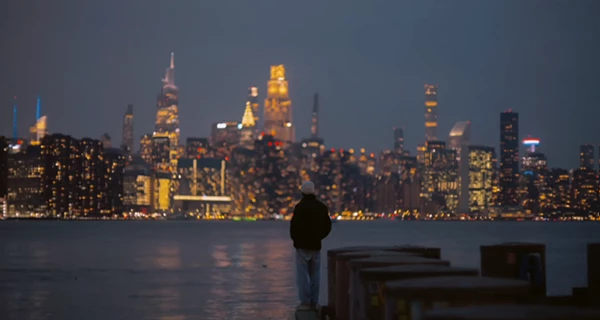
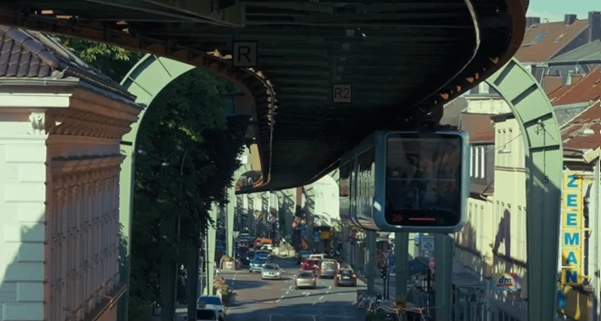
A Faster Way to Add Camera Movement
The biggest advantage of Real Swish Pan Transitions DaVinci Resolve is the time it can save during editing. Instead of building realistic camera pans, motion blur, and speed ramps manually, you can start with professionally prepared transitions and adjust them to fit your footage.
Whether you’re cutting a fast music video, a travel vlog, an action sequence, or a promotional project, this product (Videohive 64654818) provides an easy way to introduce more movement and energy into your edits.
Final Thoughts
A good transition for video editing software should allow your edit to flow smoothly, not necessarily the other way around. Real Swish Pan Transitions DaVinci Resolve features realistic camera movement with the ability to adjust the direction of the pan.
This project (Videohive 64654818) will give your DaVinci Resolve projects more energy and movement, perfect for editing music or travel videos. Download Real Swish Pan Transitions for DaVinci Resolve to add movement and energy to your projects.

Files Password : gfxplugin.com OR 123456