Downloadable Files
You can download Frame Spin Transitions for free from the end of this product page.
Bring More Energy to Every Cut
A good transition does more than simply move from one shot to another. It can control the rhythm of an edit, reinforce movement, and make the entire sequence feel more connected. Frame Spin Transitions is designed for exactly that purpose, using animated spinning frames and energetic rotations to create fast, stylish scene changes.
Instead of relying on basic cuts or repetitive fades, these transitions introduce a strong sense of motion between clips. They can be especially useful when working with energetic footage where the transition itself should become part of the visual style.
What Are Frame Spin Transitions?
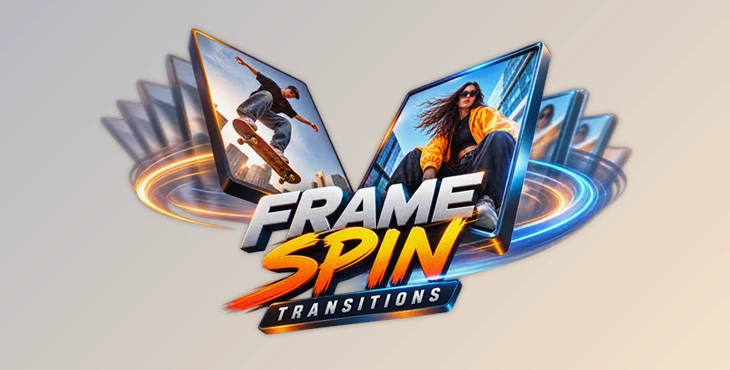
This product (Videohive 64717272) is used when the frame spins and rotates to the next scene.
These transitions are often used when there is movement in the footage. For example, if editing a travel video with spinning shots of different locations, it helps to transition from one location to the next while maintaining viewer interest.
Additionally, frame spin transitions can be used for music videos, promotional videos, social media content, and more. Using spin transitions allows editors to maintain the same rhythm throughout their editing projects.
Meet Frame Spin Transitions
Frame Spin Transitions is a pack of 8 animated transitions created for Adobe After Effects. These transitions are focused primarily on spinning frames and introducing different types of rotational movement within the edit.
Rather than having to manually create these types of transitions for your projects, this set of transitions can be used as a starting point and further edited to your preference. This allows you to quickly add these types of movements to your projects.
Features
8 Animated Transitions
The pack includes 8 different transitions in this project (Videohive 64717272), providing several options for connecting scenes with rotational movement. Switching between different transitions can also help prevent a longer edit from feeling repetitive.
Smooth Spinning Frame Motion
The transitions use animated frames and rotations to move from one scene to the next. This type of cut is more energetic and works particularly well for edits that use music or fast pacing to define the edit.
Customizable Controls
The transitions can be customized to match the footage in the project by altering parameters such as timing, speed, and direction. Each of these parameters allows editors to adapt the transition to the type of footage being used in a project.
For example, faster speeds can be used for features highlighting clothing or products, while slower speeds can be used in travel footage to create a smoother edit.
Made for After Effects
This After Effects template is compatible with After Effects CC 2024 and higher versions. All elements of this After Effects template can be edited to match your project.
Useful for Different Editing Styles
Frame Spin Transitions can work effectively across a variety of projects, including:
- Music videos
- Fashion edits
- Travel films
- Promotional videos
- Social media content
- Creative presentations
In a music video, the rotations can help emphasize beats and changes in rhythm. For fashion and promotional content, they can make scene changes feel more dynamic. In travel edits, they offer a quick way to jump between locations while maintaining continuous visual energy.


Make the Transitions Feel More Natural
Although energetic transitions can immediately attract attention, their effectiveness depends heavily on how they are used. One useful technique is to match the transition direction with movement already happening inside the footage. If a subject or camera is moving in a particular direction, using a compatible spin can make the transition feel more intentional.
Timing is equally important. For music-driven edits, try placing the strongest part of the rotation around a beat or major musical accent. This helps the transition become part of the editing rhythm rather than feeling like an effect added afterward.
You can also experiment with transition speed. Faster rotations generally work well with quick cuts and energetic sequences, while slightly slower timing can give viewers more time to follow the movement.
Most importantly, avoid using a strong spinning transition between every single shot. Mixing these animations with normal cuts can make the spin effects stand out when they actually matter.
Add Rhythm Without Overcomplicating the Edit
The Frame Spin Transitions plugin offers After Effects designers and editors an easy way to add a sense of energy to their projects. This plugin contains 8 animated transitions that can be customized to fit your project. Whether you are creating a fast-paced music video or a promo for travel content, these transitions will help your project take on a more dynamic visual identity.
Use the different spin transitions to give your project some visual variety. Experiment with the different speeds and directions for each transition and add them where they will have the most visual impact on your project.

Files Password : gfxplugin.com OR 123456