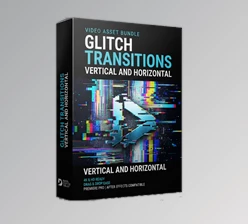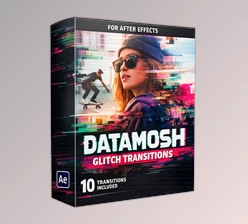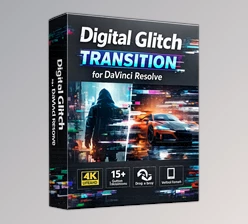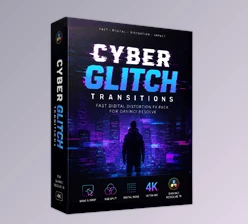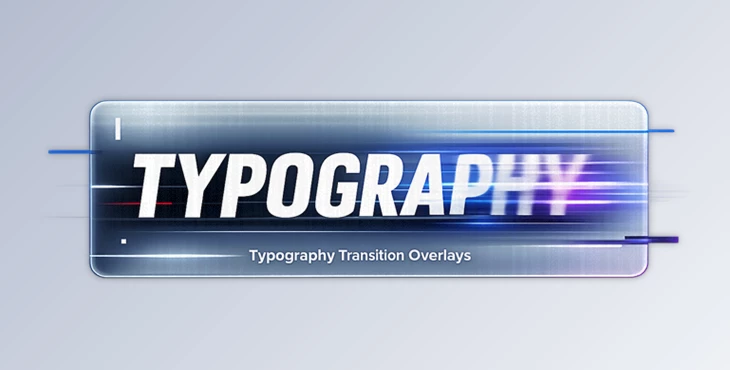
Downloadable Files
You can download the Typography Transition Overlays for free at the end of this page.
Bring Your Typography to Life
Static titles can make even the best videos feel ordinary. If you want your edits to look modern, energetic, and professionally designed, Typography Transition Overlays offer an easy way to transform simple text into eye-catching transition effects. Whether you’re creating YouTube videos, commercials, fashion edits, music videos, or social media content, these animated typography overlays add movement, rhythm, and visual impact without requiring complicated workflows.
The best part is that you can customize the text, colors, and overall style to perfectly match your project’s branding while keeping your editing process fast and enjoyable.
What Are Typography Transition Overlays?
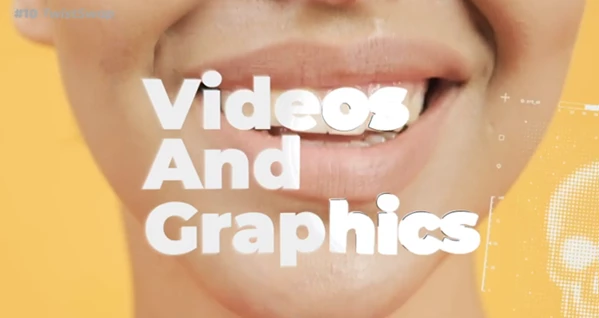
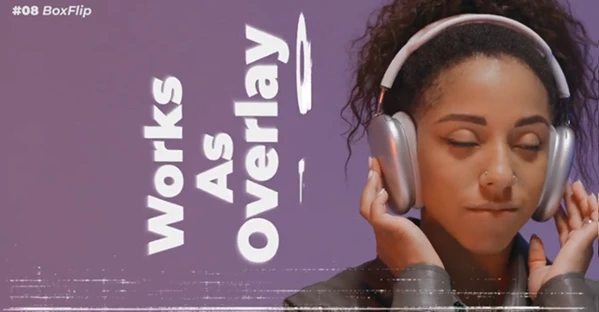
The Typography Transition Overlays feature professionally designed animated text transitions with glitch and typography effects perfect for creating an edgy visual design for your projects. Using these transitions (Videohive 64505821)will allow you to replace simple cuts between your video clips with styled text and editing effects perfect for catching the viewer's attention.
This project (Videohive 64505821) is commonly used for editorial videos, fashion, and digital advertisements.
By using these Typography Transition Overlays, your videos will have an immediately polished appearance.
Why Typography-Based Transitions Make Videos Better
Typography isn’t only about displaying words—it also directs attention, builds emotion, and creates rhythm throughout a video.
Creative typography transitions can:
- Make scene changes feel smoother and more intentional.
- Keep viewers engaged during fast-paced edits.
- Highlight important messages or titles.
- Add a premium editorial aesthetic.
- Improve the overall pacing of promotional and social media videos.
Instead of interrupting the flow, animated typography becomes part of the visual storytelling experience.
Features
- 10 Unique Typography Transitions: There are 10 unique typographical transitions included in the After Effects project files to allow you to edit your projects with a variety of effects.
- Editable Text: The text within the effects can be easily edited to fit your needs and your project.
- Master Color Control: With centralized color controls, matching the transitions to your brand identity or project theme becomes fast and simple.
- Editorial Print & Digital Glitch Style: The Typography Transitions have an editorial and digital glitch style, allowing them to be perfect for fashion, digital, music, and creative projects.
- Dynamic Typography Animations: The typography features dynamic animations to keep the viewer engaged with your projects.
- 4K UHD Resolution: High-resolution assets ensure sharp visuals for YouTube, television, advertising campaigns, and large-format displays.
- No Plugins Required: The Typography Transitions work directly within After Effects, so there is no need to install additional software plugins.
- Well-Organized Project Files: The clean project structure makes customization easy for both beginners and experienced editors.
Real Project Examples
Typography Transition Overlays work especially well for projects like:
- Fashion lookbooks
- Brand commercials
- Music videos
- YouTube intros and outros
- Corporate presentations
- Product launches
- Digital advertising campaigns
- Instagram Reels
- TikTok videos
- Promotional trailers
These transitions help connect scenes while maintaining a consistent visual style throughout the entire production.
Professional Tips for Better Results
To get the best out of the Typography Overlays, consider the following editing tips:
- Keep your typographical text short and readable
- Ensure that the colors of your Typography Overlays match your branding elements
- Do not overuse glitch effects on your projects
- Use typographical overlays to highlight beats in your music videos
- Use bold fonts for editorial projects; use sans-serif fonts for corporate projects
- Ensure that all elements of the Typography Overlays use the same animation timing
- Adjust the overlays to full resolution before exporting your projects
These editing tips will significantly improve the quality of your exported projects.
Final Thoughts
For video editors looking for a professional-looking, editable, and easy-to-use overlay package to spice up their editing projects, the Typography Overlays are without a doubt worth considering.
Whether you are producing social media videos, commercials, or cinematic videos, these Typography Overlays will enhance the visual quality of your videos and make them look more professional.
If you enjoy using typography and glitch effects in your videos, this product (Videohive 64505821) is definitely worth exploring for your editing projects.

Files Password : gfxplugin.com OR 123456