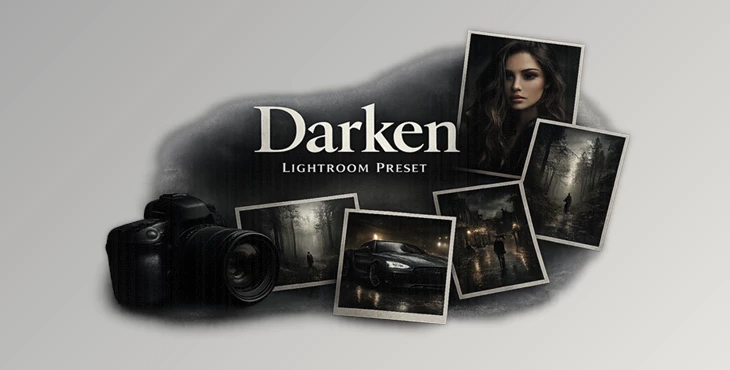
Downloadable Files
You can download the Darken preset for free at the end of this page.
Create a Deeper, More Cinematic Look
Not every photo needs bright colors and high saturation. Darken is a great Lightroom preset for those looking to create a darker, cinematic look to their photographs.
From portraits to travel photos, this great preset will allow you to quickly create that professional, bold look with a single click. If you’re looking for a way to quickly create the same look for your editing projects, the Darken preset is one of the best available.
What is Darken and Why Use It?
Darken is a professional-grade preset for Lightroom that instantly applies a variety of adjustments to your photos to create a cinematic look.
These types of edits are perfect for those looking to edit their:
- Portraits
- Fashion editorials
- Street and urban photography
- Travel photography
- Lifestyle content
- Social media feeds
The deep tones and editorial style to your photos will give them that dramatic look without any over-editing.
Features of Darken
One-Click Cinematic Color Grading
Darken will give your photographs a cinematic atmosphere with one click.
Deep Shadows with Balanced Contrast
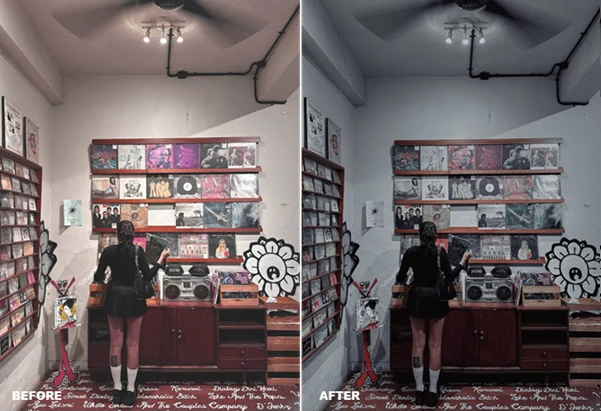
The preset creates rich blacks and strong contrast, adding depth and dimension without losing important details.
Moody Desaturated Color Palette
Instead of overly vibrant colors, Darken softens saturation to produce a modern editorial style that feels timeless and professional.
Professional Editorial Finish
The final result resembles the color grading commonly found in fashion magazines, creative campaigns, and cinematic photography.
Consistent Instagram Feed
Maintaining the same visual style across multiple images becomes much easier, helping your social media profile look clean, cohesive, and professional.
Cross-Platform Compatibility
Darken works seamlessly with:
- Lightroom Mobile
- Lightroom Desktop
- iOS
- Android
- Windows
- macOS
This allows photographers and content creators to edit their images from virtually any device.
Real-World Results
Imagine capturing a city street during a cloudy afternoon. While the original image may appear flat, Darken introduces richer shadows, stronger contrast, and subtle color grading that immediately makes the scene feel cinematic.
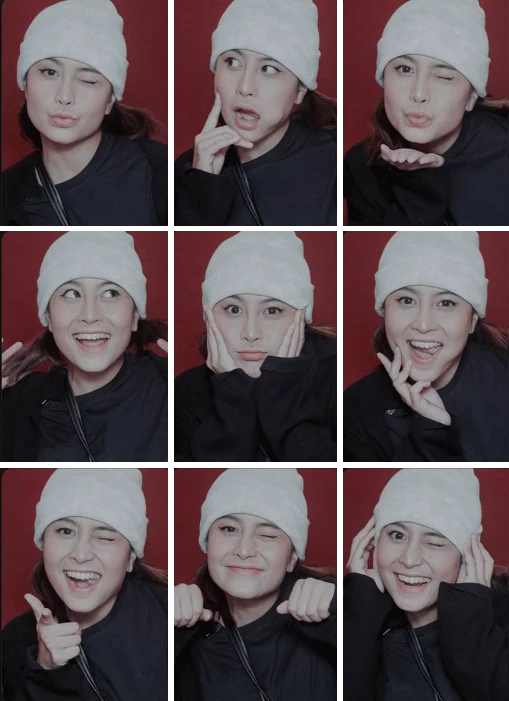
Portrait photographers can use it to create emotional, magazine-inspired images, while travel creators can add a dramatic atmosphere to landscapes and urban scenes.
For influencers and content creators, applying the same preset across an entire photo collection helps build a recognizable visual identity.
Professional Tips for Better Results
While Darken will give you professional-looking edits with one click, there are a few techniques to perfect your editing process with this preset:
- Ensure your photo is properly exposed
- Make adjustments to the exposure if necessary
- Maintaining your white balance will ensure your collection maintains the same look
- Use high-resolution RAW files for the best editing results
- Make sure your composition within the photos is correct for the best editing experience
These additional editing techniques will allow you to maintain the cinematic look of Darken while creating edits that look natural within your content.
Final Thoughts
Darken gives you the tools to create professional edits at the speed of light.
With such a great editing preset, you can instantly create edits that will feature deep tones, balanced contrast, and desaturated colors perfect for photographers, designers, and anyone who wants to edit their content to feature an editorial look.
Whether you are editing for your social media, your website, or your professional photography portfolio, Darken will give you the tools and editing features to quickly create that cinematic look you’ve been searching for.

Files Password : gfxplugin.com OR 123456