Downloadable Files
You can download the Fastgrad product for free at the end of this page.
Transform Colors in Seconds
Color grading gives your images a completely different mood. Creating the perfect color grade can take a lot of time. If you edit and color numerous types of images as part of your job, you’ll want to spend some of your time finding the right color for your images.
Fastgrad makes it easier than ever before to apply color gradients to your images. With dozens of professionally designed color gradient maps, you can dramatically transform the look of your images in just a few clicks.
What is Fastgrad?
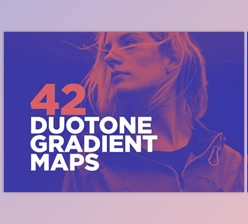
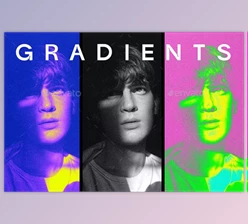
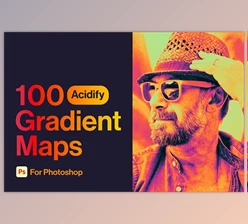
A gradient map is a Photoshop tool that remaps the brightness values of an image to a custom color gradient. In simple terms, it replaces shadows, midtones, and highlights with carefully selected colors, creating unique cinematic, vintage, modern, or artistic color grading effects.
With Fastgrad 3, designers and photographers gain access to over 130 professionally crafted gradient maps, making it easy to explore countless visual styles without complicated editing techniques.
For example:
- Give portraits soft cinematic tones.
- Add vintage warmth to travel photography.
- Increase contrast for bold advertising graphics.
- Create dreamy pastel color palettes.
- Experiment with dramatic black-and-white conversions.
- Build consistent branding across multiple designs.
Because every gradient map is fully editable, users can fine-tune colors until the result perfectly matches their project.
Meet Fastgrad
Fastgrad 3 is the latest collection in the Fastgrad series, featuring more than 130 brand-new gradient maps designed to be cleaner, bolder, and more versatile than previous versions. The collection also includes high-resolution textures that add additional depth and creativity to your workflow.
Whether you’re working on commercial artwork, digital illustrations, photography, album covers, posters, or social media graphics, Fastgrad 3 provides a fast and flexible color grading solution.
Features
130+ Professional Gradient Maps
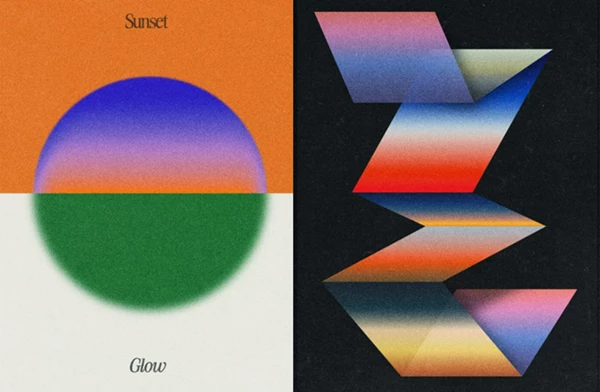
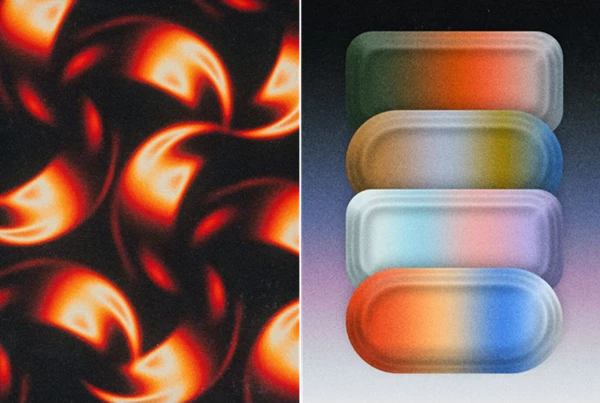
The package includes over 130 carefully designed gradient presets suitable for a wide variety of artistic styles, from subtle cinematic looks to vibrant creative effects.
Fully Editable Presets
Every gradient map can be customized inside Photoshop. You can modify colors, intensity, transitions, and overall mood without limitations.
Fast Workflow
Apply a gradient map in seconds and instantly preview multiple visual styles before choosing the one that best fits your project.
Clean, Bold, and Smooth Styles
The collection includes everything from strong high-contrast looks to soft buttery gradients and warm vintage color palettes.
Bonus High-Resolution Textures
Fastgrad also includes 8 premium textures at 6000 × 4000 pixels, allowing artists to add extra character and detail to their compositions.
Photoshop GRD File
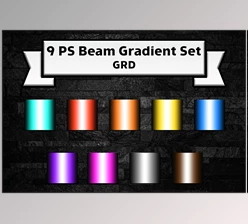
All gradient maps are conveniently organized inside a single Photoshop GRD file, making installation and usage simple.
Beginner-Friendly
A PDF guide is included to help new users quickly understand how to install and start using the gradients.
Endless Creative Combinations
Since gradient maps can be combined with Photoshop blending modes, masks, adjustment layers, and textures, artists can create thousands of unique color grading variations.
Professional Tips
Start by testing several gradient maps before making any manual color adjustments. Sometimes a completely different palette can reveal a stronger visual direction for your project.
Reduce the opacity of the Gradient Map adjustment layer if the effect feels too strong. Small adjustments often produce more natural-looking results.
Combine the included textures with gradient maps to create richer and more dynamic compositions without adding unnecessary complexity.
Use layer masks to apply different gradient maps to separate areas of an image. This technique gives you much greater creative control over lighting and atmosphere.
Save your favorite customized gradients as personal presets so you can maintain a consistent style across future projects.
Final Thoughts
Fastgrad is a great product for anyone looking for faster color grading. You can browse over 130 professionally designed gradients and customize them to your projects’ needs.
Whether you’re a photographer, a digital artist, or a social media designer, Fastgrad will give you the tools and flexibility needed to enhance your projects and show them off in their best light.

Files Password : gfxplugin.com OR 123456