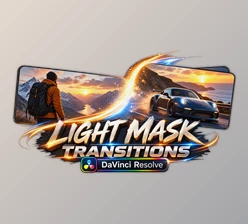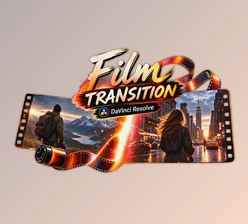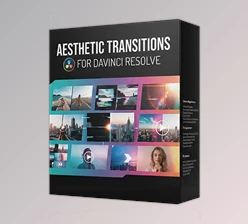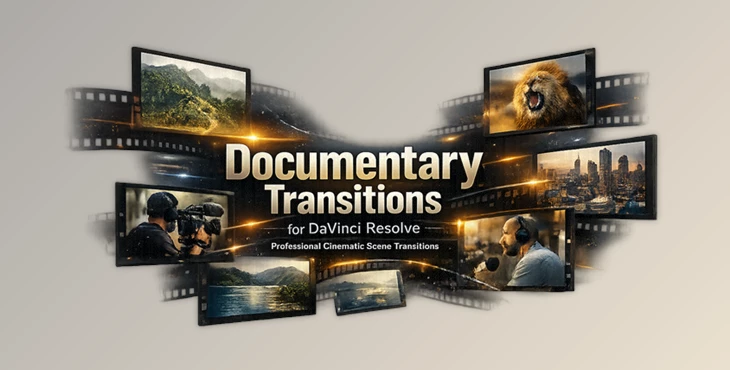
Downloadable Files
You can download Documentary Transitions for DaVinci Resolve for free at the end of this page.
Make Every Cut Feel More Cinematic
Editing isn’t just about placing footage in a timeline. How the scenes connect within your documentary, travel, interview, or storytelling videos is crucial to maintain the audience’s attention and interest.
Documentary Transitions for DaVinci Resolve includes professionally designed transition effects to quickly and seamlessly connect one scene to the next in your projects, whether you are editing videos or photos.
What Are Documentary Transitions?
Documentary transitions allow for a smooth connection between scenes in your project. These effects are more subtle than most other types of editing featured in music and commercial videos.
Some great ways to use documentary transitions include:
- Transitioning seamlessly from one travel location to the next without taking the audience’s attention from the screen
- Connecting interview footage to B-roll footage
- Creating smooth scene changes in educational videos
- Using them to connect historical photographs in a documentary project
- Enhancing the cinematic look of YouTube videos with professional editing effects
Using time-lapse transitions will help your documentary videos feel more connected and cohesive. They will also allow the audience to remain focused on your story without being distracted by abrupt editing.
Features
Ready-to-Use Professional Transitions
This package (Videohive 63828356) includes handcrafted transition elements that are ready to use immediately. Simply drag and drop them into your timeline to create professional-quality scene changes.
No Plugins Required
Everything works directly inside DaVinci Resolve without installing additional plugins. This makes setup quick and keeps your workflow simple.
Compatible with DaVinci Resolve 19 and Above
Designed specifically for DaVinci Resolve 19+, the transitions integrate smoothly with modern editing workflows.
Works with Photos and Videos
Whether you’re editing a slideshow, travel documentary, interview, or cinematic sequence, these transitions work perfectly with both still images and video footage.
Supports Any FPS and Resolution
The package is resolution-independent and frame-rate independent, allowing you to edit projects in HD, 4K, vertical video, or custom resolutions without worrying about compatibility.
Drag & Drop Workflow
The intuitive drag-and-drop method allows beginners and professionals alike to apply transitions within seconds, reducing editing time significantly.
Fully Customizable
Editors can easily customize the transitions to better match the style, pacing, and mood of each individual project.
Real-World Creative Uses
Some project types that will benefit from using these transition effects include:
- Documentary films
- Travel videos
- Interview videos
- Educational videos
- Historical documentaries
- Cinematic YouTube videos
- Corporate videos and presentations
- Lifestyle videos
- Photo documentaries
- Social media cinematic videos
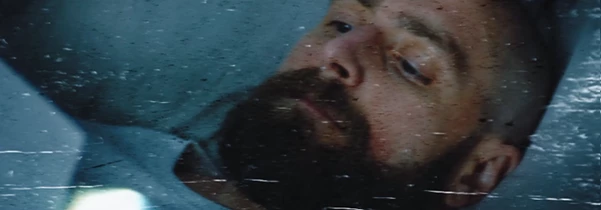
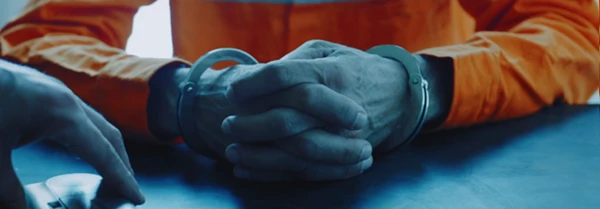
For instance, you could use these transitions to create a travel channel where you show travel footage from different cities around the world. Or, as a documentary editor, you could use these transitions to connect interview footage to B-roll footage seamlessly.
Tips for Better Results
To produce professional-looking documentaries quickly and effectively, try these editing techniques:
- Use transitions to connect to story elements at a suitable editing pace
- Use them in conjunction with color grading to give your documentaries a cinematic look
- Use transitions to enhance emotional moments in your documentaries
- Use the same amount of time for each transition throughout your documentaries
- Use the editing customization features to match the editing project mood
- Always preview the documentaries before exporting the project to ensure the transitions will look good when shared with others
These editing techniques will allow your documentaries to look more natural and professionally edited.
Final Thoughts
For those who want to produce compelling and engaging documentaries, smooth editing and transitions between scenes play a crucial role in the editing process.
Documentary Transitions for DaVinci Resolve simplifies the editing process and allows new and experienced editors to add professional-looking editing transitions to their documentaries with ease.
With all the features mentioned above, this project (Videohive 63828356) will save editors time while also significantly improving the editing quality of their documentaries. Whether you are editing documentaries, travel videos, interviews, or any type of online content for your YouTube channel, these transitions will significantly improve the audience’s viewing experience.

Files Password : gfxplugin.com OR 123456