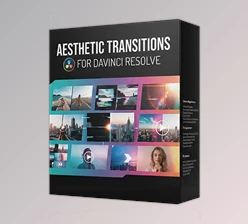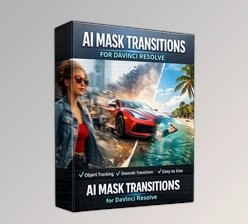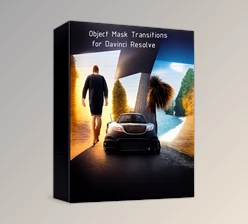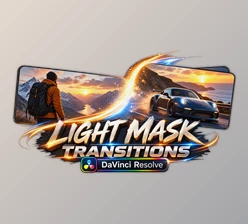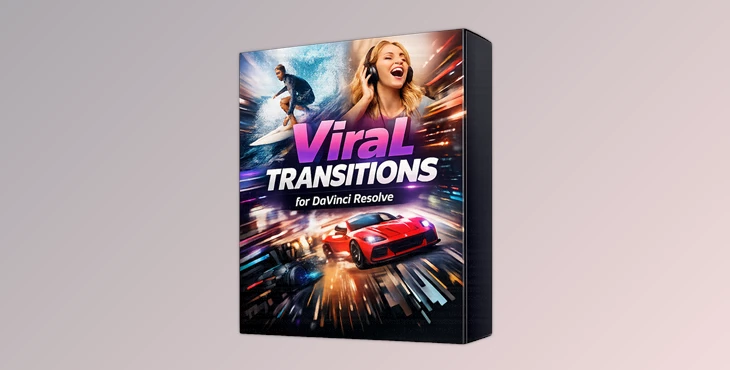
Downloadable Files
You can download Viral Transitions for DaVinci Resolve for free at the end of this page.
Create Smooth, Eye-Catching Video Transitions
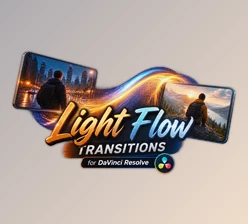
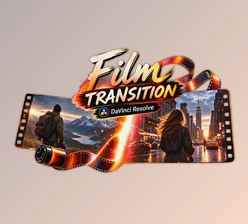
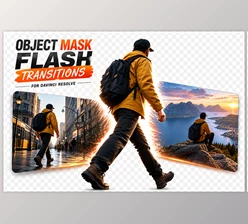
A great transition can completely change the flow of a video. Instead of using simple cuts, Viral Transitions for DaVinci Resolve helps you connect scenes with stylish motion that feels modern, energetic, and professional. Whether you’re editing social media content, YouTube videos, travel films, or promotional projects, these ready-made transitions save time while instantly improving the visual quality of your edits.
The best part is that you don’t need advanced editing skills or additional plugins. Simply drag, drop, customize, and your video becomes much more engaging.
What Are Viral Transitions?
Video transitions are animated effects that connect two clips in a creative and visually appealing way. Instead of switching directly between scenes, transitions add movement that keeps viewers focused and improves storytelling.
For example:
- Make fast-paced travel videos feel more dynamic.
- Create seamless transitions between gaming highlights.
- Improve commercial videos with smooth scene changes.
- Add professional energy to YouTube intros and outros.
- Enhance Instagram Reels, TikTok videos, and short-form content with modern visual effects.
Using high-quality transitions also creates consistency throughout a project. Rather than relying on repetitive cuts, every scene flows naturally into the next, making the final video feel polished and professionally edited.
Meet Viral Transitions for DaVinci Resolve
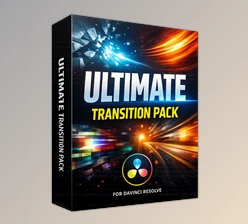
This project (Videohive 64055912) is a collection of professionally designed video transitions created for DaVinci Resolve 19 and newer versions of the software. Each of these free elements will help you to edit your videos faster while maintaining the high-quality appearance of your edited videos.
These elements are simple enough for beginners to learn how to use, but even experienced editors will appreciate the range of available edits.
Features
No Plugins Required
Everything works natively inside DaVinci Resolve, eliminating compatibility issues and reducing setup time.
Compatible with DaVinci Resolve 19+
Designed specifically for modern versions of DaVinci Resolve to ensure smooth performance and reliable editing.
Works for Photos and Videos
Use the transitions with still images, cinematic footage, promotional videos, or social media content without any limitations.
Supports Any Resolution and Frame Rate
Whether you’re editing Full HD, 4K, vertical videos, or custom frame rates, the transitions adapt perfectly to your project.
Drag-and-Drop Workflow
Simply place the transition between two clips and start editing immediately without complicated setup.
Fully Customizable
Adjust timing, motion, intensity, and other settings to match the style of your project.
Video Tutorial Included
The included tutorial helps new users install and use the transitions quickly.
Handcrafted Professional Elements
Each transition is carefully designed to create clean, modern movement that enhances your video instead of distracting from it.
Real-World Editing Examples
Create a travel video that highlights the best spots in a location with transitions between locations.
Create a video that showcases your favorite games with transitions between each game session.
Edit your social media videos into professional Instagram Reels or TikTok videos using these editing elements.
Create professional advertisements or corporate videos with professional transitions between each scene.
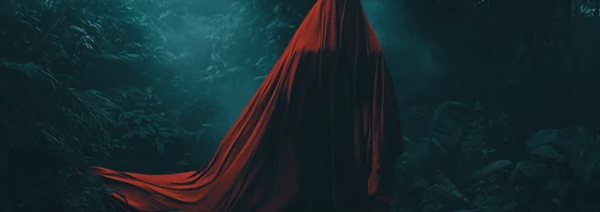
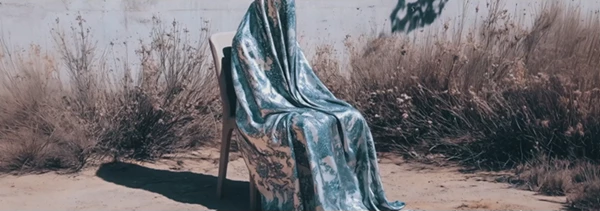
Professional Tips for Better Results
- Ensure that the transition between your video clips matches the beat of your music.
- Use shorter transition lengths between scenes for faster editing projects.
- Do not use transitions between every video clip in your project. Using them strategically will result in a more professional editing project.
- Edit the colors of your project to ensure the transitions match your footage.
- Use transitions in conjunction with color grading for a cinematic editing style.
- Always preview your edited project before exporting it from DaVinci Resolve.
Final Thoughts
This product (Videohive 64055912) is a great solution for editors who want to add professional scene transitions to their editing projects. Whether you edit videos for social media, YouTube, travel, promotions, or your own personal editing projects, these professional transitions will allow your videos to have a more dynamic and engaging editing style while taking less time to edit your videos.

Files Password : gfxplugin.com OR 123456