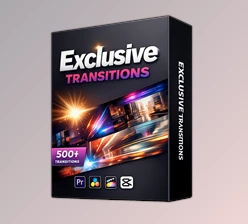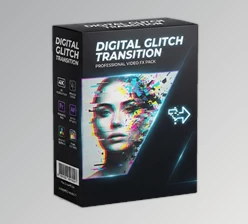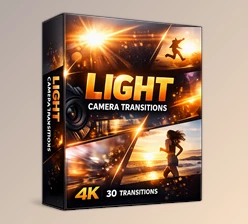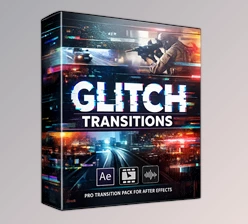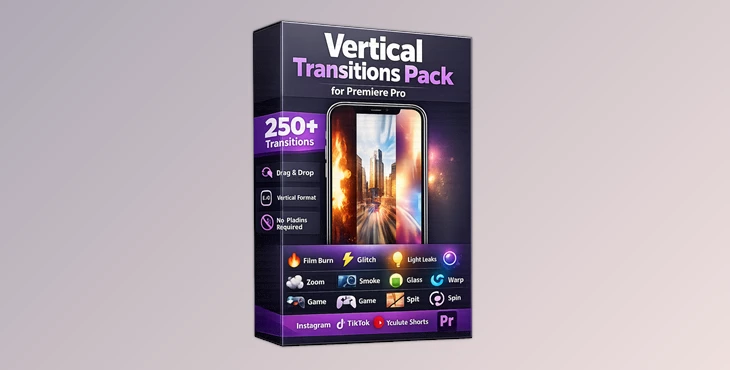
Downloadable Files
You can download the Vertical Transitions Pack for Premiere Pro for free at the end of this page.
Create Stunning Vertical Videos in Minutes
If you create vertical videos for platforms like Instagram Reels, TikTok, YouTube Shorts, and more, then you know how essential smooth video transitions are to creating engaging videos for your audience.
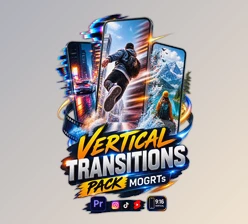
The Vertical Transitions Pack for Premiere Pro will make it incredibly easy for you to add transitions to your projects. All you have to do is drag and drop over 250 different transitions into your video project in Premiere Pro.
What Is Vertical Transitions Pack for Premiere Pro?
A transition pack is a collection of pre-designed visual effects that connect one video clip to another. Instead of using basic cuts, these transitions add movement, energy, and cinematic style between scenes. The Vertical Transitions Pack for Premiere Pro focuses specifically on vertical content, making it ideal for modern social media platforms. Whether you’re editing travel videos, product showcases, gaming clips, fashion reels, or daily vlogs, these transitions help your edits feel smoother and more professional.
Imagine switching from one travel destination to another using a stylish Zoom transition, introducing a product with a bright Light effect, or creating an energetic gaming montage using fast-paced Glitch animations. These small editing details can dramatically improve the viewing experience and make your content feel polished.
Because the transitions are already optimized for vertical videos, you spend less time adjusting effects and more time focusing on storytelling and creativity.
Make Vertical Editing Faster and More Creative
Instead of building transitions from scratch, this pack (Videohive 56344341) allows editors to simply drag and drop professional effects directly into their timeline.
Its intuitive workflow is perfect for both beginners and experienced editors. Content creators can quickly experiment with different styles until they find the perfect look for their project.
Features
Over 250 Ready-to-Use Transitions
Choose from a huge collection of professionally designed transitions that instantly improve the pace and visual quality of your edits.
Drag & Drop Workflow
No complicated setup or advanced editing knowledge is required. Simply drag the transition between two clips, and you’re ready to edit.
Built for Social Media
Every transition is designed with vertical content in mind, making it perfect for:
- Instagram Reels
- TikTok
- YouTube Shorts
- Facebook Stories
- Snapchat
- Other vertical video platforms
15 Creative Transition Categories
The pack includes a wide variety of transition styles, allowing you to match different moods and editing styles:
- Distort Glitch
- Film Burn Part 1
- Film Burn Part 2
- Zoom In & Out
- Glitch
- Offset
- Smoke
- Glass
- Light
- Split
- Twirl
- Warp
- Game
- Fade
- Spin
This variety means you can create everything from clean cinematic edits to energetic gaming videos without repeating the same visual effects.
Smooth and Professional Results
All edits will feature smooth transitions between your video clips that will keep the viewers’ attention.
Perfect for Multiple Project Types
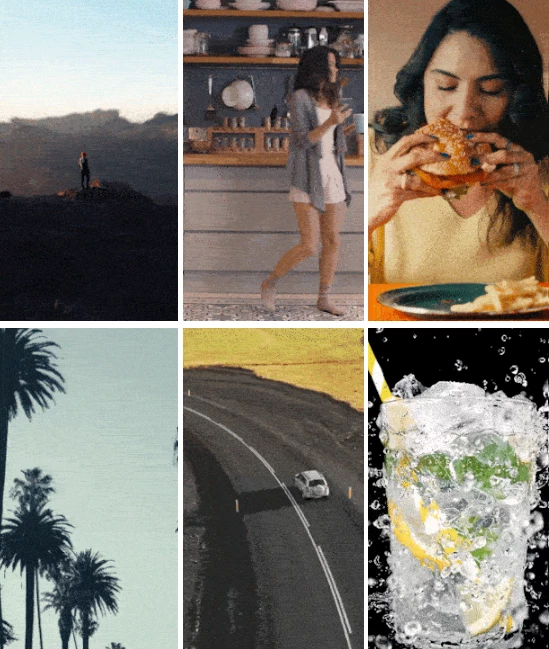
These transitions will come in handy when editing a variety of project types. Whether you are editing lifestyle videos, product videos, travel videos, sports videos, gaming videos, or promotional videos, these editing transitions will give you the creative freedom to create the videos of your dreams.
Tips for Better Results
These editing transitions will work instantly once added to your project in Premiere Pro. However, there are a few editing techniques that will significantly improve the look of your videos.
Use the same speed for the transitions as the music’s beats.
Avoid overusing transitions in your videos. Use a mix of subtle and more engaging editing effects.
Use Zoom transitions to highlight important moments in your videos.
Use Film Burn transitions for more emotional and cinematic scenes in your videos.
Combine transitions like Light and Smoke for commercial videos.
Ensure all editing transitions used within your project are of the same type to maintain the project’s visual style.
Final Thoughts
You do not have to be well-versed in video editing software like Premiere Pro to produce stunning vertical videos for platforms like Instagram and TikTok.
The Vertical Transitions Pack for Premiere Pro will allow anyone to produce high-quality, engaging videos for their social media platforms.
With over 250 professionally designed, drag-and-drop transitions for vertical videos in 15 unique categories, this project (Videohive 56344341) will make it easier for editors of all experience levels to produce their videos. Whether you are a content creator, video editor, marketer, or filmmaker, these video editing transitions will significantly improve your projects and give them that professional finish they deserve.

Files Password : gfxplugin.com OR 123456