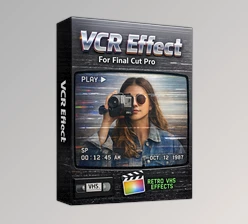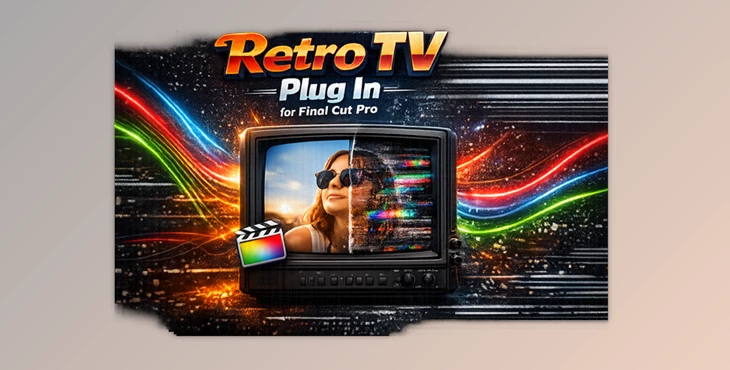
Downloadable Files
You can download the Retro TV Plug In for Final Cut Pro for free from the end of this page.
Bring Classic TV Looks to Your Videos
Have you ever wanted your footage to look like it was playing on an old television from the 60s, 70s, 80s, or 90s? Retro TV Plug In for Final Cut Pro makes it incredibly easy to recreate authentic vintage television styles without spending hours building effects manually. Simply drag a preset onto your clip and instantly transform modern footage into nostalgic retro visuals that capture the charm of classic TV screens.
Whether you’re creating music videos, nostalgic commercials, documentaries, or social media edits, this plugin adds personality and vintage atmosphere in just a few clicks.
What Is Retro TV Plug In for Final Cut Pro?
The Retro TV Plug In for Final Cut Pro comes with a collection of professionally designed TV effects and presets that will allow you to quickly and easily give your videos that retro look. Instead of having to perform a variety of tasks in your editing software to achieve this look, the Retro TV effect allows you to simply click a button to apply the effect to your footage and change the look and feel of your videos.
Retro TV Plug In for Final Cut Pro includes a variety of Retro TV themes, such as:- Classic 1960s Black and White Television
- Classic 1970s Colour Television
- 1970s Washed Out TV (4:3)
- Classic 1980s Television
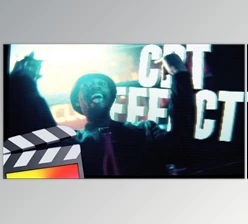
- 1990s Glitched Out Television
- Portable Radio Television
These Retro TV effects will help your videos to immediately transport your audience to a specific period of time.
Features
Authentic Retro TV Presets
The pack includes several carefully designed television styles inspired by different decades:
- 60s Black & White TV
- 70s Colour TV
- 70s Washed Out TV (4:3)
- 80s TV
- 90s Glitched Out TV
- Portable Radio TV
Each preset recreates the unique color characteristics, screen appearance, and vintage atmosphere associated with its era.
Fully Customizable Controls
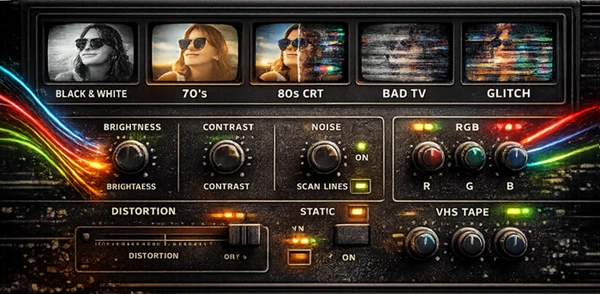
Every preset includes adjustable parameters, allowing you to fine-tune the final result. You can modify the strength of the effect and personalize the look for different types of footage instead of relying on fixed presets.
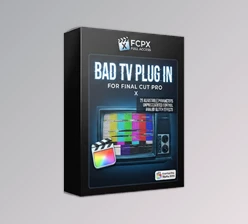
Bad TV Extra Adjustment
The package also includes Bad TV Extra Adjustment, giving users additional controls for creating damaged television effects, stronger distortion, and more stylized analog screen imperfections.
Drag-and-Drop Workflow
Simply apply the preset to your timeline inside Final Cut Pro. No complicated setup or lengthy effect stacks are required, making the editing process much faster.
Perfect for Creative Projects
These retro television effects work especially well for:
- Music videos
- Vintage commercials
- YouTube intros
- Retro gaming content
- Documentary recreations
- Social media edits
- Short films
- Creative title sequences
Pro Tips for Better Results
Vintage television effects become even more convincing when combined with thoughtful editing techniques. Try reducing the sharpness of modern footage before applying the preset to better match older television technology.
Pair the TV effect with vintage sound design or analog noise for a more immersive experience. If you’re editing historical content, choose the preset that matches the decade of your footage for greater authenticity.
For glitch-heavy projects, use the 90s Glitched Out TV preset sparingly on important moments to create a stronger visual impact without overwhelming the audience.
Final Thoughts
The Retro TV Plug In for Final Cut Pro will allow you to quickly and easily give your videos that retro look and feel associated with the video formats of several decades. Rather than spending time building these effects manually, Retro TV Plug In for Final Cut Pro allows you to instantly apply them to your projects.
Whether you are editing historical content or creating professional videos for social media, these customizable vintage TV effects will allow you to create videos with a vintage look and feel without spending significant amounts of time editing your footage.

Files Password : gfxplugin.com OR 123456