Downloadable Files
You can download pt_CropPrecomps for free from the end of this page.
Make Photoshop Imports Easier to Animate
If you frequently import layered Photoshop files into After Effects, you’ve probably noticed that every nested composition keeps the original document size. This creates oversized bounding boxes, makes layer selection harder, and wastes rendering resources. pt_CropPrecomps solves this problem by automatically cropping nested compositions to match the actual visible image content.
Instead of working with huge empty composition areas, you’ll get perfectly sized precomps that are cleaner, easier to animate, and much more enjoyable to manage.
What is pt_CropPrecomps?
pt_CropPrecomps is a small After Effects script that automatically resizes all of the nested compositions within your project to match the size of the visible pixels within that composition. This is primarily of use to those who import Photoshop documents into After Effects while retaining the layer sizes of those documents.
When you import a Photoshop document that contains dozens of different layers, for example, each of the precompositions that get automatically created within After Effects will be the same size as your Photoshop document. This can make it very difficult to manipulate individual layers within those precompositions.
With pt_CropPrecomps, however, each of those precompositions will be automatically cropped to fit the content within the composition itself.
This results in:
- Cleaner composition organization
- More accurate layer bounding boxes
- Easier scaling, rotation, and positioning
- Faster rendering thanks to smaller processing areas
- A smoother animation workflow
Work Smarter with pt_CropPrecomps
Whether you’re creating motion graphics, interface animations, explainer videos, or cinematic HUD screens, pt_CropPrecomps removes one of the most common frustrations when working with imported layered artwork.
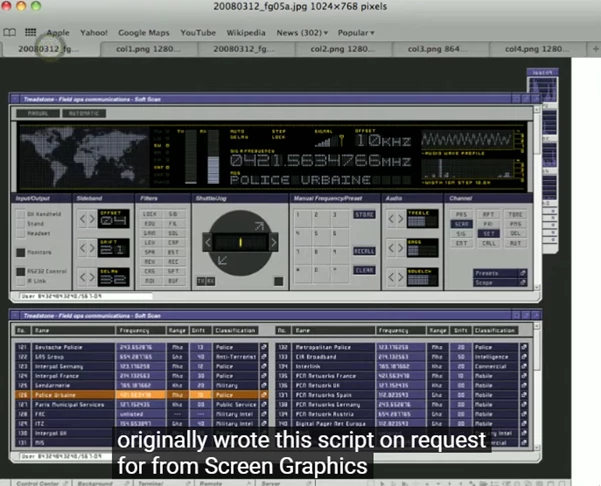
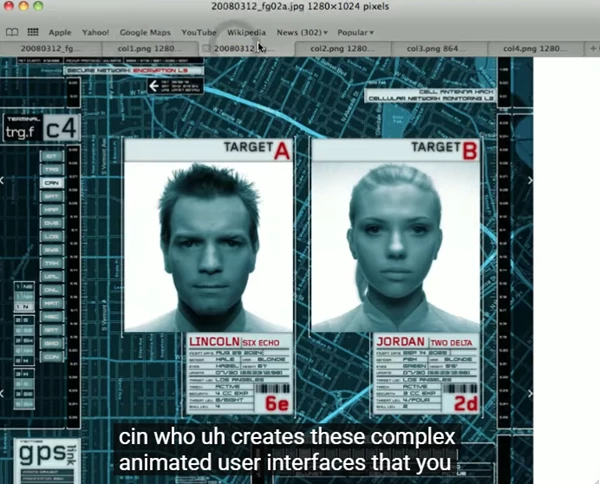
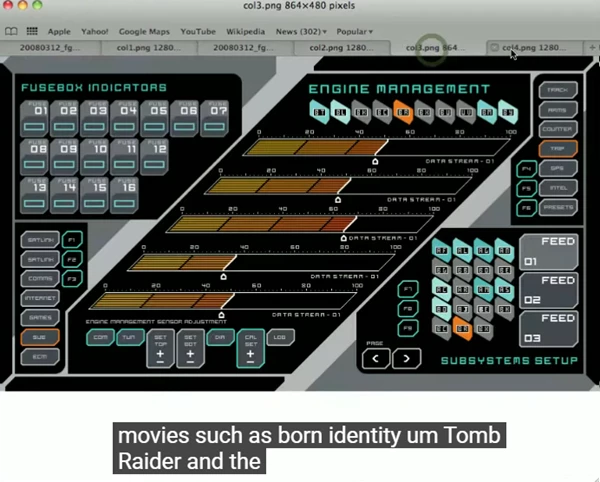
Originally developed for screen graphics designer Mark Coleran, whose interface work appears in blockbuster films, the script has become a practical utility for anyone dealing with complex Photoshop compositions inside After Effects.
Features
Automatically Crop Nested Compositions
Resize every imported precomposition so it perfectly matches the visible artwork instead of the original document size.
Better Layer Bounding Boxes
Layers become much easier to select, animate, rotate, and align because their boundaries now match the actual graphics.
Improve Rendering Performance
Smaller composition sizes reduce the number of pixels After Effects needs to process, helping improve rendering efficiency in larger projects.
Retain Border Option
Need extra room for animation or visual effects? The Retain Border option lets you preserve additional space around the cropped content.
Works with Multiple Layer Types
The script supports most 2D layers, including:
- Photoshop layers
- Text layers
- Shape layers
- Nested compositions
Intelligent Cropping
Adjustment layers and layers completely outside the composition are ignored during crop calculations, while hidden layers are still considered to preserve accurate sizing.
Simple One-Click Workflow
After importing your Photoshop composition, simply open the main comp and press the Crop Precomps button. The script handles the rest automatically.
Professional Tips
- Import Photoshop files using Retain Layer Sizes (or Cropped Layers in older After Effects versions) for the best results.
- Run the script immediately after importing, before scaling, rotating, or adding position keyframes to your layers.
- Use the Retain Border option if you plan to add glow effects, motion blur, or animated movement that extends beyond the visible artwork.
- When importing Illustrator files, first create precompositions manually before running the script.
- Keeping compositions tightly cropped also makes anchor point adjustments much easier during animation.
Final Thoughts
If you use After Effects to create projects that incorporate Photoshop files, pt_CropPrecomps is a script that will make a big difference in your projects. Each composition will be cropped to the size of its visible content rather than the size of the document from which it was imported.
You will have greater control over your compositions and an improved animation process. While it may seem like a small tool, it can make a big difference in your projects and your efficiency in creating them.

Files Password : gfxplugin.com OR 123456