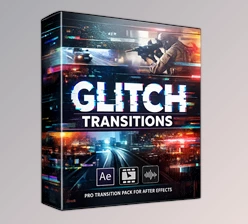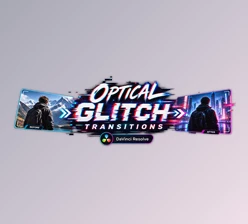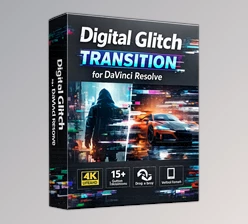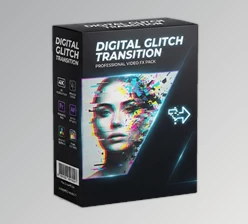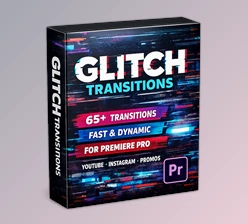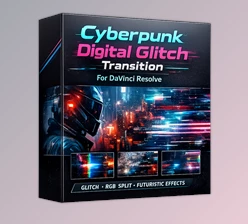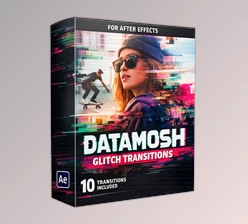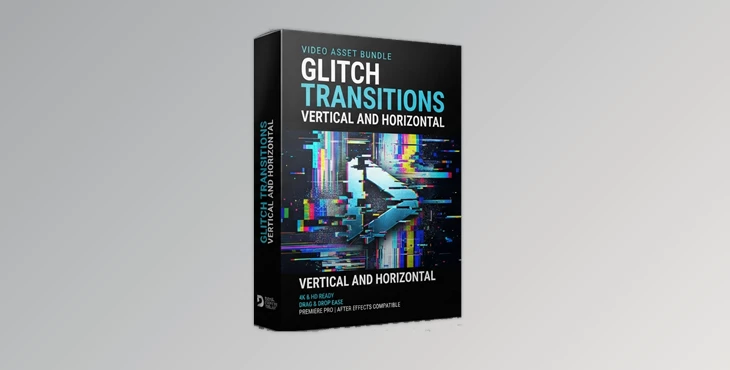
Downloadable Files
You can download Glitch Transitions Vertical And Horizontal for free from the end of this page.
⚡ Transform Every Cut into an Impactful Glitch Effect
Smooth cuts are great, but sometimes your videos need something far more energetic. Whether you’re creating a fast-paced gaming montage, a music video, or a modern social media reel, ordinary transitions often fail to deliver enough excitement.
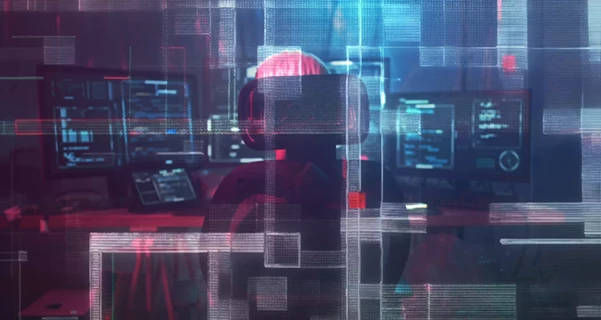
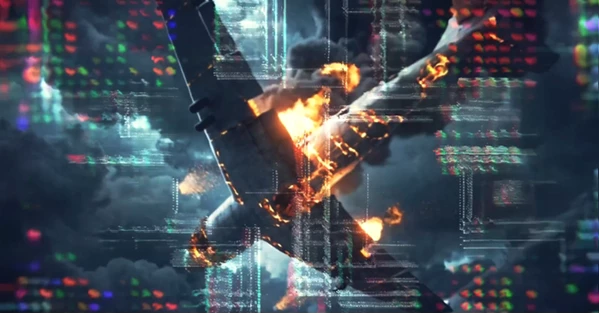
This project (Videohive 64115311) is designed to solve exactly that problem. Instead of using simple fades or wipes, it adds digital distortion, RGB split effects, pixel noise, signal interference, screen tearing, and cyber-inspired animations that instantly make scene changes feel more dynamic and engaging.
The result is a faster, more cinematic editing style that grabs attention from the very first frame.
🎯 What Is a Glitch Transition and Why Does It Matter?
A glitch transition is a visual effect that simulates digital errors and electronic distortion during the switch between two clips. Rather than hiding the cut, it turns the transition itself into part of the visual storytelling.
This editing style is commonly used in:
- Music videos with energetic pacing
- Gaming highlights
- Sports edits
- Tech and futuristic presentations
- YouTube intros
- TikTok and Instagram Reels
- Fashion promotions
- Urban-style commercials
Using glitch transitions helps maintain viewer attention because the movement feels intentional and visually exciting. Effects like RGB separation, datamosh animation, scanlines, and pixel disruption create stronger visual rhythm while making edits feel more modern.
🚀 Meet Glitch Transitions Vertical And Horizontal
If you are looking for an easy way to create glitch edits that look professional, then Glitch Transitions Vertical And Horizontal may be of interest to you.
This collection of glitch transitions will save you hours of editing to create these types of effects manually. Simply place the glitch transition over the video that you are editing, select the proper blend mode, and adjust the opacity or speed of the glitch transition as needed.
Whether you are creating edits for YouTube or social media videos, these transitions are perfect for your editing projects.
Features
High-Energy Digital Glitch Effects
Includes multiple modern distortion styles such as:
- RGB Split
- Signal Errors
- Pixel Noise
- Screen Tearing
- Datamosh Motion
- Scanline Distortion
- Cyber-Style Impacts
These effects create sharp and stylish scene changes without requiring advanced visual effects knowledge.
Works for Vertical and Horizontal Videos
The transitions support both landscape and portrait formats, making them perfect for:
- YouTube
- Shorts
- TikTok
- Instagram Reels
- Commercial productions
- Mobile-first content
You don’t need separate transition packs for different aspect ratios.
Fast Drag-and-Drop Workflow
The transitions are simple to integrate into existing edits. Just:
- Drag the transition above your footage
- Apply the appropriate blend mode
- Adjust opacity if needed
- Fine-tune playback speed
This straightforward workflow saves valuable editing time while keeping projects flexible.
💡 Pro Tips for Better Results
Beyond simply adding the glitch transitions to your edited videos, there are a few tricks and tips for enhancing your edits that will work with these glitch effects.
Use glitch transitions for short periods in your videos
Glitch edits are best used for short periods in your videos. Because these transitions are very visually engaging, it is best to use them for short durations to provide impact without distracting from your edited videos.
Place glitch transitions on the beat of your music
As with most editing projects, placing glitch transitions on the beat or drop of your music will create an engaging visual experience for your audiences that matches the energy of the music.
Do not use glitch effects for every cut in your edit
While glitch edits are visually engaging, do not use them for every cut in your edited videos. Instead, use them intermittently to add visual interest to your videos.
Adjust the opacity of glitch transitions
Glitch edits are typically used with full opaqueness for maximum visual interest. However, for certain editing projects, using a lower opacity for the glitch transitions will allow your edits to feature a more cinematic look.
Combine glitch edits with color grading
Glitch edits and color grading for videos go extremely well together. Using color grading in editing software will enhance glitch edits and provide viewers with a cohesive editing style.
🎬 Final Thoughts
This project (Videohive 64115311) will allow you to quickly and creatively add digital glitch effects to your edited videos. Whether you are creating music videos, gaming videos, sports videos, cinematic trailers, or even promoting products for social media, this glitch effects pack will allow you to produce professional-looking editing projects.
If you are interested in adding some energy to your editing projects, then Glitch Transitions Vertical And Horizontal may be of interest to you.

Files Password : gfxplugin.com OR 123456