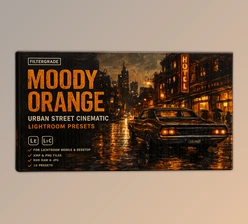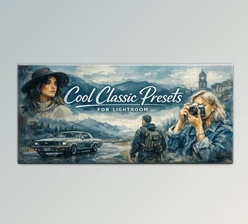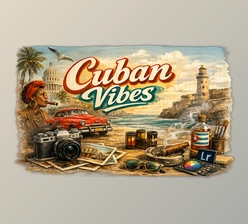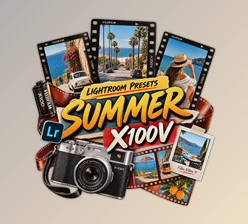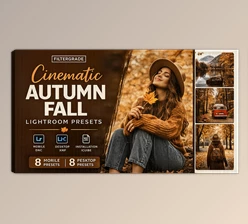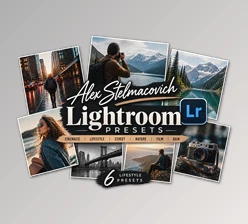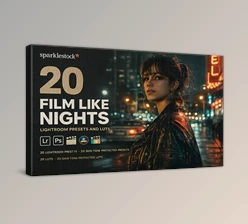
Downloadable Files
You can download the Street Photography product for free at the end of this page.
Turn Everyday Moments into Eye-Catching Images
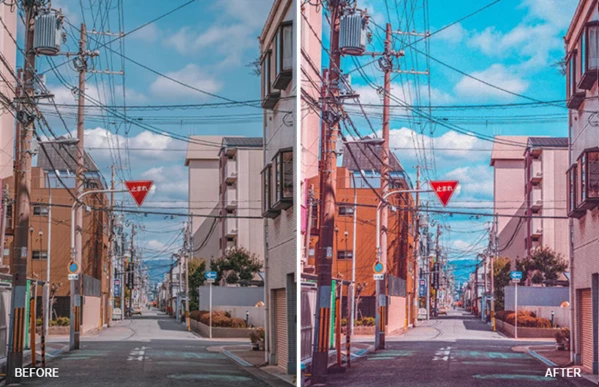
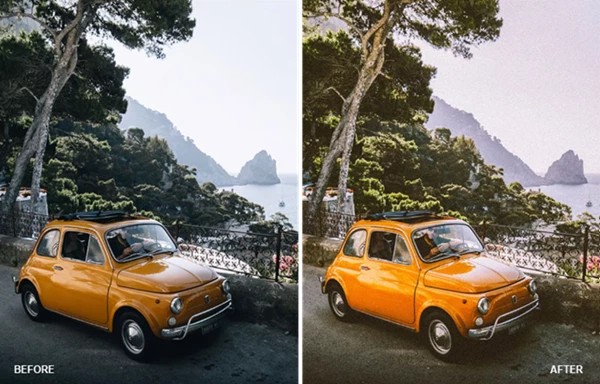
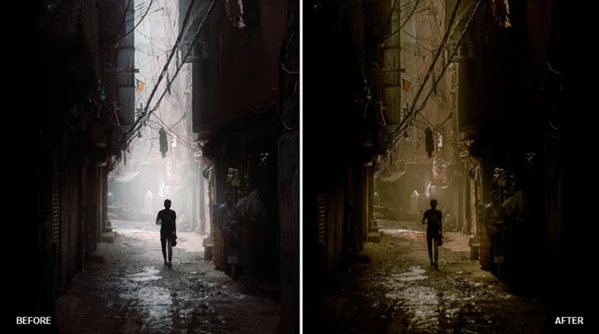
Street photography allows you to capture the essence of authentic moments in your city or in people’s everyday lives. However, no matter how good the composition of your photograph is, the colors will make or break the photograph. That’s where the Street Photography preset collection comes in.
Created by professional photographers, retouchers, and designers, these presets will allow you to produce eye-catching, Instagram-inspired photographs while saving you editing time. Use these presets for all types of photography, whether you’re taking pictures of the streets, on travel, portraits, or fashion shoots.
What Is Street Photography and Why Does It Matter?
Street Photography is a photography style focused on documenting real-life moments, urban environments, and spontaneous scenes. Unlike studio photography, street photography relies heavily on natural light, atmosphere, and authentic emotions.
Color grading plays a major role in this genre. A carefully crafted preset can:
- Create a consistent visual style across your gallery.
- Enhance contrast and colors without making images look artificial.
- Improve skin tones while preserving natural details.
- Bring more depth and atmosphere to urban scenes.
- Speed up post-processing for large photo collections.
Whether you’re shooting crowded city streets, quiet neighborhoods, travel destinations, or lifestyle portraits, professional presets help transform ordinary photos into memorable visual stories.
Meet the Street Photography Preset Collection
Created by AlviArt, this preset pack is built to simplify Lightroom editing while delivering professional-quality results. Instead of spending time adjusting every slider manually, you can instantly apply a polished look and fine-tune it to match your personal style.
The collection works perfectly for photographers who want faster workflows without sacrificing image quality.
Features
10 Professional Lightroom Desktop Presets
The pack includes ten carefully crafted presets compatible with Adobe Lightroom Classic, Lightroom Desktop, and Photoshop Camera Raw. They are designed to produce balanced colors that work across many different lighting conditions.
10 Lightroom Mobile Presets
Mobile photographers can enjoy the same professional editing experience directly from their smartphones using Lightroom Mobile-compatible presets.
Instagram-Inspired Color Style
The presets create vibrant yet natural colors that fit modern social media aesthetics without making images appear over-processed.
Wide Photography Compatibility
Perfect for editing:
- Street photography
- Urban photography
- Portrait photography
- Lifestyle photography
- Travel photography
- Indoor fashion shoots
- Outdoor fashion photography
Fast Editing Workflow
Instead of repeating the same adjustments on every image, simply apply a preset and make small refinements. This saves valuable editing time, especially after large photo sessions.
Easy Installation
Detailed installation instructions are included for:
- Lightroom Desktop
- Lightroom Classic
- Lightroom Mobile
- Adobe Camera Raw
Making the setup process simple even for beginners.
Cross-Platform Support
The presets are compatible with both Windows and macOS, allowing photographers to keep the same editing style across multiple devices.
Get Better Results with These Simple Tips
Although presets provide an excellent starting point, a few additional adjustments can make your photos look even more natural.
- Always begin with a properly exposed image for the best results.
- Fine-tune Exposure and White Balance after applying the preset.
- Slightly adjust Contrast depending on the available lighting.
- Use the presets as a creative foundation rather than a final one-click solution.
- Keep similar photos edited with the same preset to maintain a consistent portfolio or Instagram feed.
- For portraits, make small skin tone adjustments if lighting conditions vary significantly.
These simple habits help maintain a polished and professional editing style across every project.
Final Thoughts
Professional color grading is not necessary for all types of photography. However, using the Street Photography editing presets will give you the best results in enhancing your portraits, travel photographs, fashion shoots, and more while preserving the natural look of your subjects.
With so many editing presets available for both desktop and mobile platforms for easy installation on your computers or smartphones, these editing presets will assist all types of photographers in creating their best work in minimal editing time. Whether you’re editing for social media or professional clients, these editing presets will allow you to produce a consistent style of photography that will amuse your followers or customers and make the editing process more enjoyable for you as the photographer.

Files Password : gfxplugin.com OR 123456