Downloadable Files
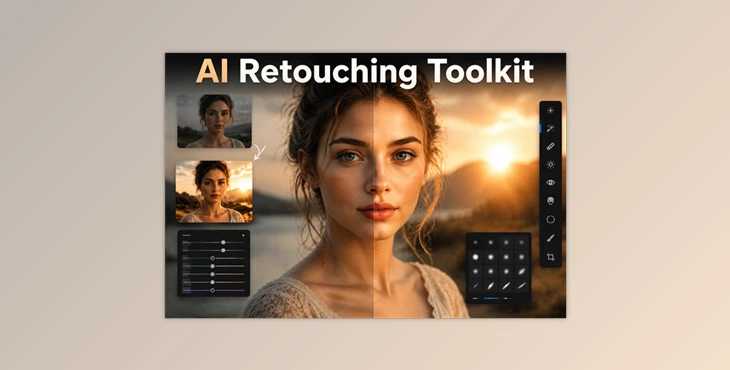
You can download the AI Retouching Toolkit for free from the end of this page.
Make Portrait Retouching Faster Than Ever
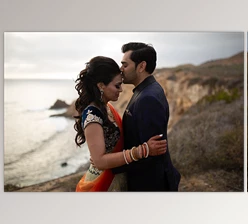
Portrait retouching generally requires editing in both Lightroom and Photoshop to fix small issues with the subject. While these editing programs can produce beautiful retouched portraits, the editing process can take up a lot of time.
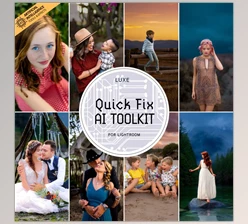
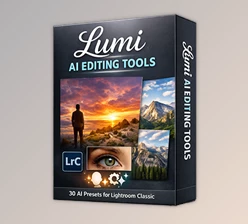
AI Retouching Toolkit allows photographers to edit their portraits directly in Lightroom using AI-enhanced tools and one-click presets to save time and achieve professional-looking results.
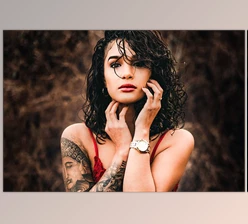
Photographers can use this toolkit for wedding portraits, fashion, family, and more to produce beautiful, retouched portraits in less time than it would otherwise take.
What Is AI Retouching Toolkit?
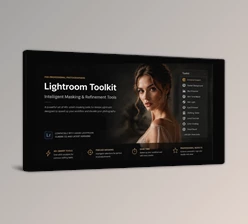
AI Retouching Toolkit is a professional collection of AI-powered Lightroom presets, brushes, and retouching tools designed to simplify portrait enhancement. Instead of performing complex manual adjustments, the toolkit intelligently targets specific areas of your image and applies natural-looking improvements with minimal effort.
Rather than replacing your creative control, it accelerates the editing process by automating repetitive tasks while still allowing you to fine-tune every adjustment.
For example, with a single click you can brighten a subject’s eyes, soften skin tones, darken distracting backgrounds, improve sky detail, or create balanced dodge and burn effects that normally require far more advanced editing techniques.
Because these adjustments are built specifically for Lightroom Classic, photographers can complete the vast majority of their retouching work without constantly moving images into Photoshop.
Features of AI Retouching Toolkit
AI-Powered One-Click Retouching
The toolkit includes 31 intelligent AI presets that instantly improve portraits using Lightroom’s latest AI masking technology. Skin, facial features, backgrounds, and skies can all be enhanced automatically while maintaining a natural appearance.
Complete Portrait Enhancement
Professional portrait editing becomes significantly easier with tools that help:
- Smooth uneven skin tones
- Reduce skin blemishes
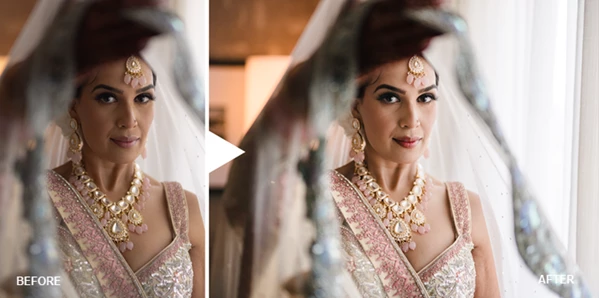
- Brighten and sharpen eyes
- Enhance eyelashes
- Improve overall facial balance
- Refine skin color naturally
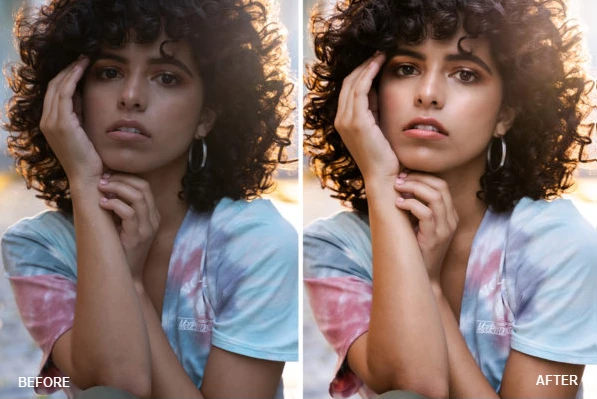
These adjustments create polished portraits while preserving realistic texture and detail.
Advanced Dodge and Burn
The included AI dodge and burn presets make it possible to sculpt light across your subject with a single click. Instead of manually painting exposure adjustments, photographers can quickly add depth, dimension, and visual impact to portraits.
Background and Sky Improvements
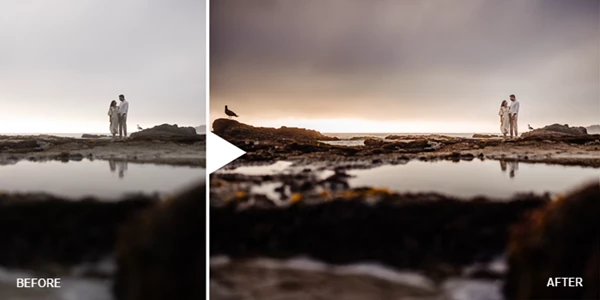
Keeping attention on the subject is essential in portrait photography. AI Retouching Toolkit allows you to:
- Darken backgrounds naturally
- Enhance cloud detail
- Improve sunset colors
- Increase environmental texture
- Create stronger subject separation
These subtle improvements help photographs appear more cinematic without looking over-edited.
Realistic Sun Flare Effects
The toolkit also includes creative tools for adding or enhancing realistic sun flares directly inside Lightroom. This allows photographers to create warm, atmospheric lighting effects without relying on external editing software.
Large Collection of Brushes and Tools
In addition to the AI presets, the package contains:
- 47 professional retouching brushes
- 26 editing tools
- Specialized adjustments for portraits
- Workflow-enhancing utilities
These additions provide even greater flexibility when refining individual images.
Broad Lightroom Compatibility
The presets are compatible with:
- Lightroom Classic
- Lightroom CC
- Lightroom Mobile
- Adobe Camera Raw
The advanced retouching toolkit is designed primarily for the desktop version of Lightroom Classic.
Tips for Getting the Best Results
Although the one-click presets deliver impressive results immediately, a few simple practices can make your edits even stronger.
Start with a properly exposed RAW file before applying AI adjustments. Better source images allow Lightroom’s AI masks to detect subjects more accurately.
Apply the complete retouching preset first, then use the included brushes to fine-tune specific areas such as skin, eyes, or backgrounds instead of making heavy global adjustments.
Avoid excessive skin smoothing. Keeping natural texture visible produces more professional-looking portraits.
Use dodge and burn subtly to guide the viewer’s attention rather than creating dramatic contrast. Small lighting adjustments often have the biggest visual impact.
Finally, combine sky enhancement with background darkening to create stronger separation between your subject and the environment while maintaining a natural appearance.
Final Thoughts
AI Retouching Toolkit gives photographers more power to edit their portraits within Lightroom. The combination of AI presets, brushes, and enhancement tools allows photographers to edit their portraits in less time and produce stunning results.
AI Retouching Toolkit is an essential tool for both professional portrait photographers and enthusiasts looking to produce retouched portraits in less time.

Files Password : gfxplugin.com OR 123456