Downloadable Files
You can download VoiceLab for free from the end of this page.
Create Professional AI Audio Without Leaving Your Timeline
If you’ve ever paused your editing session just to generate a voiceover, download an audio file, and import it back into your project, you know how quickly that workflow becomes frustrating. Even a small script revision often means repeating the entire process from scratch.
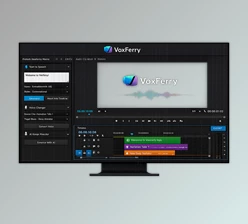
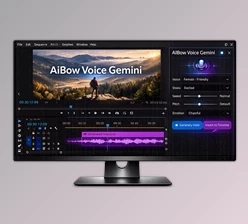
VoiceLab eliminates those interruptions by bringing AI voice generation, voice changing, and sound effect creation directly into Adobe Premiere Pro and After Effects. Instead of switching between browser tabs and external services, everything happens inside a single panel, allowing you to stay focused on your creative work.
What Is VoiceLab and Why Is It Useful?
VoiceLab is an AI-powered extension for video editors that combines text-to-speech, voice transformation, and AI-generated sound effects into one seamless workflow.
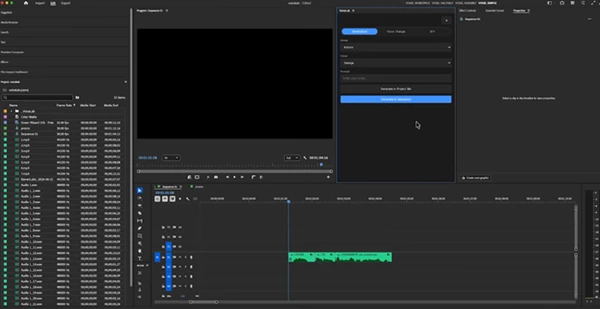
Simply type your script, choose a voice, and the generated audio appears instantly on your timeline or inside your project bin. Need to replace an existing narration? Select the audio clip and switch it to a completely different voice without rebuilding your edit.
For example, imagine you’re producing a YouTube tutorial. Halfway through the review, the client requests a different narrator. Instead of exporting everything again, VoiceLab lets you replace only the selected voice clip while keeping the edit perfectly aligned.
This dramatically reduces repetitive tasks, speeds up revisions, and keeps your editing workflow uninterrupted.
Meet VoiceLab
VoiceLab is designed specifically for professional editors who work inside Adobe Premiere Pro and Adobe After Effects. It combines premium cloud AI voices with completely free local voice generation, giving users the flexibility to choose between online quality and offline privacy.
Whether you’re producing commercials, YouTube videos, documentaries, social media content, educational videos, or rough drafts, VoiceLab simplifies every stage of AI audio production.
Features
AI Text-to-Speech Inside Your Timeline
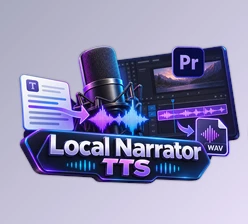
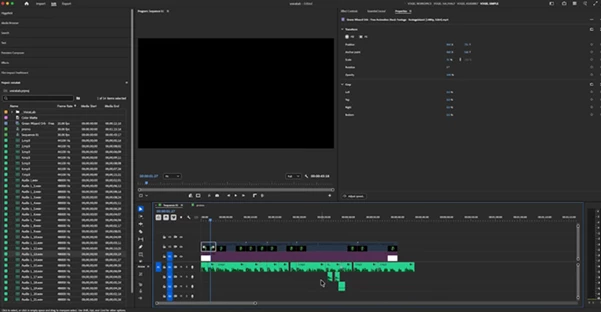
Write your script, choose a voice, and generate narration directly into your sequence without exporting or importing audio files.
Dual AI Engines
Choose between:
- ElevenLabs for premium cloud-quality voices.
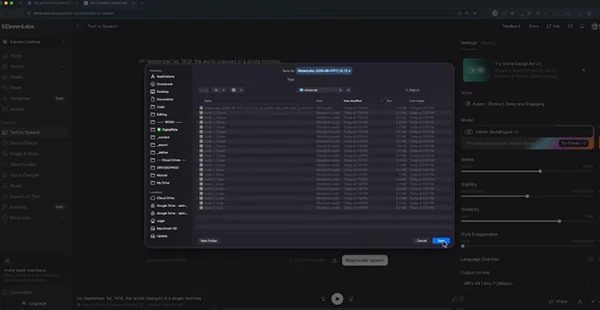
- Kokoro is a completely free local voice generation that runs entirely on your own computer.
Voice Change
Replace the voice of any selected audio clip while preserving its position inside your edit. Perfect for:
- Client revisions
- Multiple language versions
- Character voices
- Alternate narrators
AI Sound Effect Generation
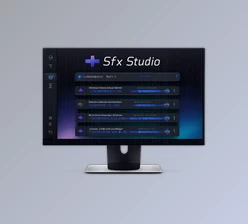
Simply describe the sound you need using text, and VoiceLab generates it instantly. Examples include:
- Footsteps
- Rain
- Explosions
- Ambient environments
- UI sounds
- Cinematic effects
Personal Voice Library
Manage your own collection of ElevenLabs voices by adding Voice IDs and quickly switching between different speakers.
Flexible Output
Generate audio directly:
- Into your Premiere timeline
- Into your After Effects composition
- Into your project bin for later use
Real Editing Scenarios
VoiceLab becomes especially valuable in everyday editing situations.
A content creator can generate a temporary narration before recording the final voice.
A documentary editor can quickly replace scratch tracks with polished AI narration.
Motion designers can add temporary dialogue while building animations.
Marketing teams can rapidly test multiple voice styles before delivering the final commercial.
Instead of interrupting the creative process, VoiceLab keeps everything inside the application where you’re already working.
Tips for Better AI Voice Results
To make your AI-generated voiceovers sound more natural and professional, consider these simple techniques:
- Write conversational scripts instead of overly formal text.
- Break long paragraphs into shorter sentences for smoother delivery.
- Test multiple voices before committing to the final narration.
- Use local Kokoro voices for drafts and offline projects.
- Save premium ElevenLabs credits for final production renders.
- Generate sound effects separately so they can be mixed independently.
- Replace only the clips that need changes instead of regenerating entire narrations.
These small workflow improvements can save a surprising amount of editing time while producing cleaner and more natural audio.
Final Thoughts
VoiceLab aims to revolutionize the editing process of one of the most repetitive tasks in the video editing process. By combining AI voiceovers, AI voice replacement, and AI sound effect generation within Premiere Pro and After Effects, VoiceLab will eliminate the need for exporting, downloading, and importing files from elsewhere.
Whether editing completely offline or with cloud-based premium voices, VoiceLab will allow editors to focus on the editing process rather than the management of files. For those who often work with voiceovers, this AI tool will significantly speed up the editing process.