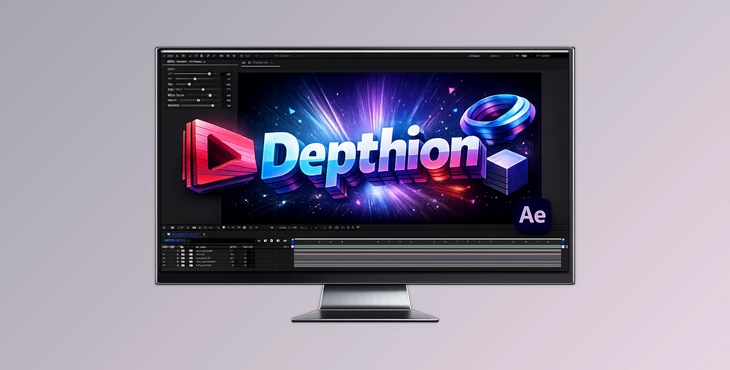
Downloadable Files
You can download Depthion for free from the end of this page.
Give Your Layers a Whole New Dimension
Creating convincing depth inside Adobe After Effects often requires complex 3D workflows, duplicated compositions, or external software. If you've ever wanted to transform flat graphics into eye-catching pseudo-3D objects without slowing down your workflow, Depthion makes that process surprisingly simple.
Instead of manually duplicating layers and adjusting every copy, the plugin automatically generates thickness from your existing artwork while giving you intuitive controls over the final appearance. The result is a faster, cleaner workflow with plenty of creative flexibility.
What Is Depthion?
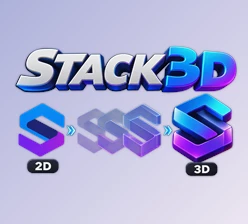
Depthion is a GPU-accelerated After Effects plugin that creates pseudo-thickness by duplicating layers into multiple slices. Rather than relying on true 3D geometry, it builds the illusion of depth directly inside your composition, making it ideal for motion graphics, typography, logos, icons, and graphic elements.
The plugin allows you to control every aspect of the extrusion, making it easy to create unique styles without complicated setups.
For example, you can:
- Turn flat text into thick 3D-style titles.
- Add depth to logos for brand animations.
- Create layered UI elements with dimensional effects.
- Design stylized motion graphics with unique extrusion angles.
- Produce dynamic intro animations with minimal effort.
Because everything is generated automatically, you spend less time building the effect and more time refining your animation.
Why Depthion Makes the Workflow Easier
Instead of managing dozens of duplicated layers manually, Depthion handles the heavy lifting for you through a single control null. This keeps projects organized while making adjustments quick and intuitive.
Its GPU acceleration also provides fast rendering, allowing you to experiment with different looks without significantly slowing your preview or rendering process.
Whether you're creating title animations, social media graphics, broadcast packages, or creative motion design pieces, the plugin helps you achieve dimensional results much faster.
Features
GPU-Accelerated Performance
Depthion uses GPU acceleration to generate pseudo-thickness efficiently, helping you preview and render your compositions more quickly.
Automatic Layer Duplication
The plugin creates multiple slices from your original layer to simulate realistic depth without requiring manual duplication.
Flexible Extrusion Controls
Adjust the number of slices to create anything from subtle thickness to dramatic extruded shapes.
Tilt Control
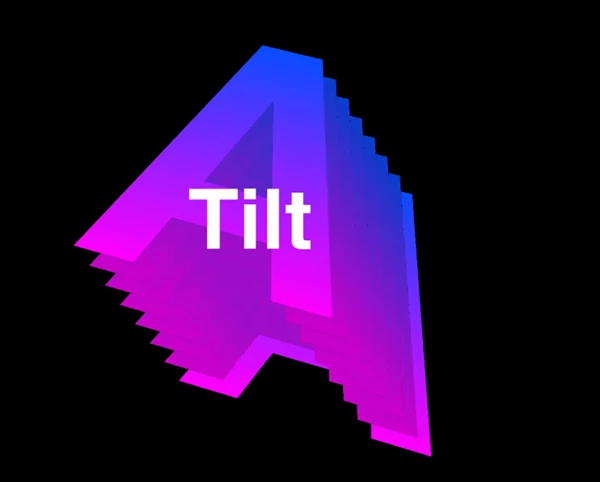
Change the direction of the extrusion to create perspective and more dynamic compositions.
Spin Extrusion
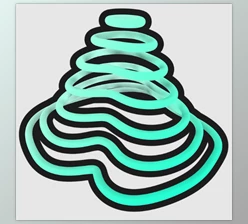
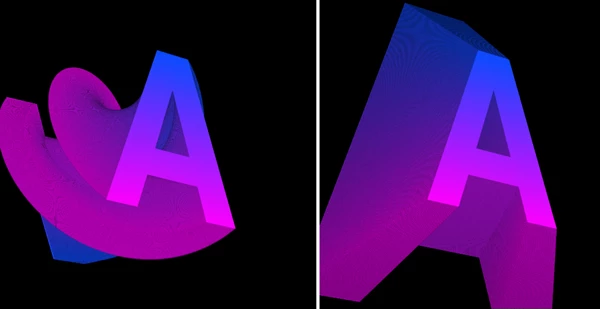
Rotate the duplicated slices while extruding to generate creative spiral and twisting depth effects.
Back Scale
Gradually scale the rear slices during extrusion, producing unique tapered shapes and stylized dimensional objects.
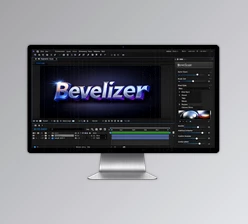
Bevel Effect
Add beveled edges that create a smoother, more realistic three-dimensional appearance.
Opacity Control
Adjust the opacity of duplicated instances for softer transitions, layered transparency, or artistic depth effects.
Side Face Brightness
Control the brightness of the side faces to improve visual separation and enhance the illusion of volume.
Centralized Control Null
Manage the entire extrusion effect from one easy-to-use control object instead of editing multiple layers individually.
Professional Tips for Better Results
For cleaner results, begin with a moderate number of slices instead of using the maximum value immediately. This usually creates smoother depth while keeping compositions lighter and easier to preview.
Bevel works especially well on logos and typography because it softens hard edges and makes the extrusion feel more natural.
Experiment with Tilt and Spin together to create dynamic title animations and abstract motion graphics that would otherwise require much more complex setups.
Adjust the side face brightness carefully to increase contrast between the front surface and the extruded sides, making the depth effect more convincing.
Finally, combine Depthion with lighting, shadows, gradients, or subtle glow effects inside After Effects to achieve a richer cinematic appearance.
Final Thoughts
If you work with motion graphics, animated typography, logo reveals or any form of graphic animations, Depthion can greatly assist with adding depth to your projects.
Its GPU-powered performance, intuitive controls, flexible extrusion options, and creative features like Tilt, Spin, Back Scale, and Bevel allow you to produce a wide variety of pseudo-3D looks without leaving After Effects.
Whether you’re producing professional titles or more experimental graphic animations, Depthion will allow you to quickly create impressive depth effects to your projects whilst maintaining your After Effects workflow.

Files Password : gfxplugin.com OR 123456