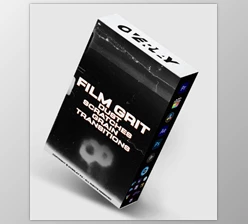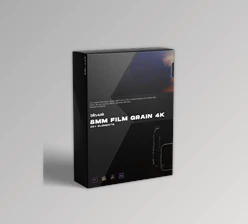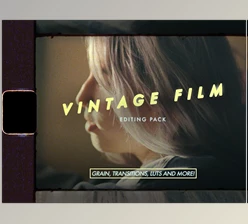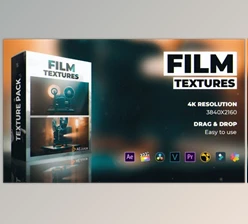
Downloadable Files
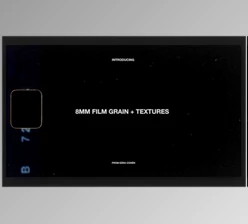
You can download the 8MM FILM GRAIN TOOLKIT for free at the end of this page.
Give Your Footage a True Vintage Film Look
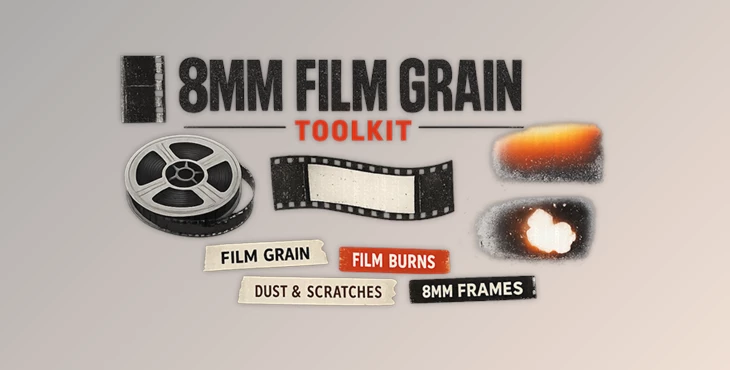
In a world filled with professionally shot digital footage, it can be difficult to truly find a way to give your videos that distinct look of film. 8MM FILM GRAIN TOOLKIT was made to give your footage that nostalgic look of classic 8mm film.
From music videos and documentaries to travel films, social media, and commercials, the 8MM FILM GRAIN TOOLKIT can give your projects that authentic vintage look without the hassle.
What Is the 8MM FILM GRAIN TOOLKIT and Why Is It Useful?
Film grain, film mattes, film dust, film overscans, film leaders, and more are all scanned from actual 8mm film footage in order to simulate that authentic look of aged film projects.
Some ways to use this resource include:
- Adding grain to digital footage
- Creating nostalgic home movie footage
- Enhancing documentaries
- Creating retro music videos
- Simulating film projection features
- Creating vintage titles
Using these authentic 8 mm film elements will allow your projects to contain the depth and character that authentic film elements have. Your footage will appear more organic and visually engaging.
Meet the Ultimate Vintage Film Toolkit
8MM FILM GRAIN TOOLKIT contains all the elements needed to create authentic vintage film projects. All the 8mm film elements have been created with professional cameras, film scanners, and film laboratories to maintain the authenticity of each scan.
Features
4K Film Grain Scans
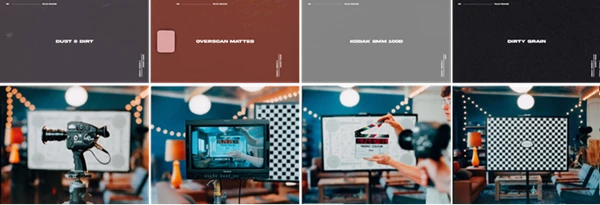
Thousands of feet of genuine 8mm film have been scanned at extremely high resolution, delivering realistic grain structures that maintain detail even in professional productions.
Pre-Keyed 8mm Film Mattes
Authentically scanned film borders are provided with pre-built alpha channels. This means no green screen removal, masking, or blending adjustments are required. Benefits include:
- Faster workflow.
- Clean integration into footage.
- Realistic film frame edges.
- Professional vintage presentation.
4K Dust and Dirt Textures
Natural dust, scratches, and film contamination effects help recreate the imperfections commonly found in vintage film reels.
Overscans, Leaders & Film Artifacts
The toolkit includes additional film elements such as overscans, leader footage, and projection artifacts that add another layer of realism to edits.
Bonus 16mm Film Textures
In addition to the 8mm assets, users receive a collection of 16mm film textures, providing even more creative flexibility for different project styles.
Real-World Creative Uses
Editors can use the 8MM FILM GRAIN TOOLKIT in many different types of productions:
- Travel films that need a nostalgic vacation feel.
- Wedding videos that benefit from emotional vintage aesthetics.
- Music videos inspired by classic film stock.
- Documentary projects require historical authenticity.
- Social media content seeks a unique retro identity.
- Brand commercials that combine modern footage with timeless visual character.
The authentic scans help footage feel more cinematic and emotionally engaging without requiring expensive film cameras or laboratory processing.
Pro Tips for Better Results
Adjust the strength of the film grain according to the footage you are using
Use multiple textures to enhance your projects
Use the film artifacts sparingly
Use color grading to enhance the vintage film look
Maintaining the use of the same elements throughout your project will ensure that your edits maintain their vintage film look
Final Thoughts
8MM FILM GRAIN TOOLKIT is a complete collection of authentic film elements that will allow you to add the same character and depth as vintage film projects to your digital media projects. From the 8mm film grain, mattes, dust, overscans, and leaders to the bonus 16mm film textures, you have access to all you need to provide an authentic vintage film look to your projects.
With the 8MM FILM GRAIN TOOLKIT, you can easily enhance your editing projects with an authentic look that audiences will find visually engaging and nostalgic.

Files Password : gfxplugin.com OR 123456