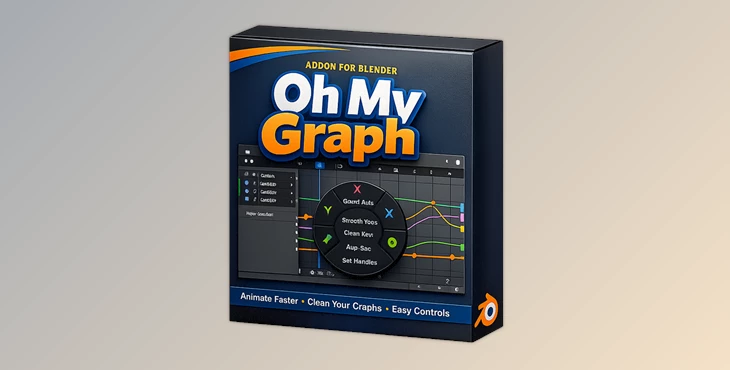
Downloadable Files
You can download Oh My Graph for free at the end of this page.
A Faster, Cleaner Way to Animate in Blender
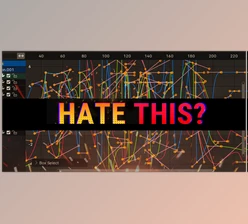
Blender’s graph editor can quickly become overly cluttered and confusing. It is a common pain point that slows animators down. Oh My Graph helps to fix this.
The addon helps you to streamline your work in the graph editor and gives you better control over your animation data. This will make your animations go faster and be less frustrating to work with.
What Is Oh My Graph and Why It Matters
At its core, Oh My Graph is a Blender addon designed to make the graph editor cleaner and more manageable. Instead of dealing with unnecessary curves and hidden data, you get a streamlined workspace tailored to your needs.
Why This Improves Your Workflow
- Less visual clutter → You focus only on relevant animation curves
- Faster editing → No time wasted searching for the right axis or data
- Better precision → Cleaner graphs lead to more accurate animation tweaks
Real Example
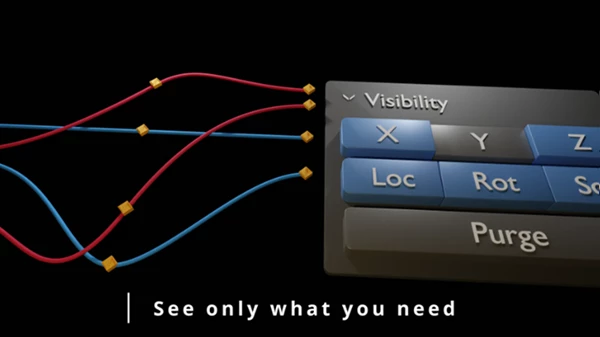
Imagine animating a character’s arm. Normally, you’d see multiple axes overlapping in the graph editor. With Oh My Graph, you can isolate just the axis you need—making adjustments quicker and far more intuitive.
Meet the Tool: Oh My Graph
Oh My Graph is built to give animators full control over their graph editor without complicating the process. Whether you’re working on simple motion or complex rigs, it makes everything smoother and more efficient.
Features
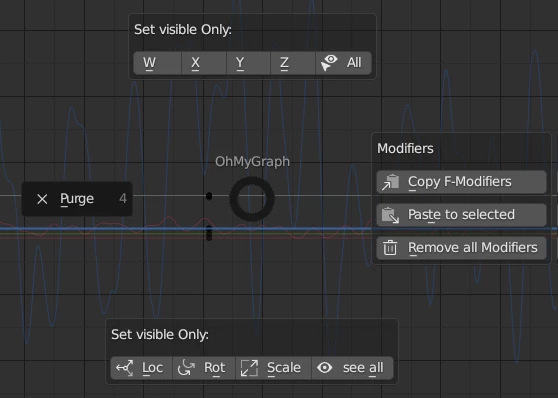
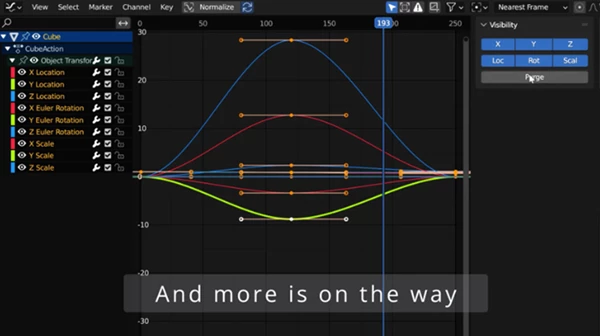
- Purge Unused Data: Quickly clean your graph editor by removing unnecessary curves.
- Axis Visibility Control: Choose exactly which axes you want to display for better focus.
- Armature Support: Fully compatible with character rigs and skeletal animations.
- Pie Menu for Fast Access: Instantly control key functions without digging through menus.
- Default Interpolation in Header: Set your preferred interpolation mode directly from the header.
- Default Handle Type in Header: Adjust handle types quickly for smoother animation curves.
- Preferences Customization: Tailor the addon to match your workflow and style.
Upcoming Features
- Lock axes for even more control
- Distribute keyframes automatically
- Random keyframe generation
- Full keyframe control system
- Animation copying with offset
- Continuous improvements based on user feedback
Practical Impact
For example, when working on a walk cycle, you can:
- Clean up unnecessary curves instantly
- Focus only on key motion axes
- Adjust interpolation on the fly
This saves hours over the course of a project.
Pro Tips for Better Results
- Use axis filtering early: Start by isolating the axes you need before animating—it keeps your workflow clean from the beginning.
- Set default interpolation wisely: Choose interpolation settings that match your animation style (e.g., linear for mechanical, bezier for organic motion).
- Leverage the pie menu: It’s a huge time-saver once you build muscle memory.
- Regularly purge unused data: Keeps your project lightweight and easier to manage.
- Experiment with handle types: Small adjustments here can dramatically improve motion smoothness.
Final Thoughts
Oh My Graph takes control of the graph editor in Blender and makes it easier for animators to have precise control over the animation curves that they create. It simplifies the process for everyone, even professionals in the field. This tool will save animators time and allow them to focus on the parts of animation that truly matter.

Files Password : gfxplugin.com OR 123456