Downloadable Files
You can download Sencha for free at the end of this page.
🌿 A Calm Touch for Your Photos
If you’ve ever tried to capture the peaceful beauty of countryside landscapes but felt your photos lacked that emotional depth, you’re not alone. Sencha brings a soft, nostalgic mood into your images—like turning a simple photo into a quiet memory. With its film-inspired tones and subtle tea-green hues, it helps your shots feel more alive, yet more serene.
🎞️ What Is Sencha & Why It Matters
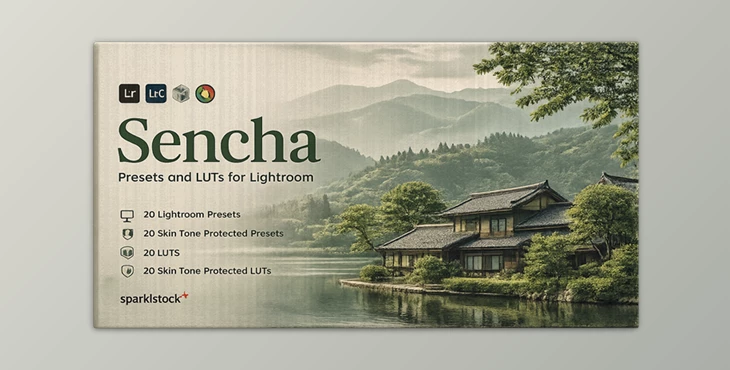
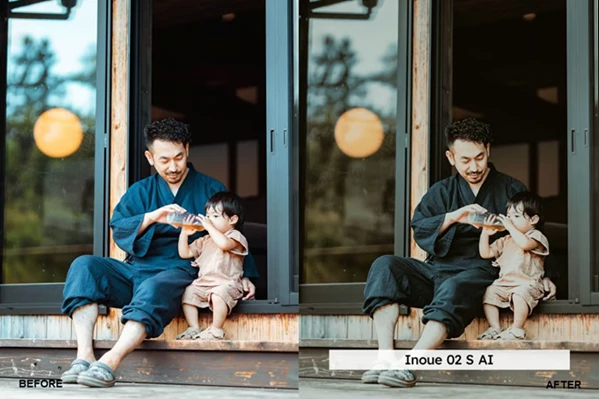
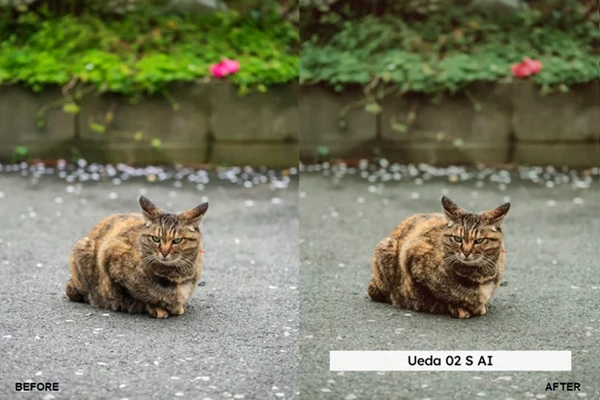
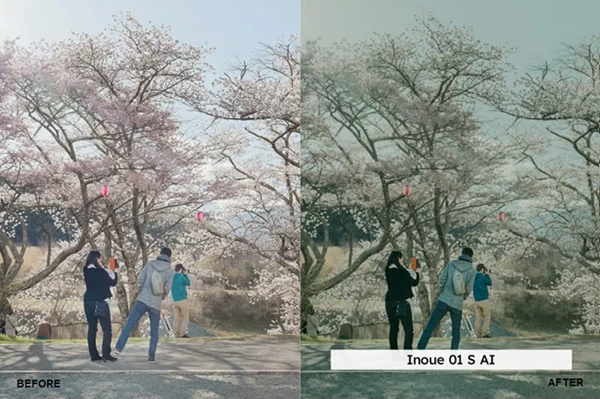
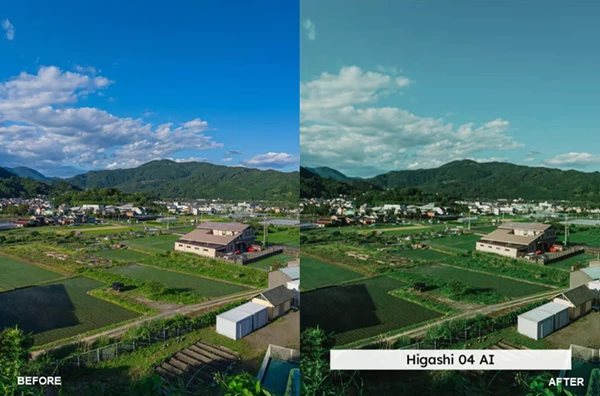
Sencha is a collection of Lightroom presets and LUTs designed to enhance travel and landscape photography with a cinematic, film-like look. Imagine photographing a quiet rural road in Japan. With Sencha, the greens shift into a soft tea tint, the light becomes slightly dimmer, and the background gains a gentle blur. These changes aren’t random—they guide the viewer’s attention and create emotional depth.
Why It Improves Your Work:
- Color Harmony: The tea-green tint unifies foliage and environment.
- Mood Enhancement: Dim tones create a nostalgic, storytelling feel.
- Visual Focus: Subtle blur helps highlight the subject naturally.
✨ Professional Tool Introduction
Sencha is more than just a preset pack—it’s a complete visual styling toolkit for photographers and content creators who want consistency and emotion in their edits.
Features
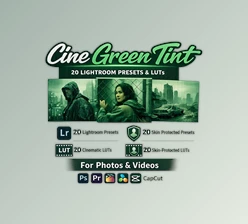
- 20 Lightroom Presets (Desktop & Mobile)
- 20 Skin Tone Protected Presets
- 20 LUTs + 20 Skin Tone Protected LUTs
- AI-Powered Lightroom Presets for automatic enhancement
- Preset Amount Slider Support for fine-tuning intensity
LUT Formats Included
- 3DL, CUBE, ICC (Capture One), MGA, PNG
- No banding or artifacts, even under heavy adjustments
Enhancement Technologies
- VOXCOLOR Skin Tone Protection: Keeps portraits natural and realistic
- VOXCOLOR SmoothTones: Ensures smooth color transitions
Compatibility
Works seamlessly with:
- Lightroom CC / Classic / Mobile
- Photoshop & Adobe Camera Raw
- Premiere Pro, DaVinci Resolve, Final Cut Pro
- Capture One, Affinity Photo, and many more
Real-World Impact
- Travel photographers can create consistent Instagram feeds
- Filmmakers can match footage with cinematic LUTs
- Portrait photographers maintain natural skin tones while stylizing backgrounds
🎯 Pro Tips for Better Results
- Start Soft: Apply presets at lower intensity, then gradually increase.
- Adjust Exposure First: Sencha works best when your base image is balanced.
- Use Skin Tone Protection: Especially for portraits—keeps edits realistic.
- Combine with Composition: The preset enhances mood, but framing still matters.
🌟 Final Thoughts
The Sencha editing tools will enhance the existing colors in your photographs while adding an emotional and storytelling component to your photographic compositions. Whether you are working on editing landscapes or travel photography, the color enhancement tools will introduce a subtle artistic touch to your photography skills. Give the editing tools in the Sencha collection a try to see the various ways in which your photography skills can be enhanced both visually and, more importantly, emotionally.

Files Password : gfxplugin.com OR 123456