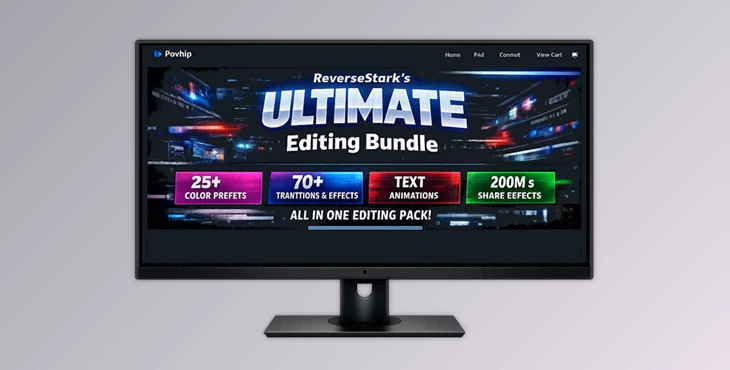
Downloadable Files
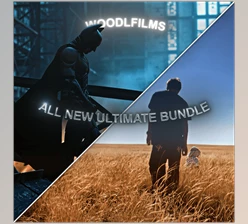
You can download ReverseStark’s ULTIMATE Editing Bundle for free from the end of this page.
🚀 A Powerful Start to Next-Level Editing
If you’ve struggled with achieving the perfect edit in the past, then this Ultimate Editing Bundle from ReverseStark could be what you need in your editing journey.
This editing bundle was created with years of experience in the field and with a host of editing results that have shown the improvements that these features can make to your editing process.
🎯 What Is This Bundle & Why It Matters
ReverseStark’s ULTIMATE Editing Bundle includes a variety of editing features and files (PJF) that will make your editing process easier and more effective.
💡 What does it actually do?
It simplifies complex editing techniques into ready-to-use assets. Instead of manually building effects from scratch, you can apply high-quality presets instantly.
🌍 Real Use Cases
- Turning a basic clip into a cinematic masterpiece using CC packs
- Adding smooth motion with professional panning and zoom effects
- Creating engaging subtitles with deep glow text styles
- Enhancing storytelling with transitions and fades
⚡ Why it improves your results
These features are crafted based on real editing success. That means:
- Better color grading = more emotional impact
- Smooth motion = more professional feel
- High-quality effects = higher viewer retention
🎬 Meet the Bundle
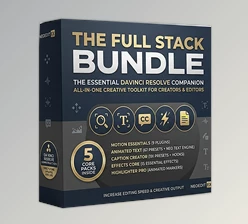
ReverseStark’s ULTIMATE Editing Bundle brings together everything you need in one place—from color correction to advanced transitions.
✨ Features
🎨 CC Pack (Remastered)
A wide range of color correction presets:
- Clear CC, Premium CC, Aura CC
- Sad, Nostalgic, Lovely, Realism
- Comic, Majestic, Evil, Menacing, Ghost
👉 These help you instantly set the mood of your video—whether it’s emotional, cinematic, or dramatic.
🎥 Film Pack
Includes cinematic effects and text styles:
- “Speed Mirage”, “Legendary”, “Glossy” text
- Deep Glow subtitle variations
- Zoom-ins/outs (basic & slowed)
- Smooth & chill panning
👉 Perfect for storytelling, reels, and cinematic edits.
💥 Shake Pack
Dynamic motion effects:
- Multiple shake styles (RGB, hard, smooth)
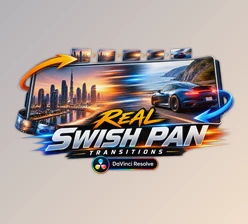
- Hard panning transitions
- Text effects like “Tuff Difference.”
👉 Adds energy and intensity to action scenes or beat edits.
🔄 Transitions Pack
Creative transitions for seamless edits:
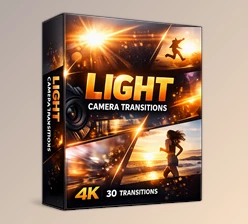
- Lens blur (with variations)
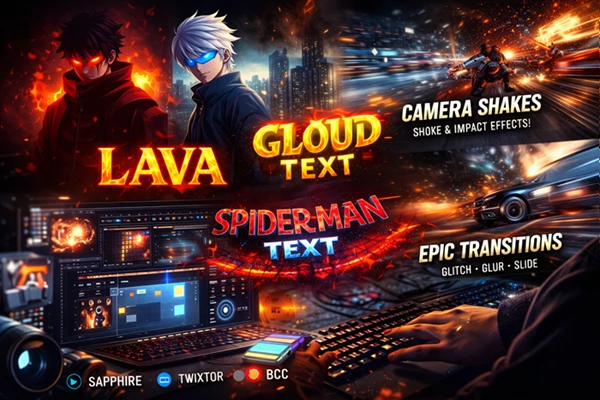
- Glitch slide & glitch wipe
- Ice borders & blood circle effects
👉 Keeps your edits flowing smoothly and visually engaging.
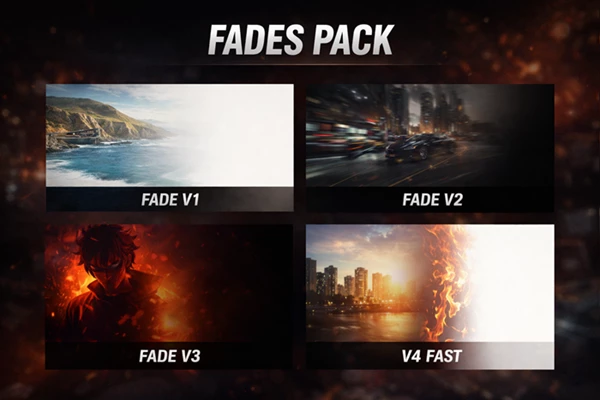
🌫️ Fades Pack
Different fade styles:
- Slow, fast, and cinematic fades
- Combined with panning and realism CC
👉 Ideal for storytelling and smooth scene changes.
🎞️ Panning Pack
Motion control tools:
- Hard, chill, and smooth panning styles
👉 Makes static clips feel dynamic and alive.
🔤 Text Pack
Stylized text effects:
- 3D (Spiderman, Lava)
- Environmental (Gold, Burning, Metallic)
- Glitch subtitles
👉 Perfect for titles, captions, and impactful storytelling.
🎯 Pro Tips for Better Results
Follow these tips when editing your project files to maximize the impact of these editing features:
- Don’t overuse editing features: instead, use 2-3 editing features at a time.
- Use CC features to match the editing mood: Sad CC for emotional edits, Majestic for cinematic editing projects.
- Use motion editing features wisely: use smooth to create good storytelling edits, and shakes for action editing projects.
- Ensure the editing features match your project’s audio features: apply editing features to the beats in your project files.
- Keep it clean: simple edits are more professional than complex edits.
💬 Final Thoughts
ReverseStark’s ULTIMATE Editing Bundle is more than just a collection of presets—it’s a shortcut to better, faster, and more professional editing. Whether you’re a beginner trying to level up or an experienced editor looking to save time, this bundle gives you tools that actually make a difference. It doesn’t just improve your workflow—it upgrades your entire creative output.

Files Password : gfxplugin.com OR 123456