Downloadable Files
You can download Goo Physics for free from the end of this page.
✨ A Fresh Way to Bring Motion to Life
Have you found yourself struggling to get the right amount of life into your hair, clothes, or accessories without sacrificing your unique artistic style? Look no further than Goo Physics!
Perfect for artists looking for a tool to create stunning, expressive motion for their characters or projects, Goo Physics gives you exactly what you need to bring your ideas to life.
🎯 What Is Goo Physics and Why It Matters?
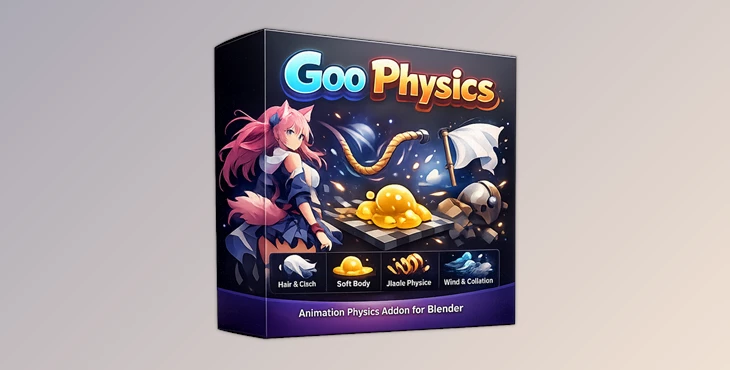
Goo Physics is an all-in-one simulation tool for Blender that can simulate hair, cloth, props, soft bodies, and more.
Why is that important?
For projects like anime or other forms of stylized animation, realistic movement can actually work against the design team’s efforts. Hair can fall, characters can lose their shapes and identities. Goo Physics solves this by:
- Preserving original shapes (like anime hairstyles)
- Allowing post-simulation tweaking
- Creating cleaner arcs and appealing motion
Real-world example:
Imagine animating a ponytail:
- Traditional simulation → messy, unpredictable movement
- Goo Physics → controlled, smooth, stylized motion that enhances the design
That’s a huge upgrade in both workflow and final quality.
🚀 Meet the Tool: Goo Physics
Goo Physics is a Blender addon that works for both individual artists and entire production teams.
⚙️ Features
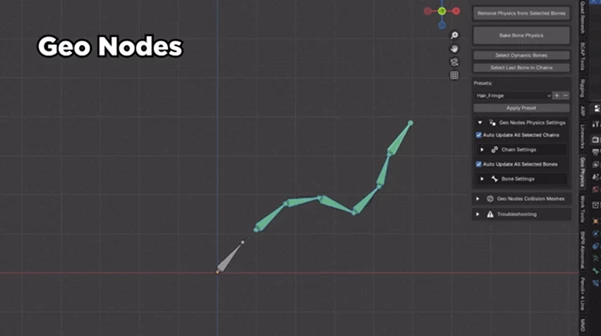
🔹 Geo Nodes System
A custom-built system of geometry nodes that work best for creating stylized, anime-style motion while allowing artists the flexibility they need to tweak the motion of their characters after simulation.
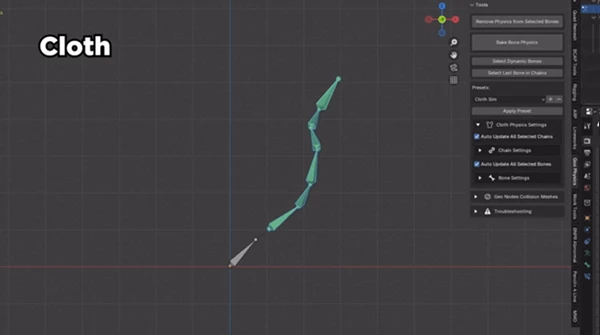
🔹 Cloth Simulation
Based on the native cloth system in Blender, with a few updates and improvements. This is best for long, thin bone chains like ponytails or braids.
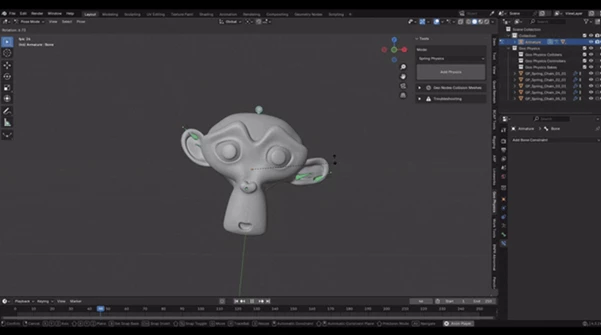
🔹 Jiggle Physics
Adds weight to any bone in your project. This is best for adding movement and life to soft items or mechanical objects.
🔹 Soft Body Simulation
An efficient system for simulating soft body objects. It’s great for projects that require drag simulation.
🔹 Wind System
A system that adds noise to any object in your scene. This is perfect for simulating motion caused by wind as well as for treadmill animations.
🔹 Collision System
Goo Physics can simulate collisions between objects. However, instead of using the original 3D models for those objects, it uses simplified models to decrease simulation time.
🔹 Presets for Speed & Simplicity
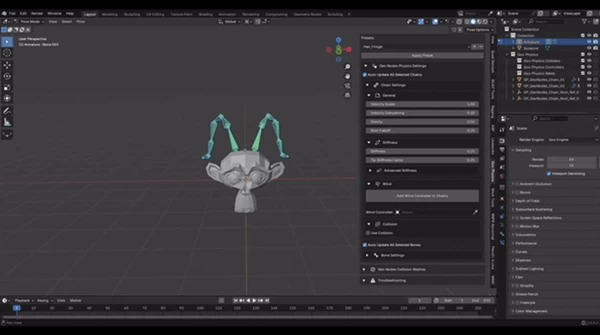
Quick presets that let you define the parameters of your projects without having to enter the simulation systems. Soft Body Presets
- Goo Sim_Chain → balanced motion for most cases
- Goo Stiff → rigid elements (branches, roots)
- Goo Flappy → light, drag-heavy motion (capes, scarves)
- Slowmo → slow-motion hair effects
- Metal/Jewelry → small-scale simulations
Geo Nodes Presets
- Hair_Fringe → subtle movement for bangs
- Hair_Side → medium-length strands or skirts
- Hair_Ponytail → long chains like ponytails or dresses
💡 Pro Tips for Better Results
🎨 Keep Control Over Style
Don’t rely 100% on simulation. Use Goo Physics’ tweakability to refine motion and match your artistic vision.
🌊 Use Wind Creatively
Even subtle wind can add life to static shots—especially useful in looping animations or walk cycles.
🧩 Combine Systems
Mix soft body, cloth, and jiggle physics together for richer, layered motion.
⚡ Start with Presets
Presets are your best friend. Use them as a base, then adjust for your specific scene.
🎬 Final Thoughts
In a way, Goo Physics is a tool that understands what animators and artists need in the world of stylized animation. It allows users to: Save time, maintain control over their characters. Achieve a more appealing motion for their projects.
For anyone struggling with the limits of current Blender features, Goo Physics is a tool that opens up a whole new world of possibilities for character simulation. Give it a try - and let it open up even more possibilities for your animation projects!

Files Password : gfxplugin.com OR 123456