Downloadable Files
You can download the Torn Paper product for free from the end of this page.
✂️ A Faster Way to Create Realistic Torn Paper Effects
Ever spent hours searching for the perfect torn paper texture or trying to fake it with brushes in Photoshop? It usually ends up looking… well, fake.
That’s exactly where Torn Paper changes the game. With just a masked layer, you can instantly generate highly realistic torn edges—no scanning, no stock assets, no guesswork. It’s quick, flexible, and honestly a lot more fun to use.
🧩 What Is Torn Paper & Why It Matters
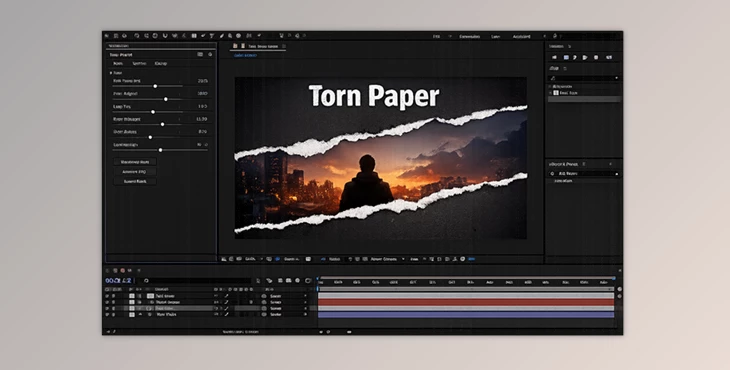
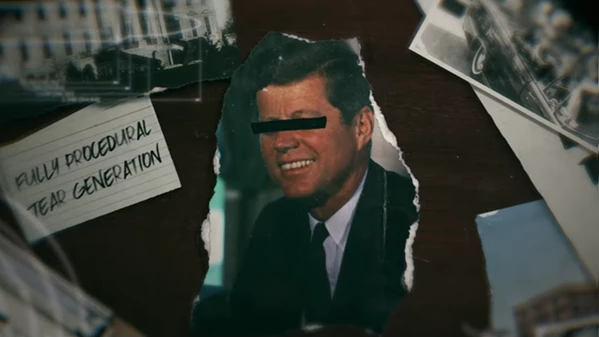
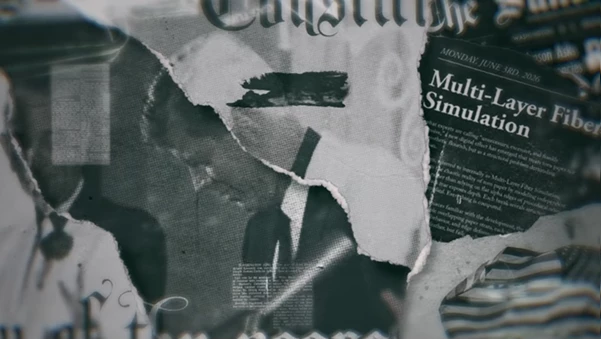
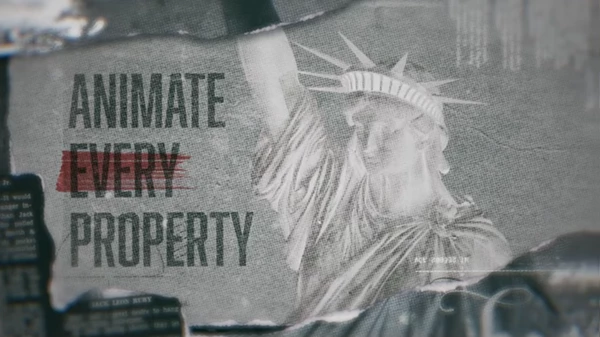
At its core, Torn Paper is a procedural tool that transforms any masked layer into a natural-looking torn paper effect. Instead of relying on static textures, everything is generated dynamically.
Why this improves your work:
- Realism without effort: Procedural generation mimics natural randomness—something static assets struggle with.
- Full creative control: You’re not limited to one look; every detail can be adjusted.
- Consistency at any resolution: Whether it’s HD or 4K, the quality stays sharp.
Where you’ll actually use it:
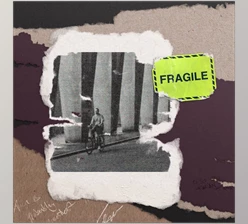
- Creating vintage-style title cards
- Designing scrapbook or collage animations
- Adding texture to documentaries or historical edits
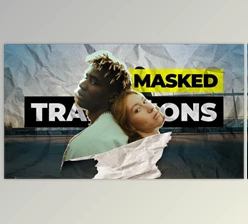
- Crafting transitions in music videos
- Enhancing storytelling with tactile, paper-based visuals
🎬 Meet the Tool: Torn Paper
Torn Paper is a professional plugin designed to simplify and elevate the process of creating torn paper effects. It takes something traditionally time-consuming and turns it into a fast, interactive experience.
⚙️ Features
- Procedural Torn Edges: Control inner and outer edges independently—adjust roughness, jaggedness, and notches for a truly organic feel.
- Dynamic Paper Fibers: Add realistic fibers extending from the tear, with customizable length, density, and shadows.
- Fold Marks & Cracks: Place fold lines anywhere, complete with subtle cracks and dual-sided shadowing for depth.
- Dirt & Grunge Effects: Introduce dust, smudges, and aging effects to give your design a worn, authentic look.
- Fully Animatable Parameters: Every setting can be keyframed—animate tears growing across the screen effortlessly.
- GPU Acceleration: Real-time previews powered by CUDA (Windows) and Metal (Mac), making the workflow smooth and fast.
- Infinite Variations: Change the random seed to instantly generate new tear patterns and textures.
🎯 Pro Tips for Better Results
Want your torn paper effects to look even more convincing? Try these:
- Don’t overdo the roughness: Natural tears have variation—keep some areas smoother for realism.
- Layer subtle grunge: A little dirt goes a long way. Too much can make the design look forced.
- Animate with purpose: Use mask animation to simulate a tearing motion—it adds storytelling value.
- Combine folds with shadows: Small fold details can dramatically increase depth and realism.
- Experiment with random seeds: If something feels off, just regenerate—sometimes the perfect look is one click away.
🚀 Final Thoughts
Torn Paper is a better way to deal with the challenges of manually creating torn paper effects. You’ll have more creative control over your projects and less time-consuming efforts. Whether you’re creating a simple animated title card or adding a new texture to another project entirely, Torn Paper will get you there faster and with better results. Give it a try and explore all of its features - your editing workflow will thank you!

Files Password : gfxplugin.com OR 123456