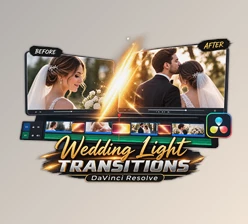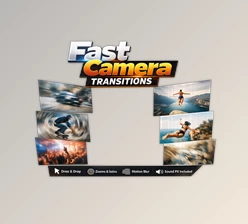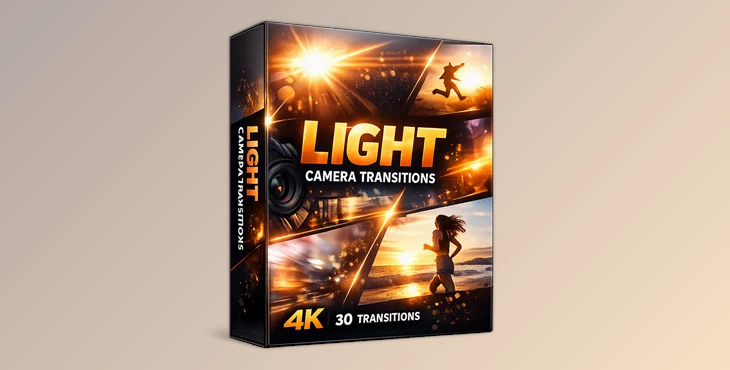
Downloadable Files
You can download the Light Camera Transitions product for free at the end of this page.
✨ Smooth Visual Flow Starts Here
Have you ever watched a video where every scene flows seamlessly into the next, almost like the camera is dancing through the story? That’s exactly the magic that Light Camera Transitions brings to your projects.
These transitions add energy, movement, and a professional cinematic feel—without complicated editing. Whether you’re creating content for social media, YouTube, or client projects, these transitions can instantly elevate your visuals and keep your audience engaged.
🎬 What Are Light Camera Transitions?
Light Camera Transitions are dynamic motion-based effects that simulate natural camera movement between clips. Instead of simple cuts, they create a smooth shift—like zooming, panning, or spinning—from one scene to another.
Why They Matter
- They make your edits feel more fluid and less abrupt.
- They help guide the viewer’s attention naturally.
- They add a cinematic, high-quality touch to any video.
Real-World Use Cases
- Travel vlogs with seamless scene changes.
- Instagram reels with fast-paced storytelling.
- Commercial videos where visual polish matters.
These transitions improve the final result by making your content look intentional and professionally crafted rather than just edited together.
🚀 Meet the Tool: Light Camera Transitions Pack
If you’re looking for a fast and effective way to upgrade your edits, this Light Camera Transitions pack is a solid choice. It simplifies complex motion effects into ready-to-use assets, saving you both time and effort.
🔧 Features
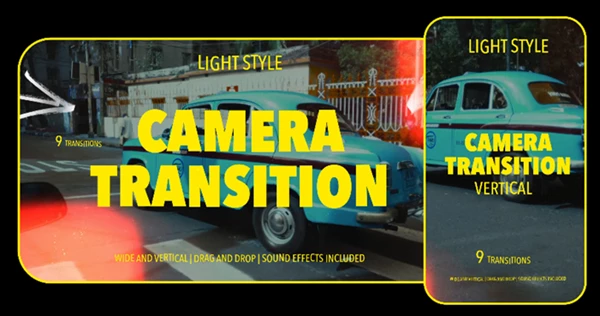
- 18 MOGRT Files Included – Easy to use directly in Premiere Pro.
- Included Sound Effects – Perfectly synced audio for each transition.
- Video Tutorial Included – Learn quickly, even if you’re a beginner.
- Very Fast Render – No heavy processing or long waiting times.
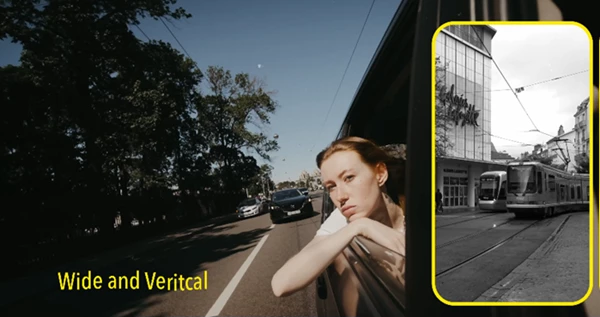
- Wide & Vertical Resolution Support – Ideal for both YouTube and mobile content.
Real Impact in Projects
Imagine editing a vlog where each scene smoothly glides into the next with matching sound effects—it instantly feels more cinematic. Or creating a vertical reel where transitions match the rhythm of music perfectly. These small details make a huge difference in how professional your content looks.
💡 Pro Tips for Better Results
To get the most out of Light Camera Transitions, try these simple techniques:
- Match movement direction: If your clip moves left, use a transition that follows that motion.
- Sync with music beats: This makes transitions feel natural and satisfying.
- Don’t overuse them: Strategic placement keeps your video clean and professional.
- Adjust speed when needed: Slower transitions can feel more cinematic, faster ones more energetic.
These tips help your edits look intentional rather than over-edited.
🎯 Final Thoughts
Light Camera Transitions will significantly upgrade your editing software and your editing skills. These editing transitions will allow for smoother editing of your videos that your audience will enjoy.
If you are looking to include editing transitions to your videos that will provide a more engaging experience for your audience and save you time editing your projects, then this Light Camera Transitions tool is definitely worth trying. Give it a shot and upgrade your editing skills today!

Files Password : gfxplugin.com OR 123456