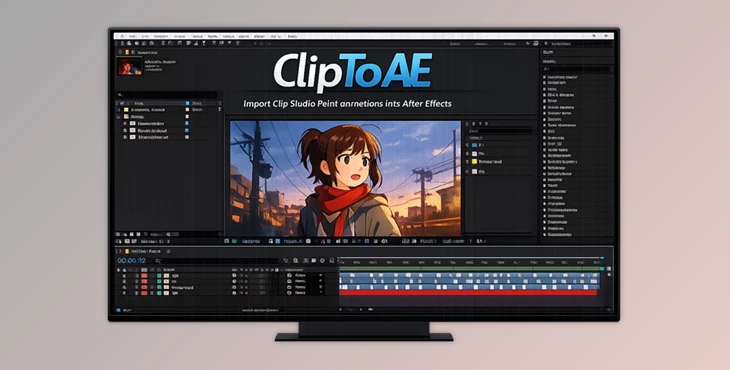
Downloadable Files
You can download ClipToAE for free at the end of this page.
🎬 A Faster Way to Move Your Animations
If you’ve ever tried to move animations from Clip Studio Paint into After Effects, you know how messy it can get—hundreds of image files, broken timing, and lost structure.
What if you could transfer everything in seconds without that chaos? That’s exactly where ClipToAE comes in. It bridges the gap between your drawing workflow and post-production, making the process smooth, clean, and actually enjoyable.
🧠 What Is ClipToAE & Why It Matters
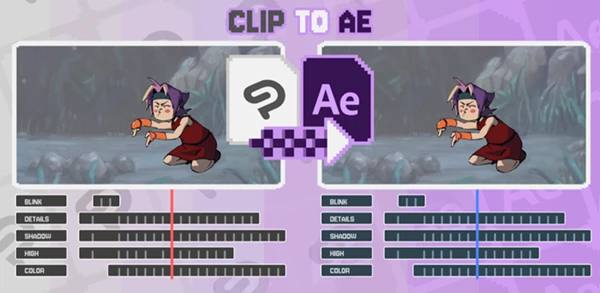
At its core, ClipToAE is a tool that allows you to import your Clip Studio Paint projects into After Effects and preserve the entire project.
Why this is powerful:
- Your layers are preserved.
- Your timing is preserved.
- Your opacity and structure are preserved.
Real-world example:
Imagine you have animated a project in Clip Studio Paint. When you try to import it into After Effects, you have to essentially reconstruct your project. ClipToAE imports your project and allows you to continue.
Why this improves the results:
- It saves you hours of reconstruction.
- It reduces the errors that can happen from reconstruction.
- It keeps your project organized.
- It allows you to focus on your design and creativity.
🚀 Meet ClipToAE – A Professional Workflow Tool
ClipToAE is designed for artists, animators, and motion designers who want a seamless transition between illustration and post-production. It transforms a complex pipeline into a clean, structured workflow using a PSD file and an Exposure Sheet CSV.
✨ Features
🔹 Direct Import Workflow
- Import animations straight into After Effects
- No need for image sequences or file clutter
🔹 Full Structure Preservation
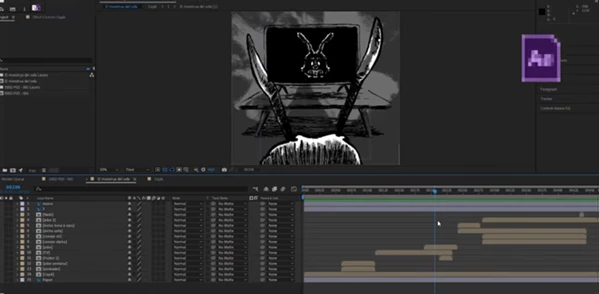
- Maintains layer names, hierarchy, and organization
- Keeps your timeline intact
🔹 Timing Accuracy
- Rebuilds your animation timing using the Exposure Sheet CSV
- Ensures frame-perfect results
🔹 Opacity & Layer Data Retention
- No loss of visual information.
- Everything looks exactly as intended.
🔹 Clean & Organized Compositions
- Automatically structured After Effects projects
- Ready for professional post-production work
🎥 Real Impact in Projects
- 2D Animation Studios: Speed up pipeline from drawing to compositing
- Freelancers: Deliver projects faster with fewer technical headaches
- Motion Designers: Focus on effects and storytelling instead of rebuilding timelines
🛠️ Pro Tips for Even Better Results
✅ Keep Your Layers Organized: Name your layers and group them together prior to exporting from Clip Studio Paint. This will make the After Effects project even more organized.
✅ Use Exposure Sheets Properly: Make sure that the frames and timing for each frame in your exposure sheet match what you want to be imported into After Effects.
✅ Plan Your Clip Studio Paint and After Effects Pipeline: Think ahead about what effects and treatments you plan to apply in After Effects to structure your Clip Studio Paint file appropriately.
✅ Test This Tool on a Small Clip First: Try to understand how to use this tool on a small animation to get a feel for it before applying it to larger projects.
🎯 Final Thoughts
ClipToAE is a tool that removes the most frustrating step in the 2D animation process for professionals. Considering the time and money ClipToAE can save you, this is one of the better tools in the market for video editors and animators. ClipToAE is definitely something to try, and will immediately make a difference in the way you work.