Downloadable Files
You can download PRISMA for free at the end of this page.
🎬 A Fresh Way to Transform Your Visuals
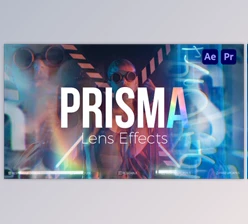
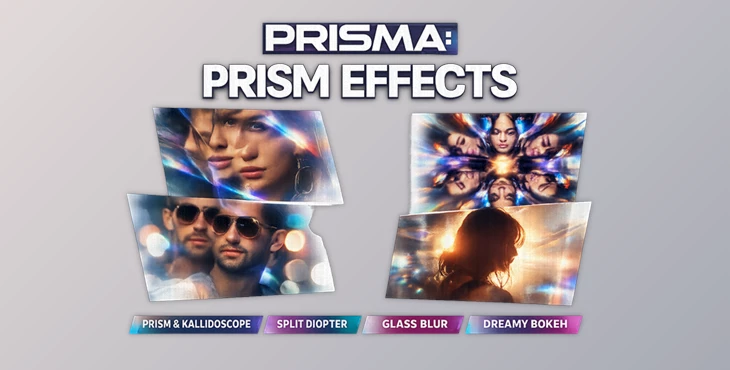
If you’ve ever wanted to give your videos or photos a unique, eye-catching twist, then you need to check out the following application: PRISMA. This unique editing software library gives users dozens of different real lens effects to choose from, all of which can be applied with a drag-and-drop action. Transform your footage to the next dimension without learning a thing about editing!
🔍 What Is It & Why It Matters
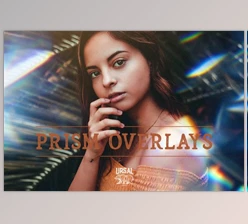
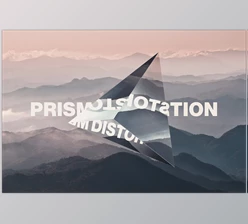
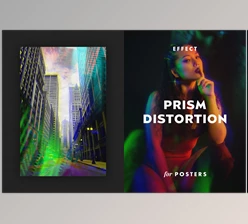
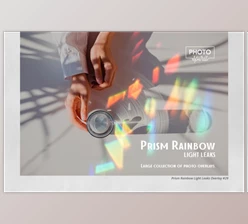
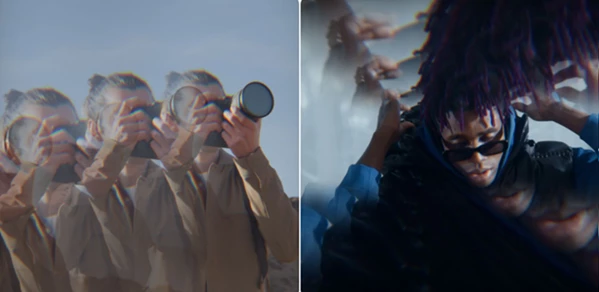
PRISMA is a collection of lens distortion effects inspired by optical tools such as prisms and split diopters.
💡 What does that mean for me?
It means I can quickly add effects to my projects that mimic how light bends through glass and lenses.
🎯 Real-World Uses
Add depth to your music videos Add dreamy filters to your social media platforms Enhance the product photos for your e-commerce platforms Add abstract transitions to your motion graphics projects
🚀 Why It Improves My Work
The lens distortion effects add considerable depth, movement, and complexity to my projects - elements that would normally take hours of manual creation. I can produce project after project that stand out from the rest due to their improved visual complexity.
🧰 Meet the Tool: A Creative Powerhouse
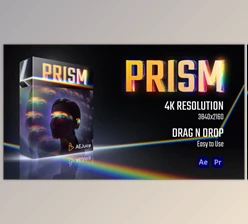
PRISMA - PRISM EFFECTS is designed for creators who want high-end visuals without complicated workflows. Whether you're editing videos or designing graphics, it simplifies everything.
⚙️ Features
🎨 30+ Prism Effects per Layout
A huge collection of prism-based distortions, including:
- Kaleidoscope effects
- Split diopter visuals
- Linear and geometric prism styles
🧩 Multiple Aspect Ratios
Perfect for every platform:
- 4K (3840×2160)
- HD (1920×1080)
- Square (1:1)
- Social formats (4:5, 9:16)
🖱️ Drag & Drop Workflow
No complicated setup. Just drop your footage into pre-built scenes and export
⚡ No Plugins Required
Everything works inside After Effects (CC 2024), so you don’t need any third-party tools.
🔄 Regular Updates
You get ongoing improvements and new effects over time.
🖼️ Photoshop Version Included
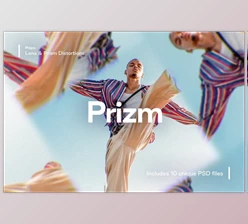
Unlock additional prism effects for images with multiple layouts (horizontal, vertical, square).
🎬 Example Use Cases
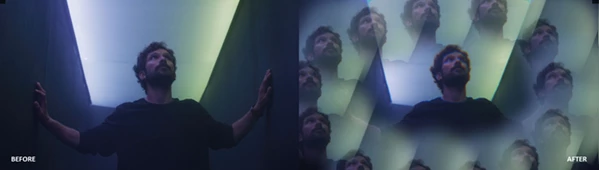
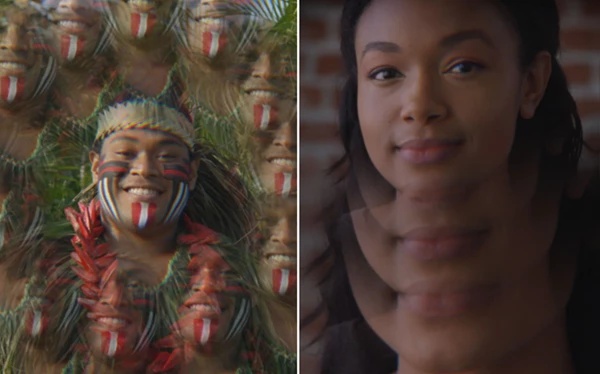
- Music video overlays with kaleidoscope visuals
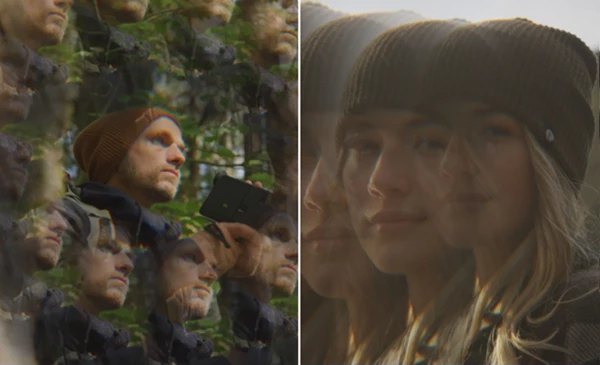
- Fashion edits with split prism reflections
- Social media reels with dynamic glass distortions
- Abstract backgrounds for branding projects
🎯 Pro Tips for Better Results
✨ Keep It Subtle
Overusing prism effects can overwhelm your visuals. Use them to enhance—not dominate—the scene.
🎨 Match the Mood
Choose effects that fit your content:
- Soft bokeh for emotional scenes
- Sharp prism splits for energetic edits
🔁 Combine Effects Smartly
Layer multiple prism styles with different opacities to create unique compositions.
📱 Optimize for Platform
Use the correct aspect ratio (like 9:16 for reels) to ensure your visuals look perfect everywhere.
🚀 Final Thoughts
PRISMA is more than just a pack of visual effects. It’s a way to tell cinematic stories with your content. PRISMA - PRISM EFFECTS is perfect for both beginners and professionals looking to create stunning visuals. If you’re looking for something that can add that extra bit of depth, style, and originality to your projects, then by all means, give it a try!

Files Password : gfxplugin.com OR 123456