Downloadable Files
You can download PQ FUI Toys 3 for free at the end of this page.
Bring Your Interfaces to Life 🎛️
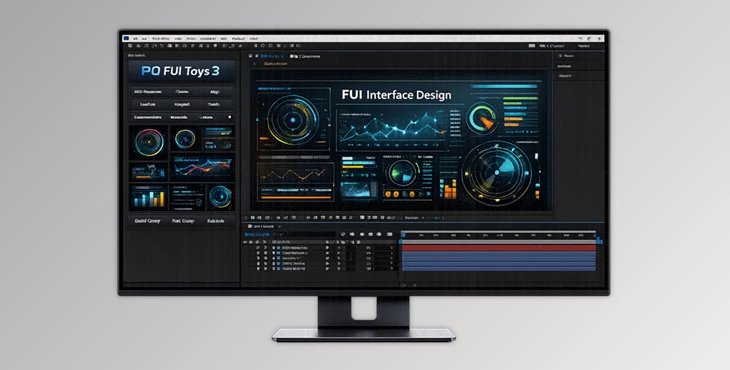
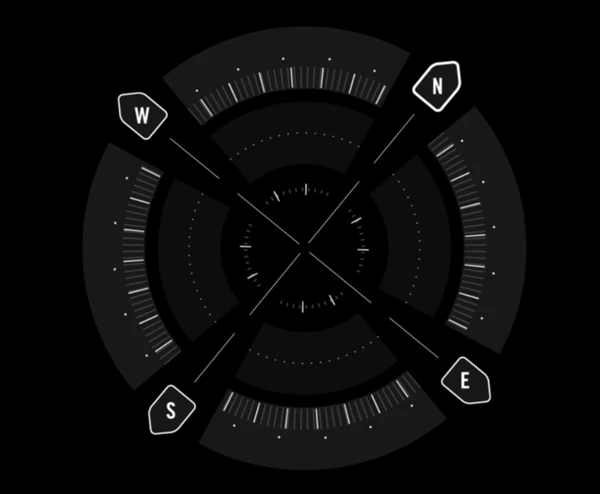
Ever needed a sci-fi dashboard, looping interface, or screen animation that looks like it’s from the future but don’t want to invest a significant amount of time to build it out completely? PQ FUI Toys 3 has you covered and does it quickly, with ease, and a lot of flexibility. Instead of spending lots of time creating complex UI animations from scratch, you’ll find pre-animated Fake User Interface (FUI) elements that are delivered as editable After Effects comps. Browse, generate, and edit your very own animated comp right inside After Effects. It's all about creativity and speed - perfect for when you want your UI to have that extra lively touch!
What Is PQ FUI Toys 3 and Why Is It Useful?
PQ FUI Toys 3 is a collection of pre-animated (sometimes looping) Fake User Interface elements built entirely inside After Effects using:
- Shape layers
- Masks
- Native After Effects plugins
There are zero external assets included. Everything is generated procedurally and remains fully editable.
Real-World Use Cases
Here’s where it becomes incredibly useful:
- 🎬 Sci-fi film interfaces (HUDs, control panels, futuristic displays)
- 📺 Tech promos and explainer videos
- 🎮 Game UI mockups and cinematic overlays
- 📊 Animated dashboards and data visualizations
- 📱 Concept UI animations for apps or products
Because the elements are fully customizable AE comps, you can:
- Change colors
- Modify layout details
- Adjust timing and looping
- Control animation parameters via expression controllers
This flexibility improves your final results because you’re not locked into rigid templates. You can adapt every interface to match your project’s branding, tone, and motion style.
Meet the Tool: PQ FUI Toys 3
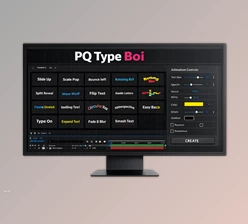
PQ FUI Toys 3 introduces a Script UI panel inside After Effects that lets you:
- Search
- Browse
- Generate editable AE comps directly into your project
Instead of importing heavy asset packs, you generate what you need instantly.
How It Works
To install the panel:
- Drag the PQ FUI Toys 3.jsxbin file into:
After Effects > Scripts > ScriptUI Panels
- Open After Effects.
- Go to the Window menu.
- Select PQ FUI Toys.
- Dock it anywhere in your interface.
Now you have direct access to generating customizable FUI elements without leaving AE.
Features
1. Pre-Animated & Looping Elements
Many assets come pre-animated, and some are built to loop seamlessly—perfect for backgrounds, HUD overlays, or continuous interface displays.
2. Fully Editable Compositions
Every generated asset is an editable After Effects comp. You’re not dealing with flat renders—you can dive into layers and modify details.
3. Expression Controllers
Key parameters are exposed through expression controllers, making customization quick and intuitive. No deep scripting knowledge required.
4. Zero External Assets
The pack contains no external media. Everything is built using:
- Shape layers
- Masks
- Native AE effects
This means:
- Lightweight projects
- Full scalability
- No missing files
- Maximum customization freedom
5. Script UI Panel Integration
The tool integrates directly into the After Effects interface. Generate what you need instantly without manually importing assets.
Real Creative Impact
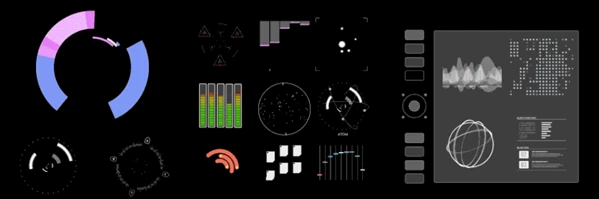
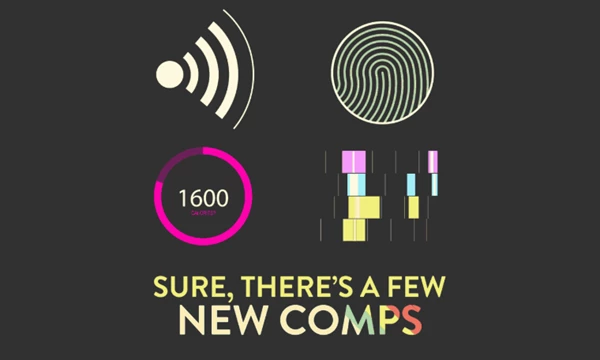
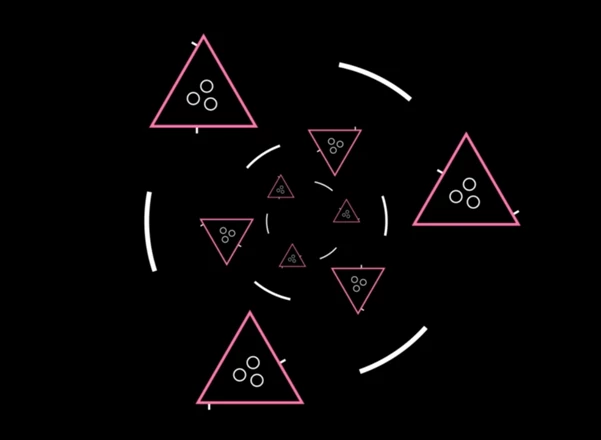
Imagine building a sci-fi control room scene. Instead of designing ten animated panels manually, you generate multiple FUI comps, tweak colors to match your environment, adjust animation speed, and instantly create a cohesive high-tech atmosphere. Or picture a tech product promo—adding animated UI overlays gives it a premium, advanced feel with minimal effort. That’s the practical power of PQ FUI Toys 3.
Pro Tips for Better Results 💡
Here are some friendly, practical tips to get the most out of it:
- Customize Beyond Colors: Don’t just change the color palette. Adjust scale, timing, and layout to avoid a “template look.”
- Combine Multiple Comps: Layer several FUI elements together with blending modes for richer, more cinematic interfaces.
- Adjust Loop Timing: If you’re using looping animations, tweak speed slightly to match your project’s rhythm or music.
- Use Depth & Blur: Add subtle blur, glow, or depth of field to integrate UI elements more naturally into live-action footage.
- Keep It Purposeful: Even though the animations look cool, make sure they serve the story or message. Clean and intentional design always looks more professional.
Final Thoughts – Why It’s Worth Trying 🚀
PQ FUI Toys 3 transforms the way you create animated interfaces in After Effects. Instead of spending hours constructing detailed UI graphics from scratch, you generate flexible, fully editable comps directly inside your workspace. The combination of pre-animation, expression control, and native AE construction gives you both speed and total creative freedom. It’s not about replacing creativity—it’s about accelerating it. If you work with sci-fi visuals, tech promos, motion graphics, or cinematic overlays, this tool can significantly improve both your workflow and your final output. Explore it, experiment with it, and make it your own.

Files Password : gfxplugin.com OR 123456