Downloadable Files
You can download BaseLUTs for Panasonic GH7 for free at the bottom of this page.
Instantly Better Color, Zero Guesswork
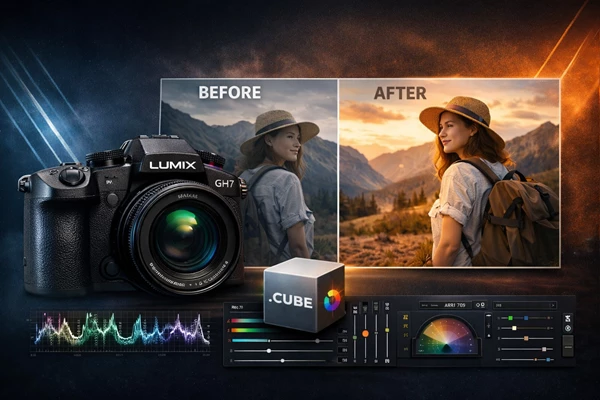
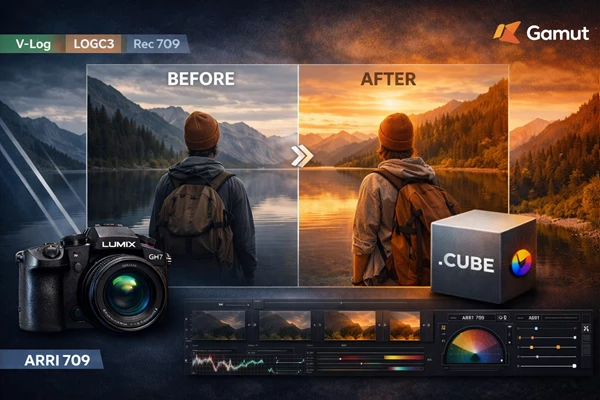
If you’re shooting with the Panasonic GH7, you already know how powerful it is. But flat profiles like V-Log or LogC3 don’t look impressive straight out of the camera—and that’s where many creators get stuck. BaseLUTs for Panasonic GH7 are designed to remove that frustration. These precision conversion LUTs give you accurate, professional color transforms into Rec709, ARRI709, and DaVinci Wide Gamut (DWG)—so your footage instantly looks correct, balanced, and ready for creative grading. No overprocessed look. No unnatural tones. Just a clean, reliable starting point.
What Is a Conversion LUT (And Why It Matters)?
A conversion LUT is essentially a technical color translator. When you shoot in profiles like:
- V-Log
- LogC3
- Cinelike D2
Your footage is intentionally flat to preserve dynamic range. But flat footage isn’t meant to be the final look—it needs proper conversion into a standard color space. That’s exactly what these LUTs do.
Why This Improves Your Results
Instead of manually adjusting:
- Contrast
- Gamma
- Saturation
- Highlight rolloff
- Skin tone balance
You apply a BaseLUT and immediately get:
- Accurate Rec709 output
- Natural-looking skin tones
- Clean highlight handling
- Consistent color behavior across projects
This means less time fixing, more time creating.
Professional Tool Overview: Built for Real Workflows
BaseLUTs for Panasonic GH7 is a precision-engineered LUT pack created specifically for GH7 shooters who need dependable color conversion for professional workflows. Whether you’re delivering online content, commercial work, or cinematic projects, BaseLUTs for Panasonic GH7 simplify your pipeline.
Specialty Notes (Important to Know)
- The GH7 dynamic range boost will not function when shooting over 60 fps (including slow & quick mode).
- Dynamic range boost is applied automatically by default and cannot be disabled.
So if you’re shooting high frame rates, expect different dynamic behavior compared to standard frame rates.
Features
LogC3 Conversions
- BaseLUT for LogC3 to Rec709
- BaseLUT for LogC3 to ARRI709
- BaseLUT for LogC3 to Rec709 (Bold Version)
- BaseLUT for LogC3 to DWG
V-Log Conversions
- BaseLUT for V-Log to Rec709
- BaseLUT for V-Log to ARRI709
- BaseLUT for V-Log to Rec709 (Bold Version)
- BaseLUT for V-Log to DWG
Cinelike D2 Conversions
- BaseLUT for Cinelike D2 to Rec709
- BaseLUT for Cinelike D2 to ARRI709
- BaseLUT for Cinelike D2 to Rec709 (Bold Version)
File Specifications
- All non-DWG LUTs are delivered in 33x Cube file size
- Monitoring LUTs are provided in a 17x Cube file size
This ensures high precision for grading and efficient performance for monitoring workflows.
Real-World Use Cases
- Shooting weddings in V-Log? Apply V-Log to Rec709 for a clean, natural base.
- Editing a short film? Use ARRI709 for a more cinematic tonal structure.
- Working in DaVinci Resolve with advanced grading? Convert to DWG first for maximum flexibility.
Each LUT is designed to create a technically correct starting point—so your creative grade sits on solid ground.
Pro Tips for Best Results
1. Expose Properly
These LUTs assume proper exposure. Underexposed log footage will always struggle—even with the best conversion LUT.
2. Use DWG for Advanced Grading
If you’re building a serious color workflow in DaVinci Resolve, the DWG versions give you smoother transitions and more control.
3. Choose Bold Versions for Fast Delivery
The Bold versions are ideal for:
- YouTube content
- Social media edits
- Fast-turnaround projects
They provide a stronger contrast and punch right away.
4. ARRI709 for Cinematic Matching
If you’re mixing GH7 with ARRI footage—or simply want a more filmic tonal response—ARRI709 conversions offer a refined highlight rolloff and balanced contrast curve.
5. Remember the 60fps Limitation
Dynamic range boost does not work above 60fps. Keep this in mind when evaluating your footage.
Final Thoughts: Clean Color, Professional Confidence
BaseLUTs for Panasonic GH7 aren’t about dramatic stylistic filters—it’s about accuracy. It gives you:
- Reliable Rec709 conversions
- ARRI-style tonal options
- Full DWG pipeline support
- Coverage for LogC3, V-Log, and Cinelike D2
- Clean and Bold variations
Most importantly, it gives you a dependable foundation. When your base conversion is correct, everything else becomes easier—and better. If you want faster workflow, consistent color, and professional-grade results, BaseLUTs for Panasonic GH7 are absolutely worth trying.

Files Password : gfxplugin.com OR 123456