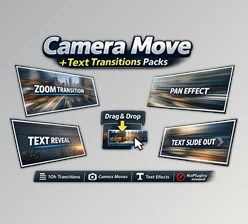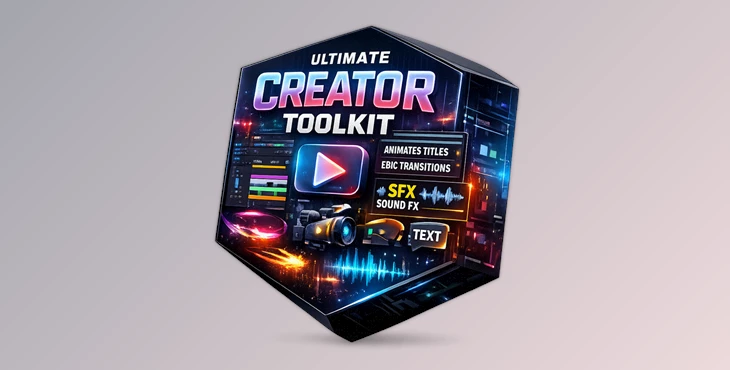
Downloadable Files
You can download Ultimate Creator Toolkit for free at the bottom of this page.
Still Wasting Time on Packs You Never Use?
Most creator packs look good in the previews. But in real-world projects, they’re bloated, messy, and slow to work with. Ultimate Creator Toolkit is different. It’s a clean, focused collection of tools designed to elevate your edits quickly — without complex setups, keyframe hacking, or endless scrolling.
What Is Ultimate Creator Toolkit?
A practical collection of transitions, overlays, sound effects, titles & backgrounds to give your videos an instant upgrade Ultimate Creator Toolkit.
What Does It Improve?
- Flow (for smoother cuts and transitions)
- Texture (filmic footage instead of digital)
- Timing (pacing and energy)
- Clarity (clean titles and modern graphics)
Why this is important?
This is not about crazy effects – this is about giving every edit a polished feel, giving cuts energy, and making sure everything flows seamlessly.
Ultimate Creator Toolkit — What’s Inside?
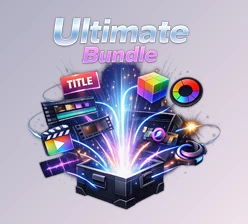
Ultimate Creator Toolkit consists of 5 packs that cover every major aspect of editing these days.
Features
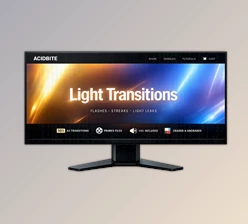
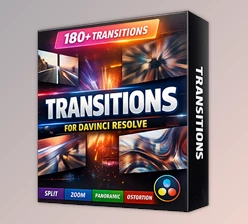
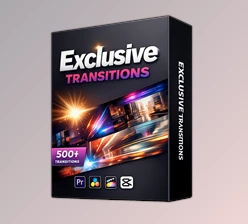
1) Flashform Transition Pack
16 film & flash transitions you can actually use. How it helps:
- Makes cuts feel natural
- Adds energy without being cringy
- Great for fast-paced edits
Great for: intros, reels, cinematic B-roll, ads.
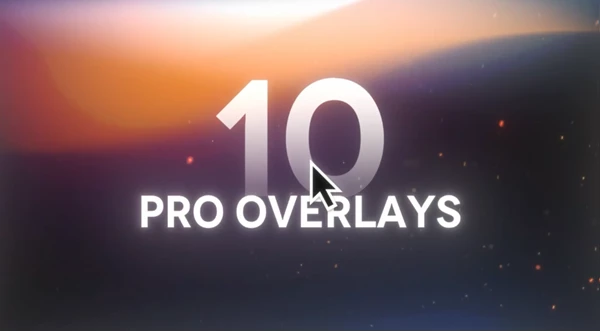
2) Premium Overlay Pack
Includes 20 must-have overlays:
grain, dust, particles, fire, and light leaks.
Why it’s useful:
- Adds texture instantly
- Makes footage feel more premium
- Turns flat visuals into cinematic shots
3) Clean Motion SFX
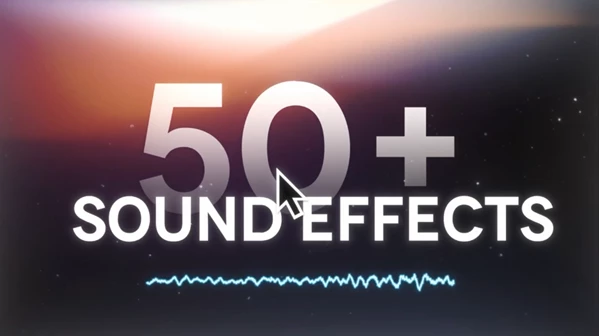
Includes 100+ perfectly timed sound effects:
hits, whooshes, risers, and UI clicks. Collected over 6 years of pro editing, so you don’t waste time searching stock libraries.
Why it’s useful:
- Improves pacing instantly
- Makes transitions feel smoother
- Adds pro-level polish
4) Textflow Animated Titles
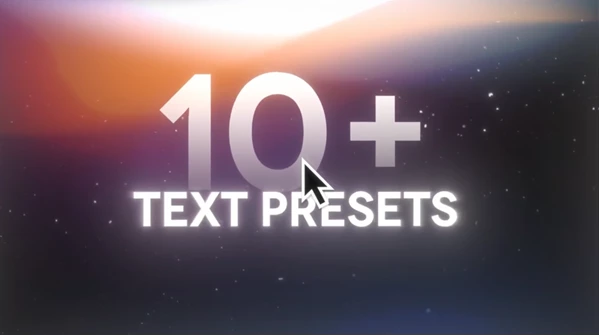
Includes 12 handcrafted text presets. No keyframes. No setup. Just clean motion. Fully customizable in Premiere Pro, including color-gradient sliders.
Why it’s useful:
- Makes text look like motion design
- Keeps your content consistent
- Saves time on every project
5) Depth By Design Background Pack
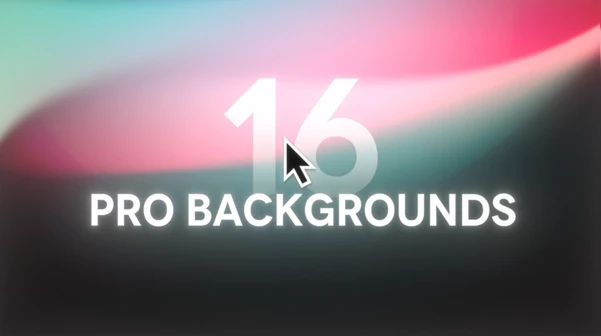
Includes 40+ vertical & horizontal backgrounds:
smooth gradients + soft grain for instant depth. Designed to pair perfectly with Textflow.
Why it’s useful:
- Gives titles a premium stage
- Adds depth without distraction
- Keeps your videos clean and modern
Pro Tips for Better Results
A few simple tricks to make everything feel more natural and professional:
- Use transitions sparingly (best on beat drops or scene changes).
- Lower overlay opacity for realism.
- Layer SFX (whoosh + hit = instant upgrade).
- Keep title styles consistent across your video.
- Match backgrounds to your vibe (clean, dark, bright, etc.).
Final Thoughts
Ultimate Creator Toolkit isn’t about flashy effects—it’s about the essentials that make edits feel professional: smooth transitions, premium texture, clean sound design, modern titles, and instant depth. If you want your videos to look cleaner, sound sharper, and feel more premium—without slowing down your workflow—this toolkit is a simple upgrade that actually delivers.

Files Password : gfxplugin.com OR 123456