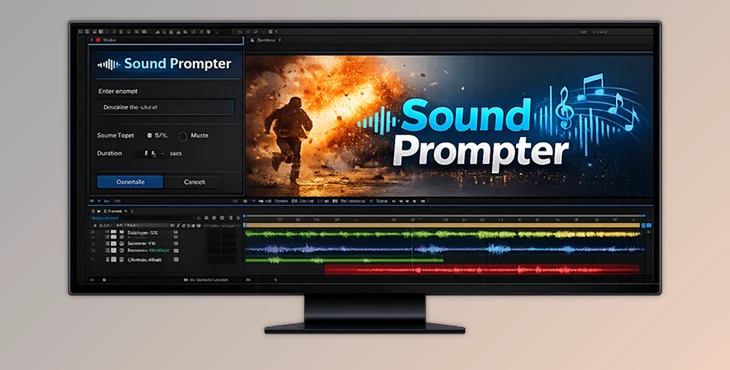
Downloadable Files
You can download Sound Prompter for free from the end of this product page.
🎧 Turn Your Visuals into Sound, Instantly
Ever looked at a video layer in After Effects and thought, “This really needs sound”—but didn’t want to jump between audio libraries, editors, and timelines? Sound Prompter was built exactly for that moment.
It’s a smart, locally running AI plugin that listens to your visuals and generates high-quality sound effects (and even music) directly from your composition layers. Fast, intuitive, and surprisingly fun to use.
If you’re a motion designer, VFX artist, or video creator who wants sound that actually feels synced, this tool is about to save you a lot of time—and creative energy.
🔊 What Is Sound Prompter and Why It Matters
At its core, Sound Prompter is a layer-based AI audio generator for Adobe After Effects.
Instead of searching for sound effects manually, the plugin analyzes your footage and creates custom audio that matches what’s happening on screen.
Real-World Uses You’ll Instantly Recognize
Motion graphics: Generate whooshes, impacts, or subtle UI sounds directly from animated layers.
3D renders: Add mechanical, environmental, or cinematic sounds that match movement and timing.
Live-action footage: Automatically create ambient or action-based sound effects synced to events.
AI-generated videos: Finally, give AI visuals sound that feels intentional and well-timed.
Because the audio is generated based on your actual layers and timing, the result feels more natural and integrated—no more “almost synced” sound effects.
🚀 Meet Sound Prompter: A Pro-Level Audio Tool for After Effects
Sound Prompter is an After Effects plugin that runs entirely on your local machine using AI.
You apply it to a layer, describe what you want using text prompts, and the plugin generates a .wav file that’s automatically added to your composition and saved to disk.
Features
🎵 High-Quality Local AI Audio Generation
The AI runs locally on your system, analyzing video frames and generating sound effects (and optional music) in just a few seconds—no cloud uploads, no waiting.
⏱ Perfectly Synced to Your Video
The generated audio aligns with the content and timing of your footage, making the result feel intentional and polished.
📁 Automatic .WAV Output
Every generated sound is added directly to your timeline and saved as a .wav file, ready for reuse or export.
🎬 Works with Any Type of Footage
Real-world videos, motion design, 3D renders, or AI-generated clips—Sound Prompter handles them all.
🧩 Layer & Subcomp Friendly Workflow
Apply it to individual layers, subcomps, or even adjustment layers to let multiple elements influence the generated sound.
✍️ Prompt-Based Control
Use positive prompts to describe the sound you want and negative prompts to suppress things like music or unwanted elements.
🎯 Pro Tips for Better, More Natural Results
Be specific with prompts: Instead of “impact,” try “heavy metallic impact with short echo.”
Use negative prompts wisely: Suppress music or ambient noise when you only want pure SFX.
Leverage adjustment layers: Let multiple visual elements contribute to a richer, more complex sound.
Iterate fast: The first generation may take longer, but once the model is loaded, experimenting is quick and smooth.
Match sound style to visuals: Cinematic visuals benefit from layered, textured sounds—keep that in mind when prompting.
These small tweaks can make the generated audio feel far more professional and intentional.
🎬 Why Sound Prompter Is Worth Exploring
Sound Prompter has been revolutionary for us because it removes the biggest friction point in motion design: Sound design.
 Sound Prompte - Layer-Based AI Audio Generation (v1.2.64 for Win, Mac).rar (Size: 5.2 MB - Date: 8/11/2026 10:53:19 AM)
- Sound Prompter Layer-Based AI Audio Generation v1.1.47 (Win).rar (Size: 3.8 MB - Date: 2/14/2026 2:21:27 PM)
- Aescripts - Sound Prompter v1.1.46 (Win).rar (Size: 3.8 MB - Date: 2/5/2026 1:28:00 PM)
Files Password : gfxplugin.com OR 123456