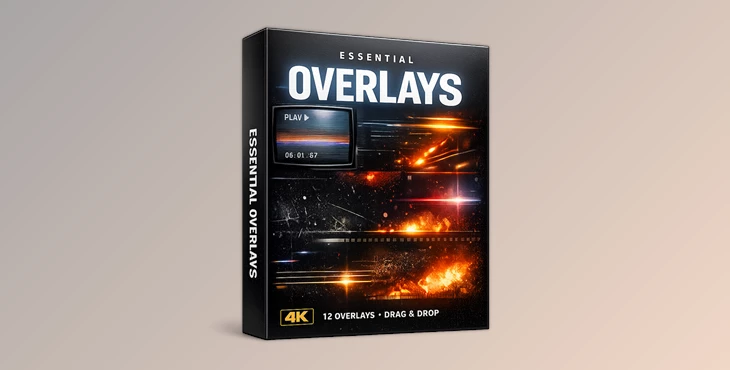
Downloadable Files
You can download Essential Overlays for free from the end of this page.
Create Professional Visuals Without the Hassle
They’re designed to help you enhance the aesthetic value of your videos without plugins or complicated editing. If you’ve ever felt that your videos look almost professional but miss that final polish, Essential Overlays are for you. Make sure you aren’t missing this valuable resource when it comes to elevating the visual appeal of your videos.
What Are Essential Overlays & Why Do They Matter?
- Essential Overlays include numerous visual elements to add depth and style to your videos.
- Compatible with DaVinci Resolve
- Available in 4K resolution
- Real-World Uses You Can Visualize
- Adding cinematic texture to YouTube videos, social media content, and brand videos.
- Creating smooth transitions and visual accents.
How These Features Improve Your Final Result
- Save time.
- Add a professional look to your footage.
- Maintain visual consistency
- Essentials Overlays have high quality in every frame.
- Adding overlays makes videos cinematic and stylish.
Adding overlay elements creates brand recognition and improves visual consistency.
Meet the Tool – Ryan Herrick’s Essential Overlays
Ryan Herrick – Essential Overlays for DaVinci is a curated pack of 12 powerhouse overlays that Ryan personally uses in all his videos. They’re custom-designed, user-friendly, and built for creators who value speed and quality.
Features
- 12 Drag & Drop Overlays: Ready to use instantly—just place them on your timeline and adjust.
- True 4K Quality: Crisp, clean visuals that hold up even in high-end productions.
- Custom-Designed Assets: Carefully crafted overlays that feel modern and professional.
- Works in Any Editing Software: No restrictions, no extra plugins, no setup headaches.
- Beginner-Friendly Workflow: Perfect for both new editors and experienced creators.
Real Project Impact
Creators use these overlays to:
- Speed up editing workflows.
- Add cinematic flair to simple footage.
- Maintain a consistent visual identity across videos.
Whether it’s YouTube content, Instagram reels, or client projects, the overlays quietly enhance the visuals without stealing attention from the story.
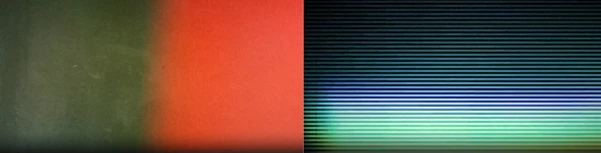
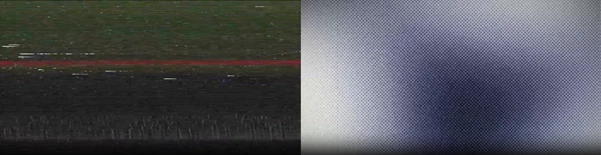
Pro Techniques & Practical Tips
- Use the overlays subtly — less is more.
- Use the opacity for a more natural look.
- Use them to add to your color grading for a cinematic look.
Make It Look Professional
- Don’t use too many overlays at once
- All these small adjustments make a big difference and give you a more professional look.
Final Thoughts – Small Tools, Big Impact
This proves that you don’t need much to create professional-quality visuals. If you want to save time, improve the quality of your visuals, and have a better editing experience, this is one of those tools worth trying.

Files Password : gfxplugin.com OR 123456