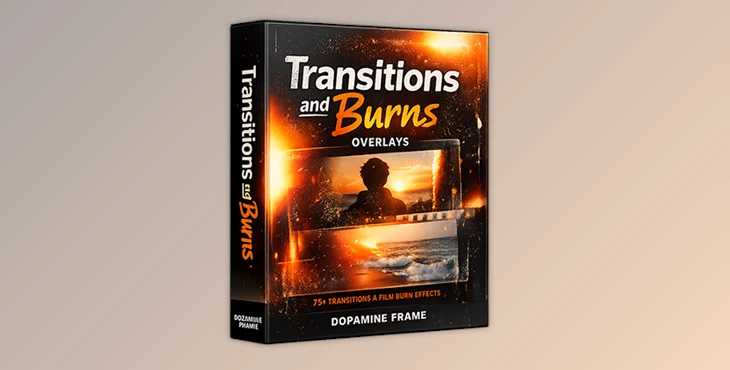
Downloadable Files
You can download Transitions and Burns Overlays for free from the bottom of this page.
🎬 Bring Your Edits to Life
Have you ever felt that your edits look clean but lack emotion?
Sometimes, what separates an average edit from a cinematic one is not the footage itself, but how scenes flow into each other.
Transitions and Burns Overlays are designed to add smooth, timeless film transitions and organic light burns to your projects—without complicated workflows. Just drag, drop, and instantly elevate the visual storytelling of your videos.
🎞️ What Are Transitions and Burns Overlays & How Are They Used?
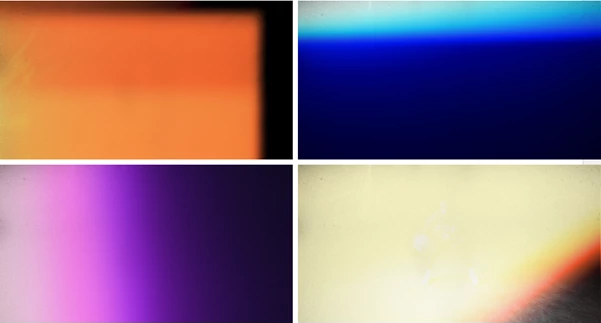
Transitions and Burns Overlays are essentially high-quality film-based overlays that have natural transitions, light leaks, and burn effects.
This tool adds cinematic transitions to clips that would otherwise be harsh cuts. They make for smooth edits while adding a realistic vintage film look.
Why do they matter?
They replace harsh cuts with smooth, cinematic transitions
They add a realistic vintage film look
They enhance visual rhythm and storytelling
Real-world applications:
Vlogs & YouTube content: Smooth scene changes without distraction
Music videos: Add emotional impact with light burns synced to the beat
Commercials & ads: Create a premium, professional feel
Short films & documentaries: Maintain flow and cinematic continuity
These features improve the final result by making transitions feel natural and immersive rather than artificial.
🎥 Professional Tool Overview | Transitions and Burns Overlays
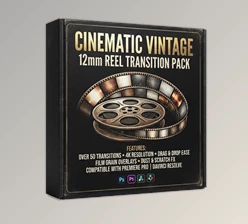
Transitions and Burns Overlays by Dopamine Frame is a professional-grade collection built for creators who value speed, quality, and authenticity.
✨ Features
🎥 150 authentic Transitions & Burns (video & static)
🎞️ Ultra HD 4K real film scans
👨🏻💻 Compatible with all editing software
🎬 Professional results in just one click
🎨 Pro Tips & Creative Techniques
To get the most out of Transitions and Burns Overlays, keep these practical tips in mind:
🔹 Reduce opacity for more natural results
🔹 Experiment with blend modes like Screen or Add
🔹 Avoid repeating the same overlay throughout a project
🔹 Match transitions with music beats or camera movement
🔹 Sometimes subtle burns work better than heavy effects
These beginner-friendly editing techniques help content creators improve their editing workflow and achieve professional-level visuals.
🚀 A Cinematic Upgrade Without the Effort
Transitions and Burns Overlays are not about over-editing—they are about enhancing flow, mood, and emotion.
They save time, reduce complexity, and instantly improve the cinematic quality of your work. Whether you’re a content creator, filmmaker, or video editor, this tool helps your projects feel more polished and engaging—naturally.
✨ Sometimes, one great transition is all it takes to transform the entire edit.

Files Password : gfxplugin.com OR 123456


.png)