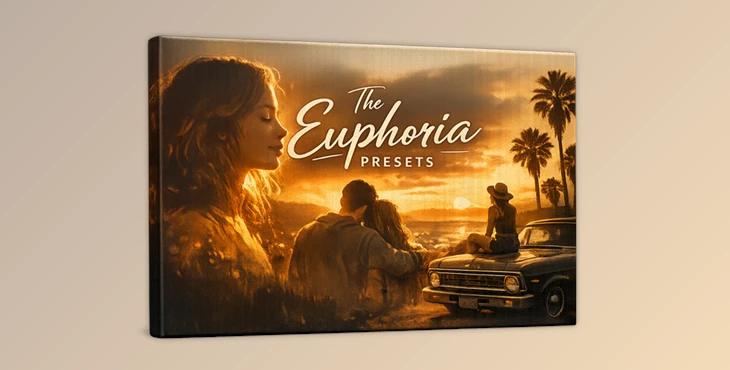
Downloadable Files
You can download The Euphoria Presets for free at the end of this page.
When Your Art Needs to Feel Something
We’ve all been there. You open a photo from a session you were excited about, start editing… and nothing works. The colors feel flat, the mood is off, and suddenly you’re stuck in a creative rut.
That’s exactly where The Euphoria Presets step in — a preset pack that sounds like euphoria and looks even better. Designed to balance moodiness with nostalgia, this pack is built to make your artwork feel alive, emotional, and intentional — without over-editing or losing that clean, minimal aesthetic.
What Are The Euphoria Presets & Why Do They Matter?
At their core, these presets are professional Lightroom XMP presets created specifically for RAW images. This was created with one goal—to help creatives translate emotion into visuals.
What can you use them for?
- Moody portraits with depth and feeling
- Lifestyle photography that feels cinematic and nostalgic
- Editorial or artistic projects that need subtle emotion
- Sessions that “almost work” but need the final push
These presets don’t overpower your image. Instead, they enhance light, tone, and color in a way that feels natural — which is exactly why they’re so effective at improving final results.
Meet the Tool: Mark Deleon – The Euphoria Presets
Mark Deleon – The Euphoria Presets are built for creatives who want consistency, emotion, and speed — without sacrificing artistic control. Instead of spending hours trying to recreate a specific mood, this pack gives you a reliable starting point that already feels intentional and refined.
Features
- Emotion-Driven Color Grading: Each preset is crafted to evoke mood, nostalgia, and atmosphere.
- Minimal Yet Artistic Look: Clean edits with character — no heavy filters or artificial tones.
- Creative Rut Solution: Ideal for sessions where nothing seems to work at first glance.
- RAW-Only Precision: Optimized for RAW files to preserve maximum image quality.
- Desktop Workflow: Designed for desktop Lightroom versions using XMP files.
Note:
- Desktop only
- XMP files included (no LRTEMPLATE files)
- Compatible only with supported Lightroom versions
- Windows users should allow downloads from external pages during installation.
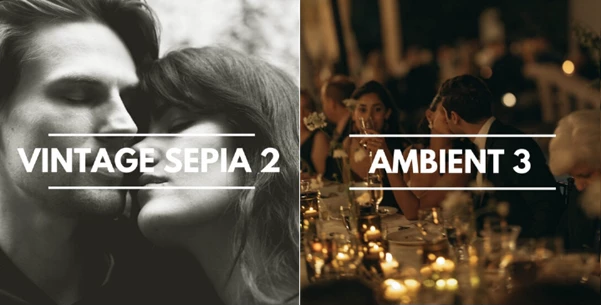


Pro Tips for Getting the Best Results
To make The Euphoria Presets truly shine, keep these simple tips in mind:
- Start with good exposure: Slightly underexposed images often work beautifully with these presets.
- Fine-tune temperature and exposure: Small tweaks can dramatically improve realism and mood.
- Don’t stack presets: Let each preset breathe — they’re designed to work on their own.
- Use them as a base: Adjust highlights, shadows, or grain to match your personal style.
These presets are beginner-friendly, but powerful enough for advanced creatives who want consistency with flexibility.
Final Thoughts: A Tool That Brings You Back to Flow
If you’ve ever felt frustrated because you couldn’t get your photo editing to turn out quite how you wanted, The Euphoria Presets have been designed for people like you who want to reconnect to the emotional side of their creative process. If you’re struggling with your photo editing and want to inject some enthusiasm back into your work, this could be exactly what you need.

Files Password : gfxplugin.com OR 123456