Downloadable Files
You can download QuickLink Items for free from the bottom of this very product page.
Say Goodbye to Missing Files Anxiety
How many times have you opened an old AE project, only to find that half your assets are missing?
The red “Missing” boxes are everywhere, and your motivation slowly fades. QuickLink Items helps by finding missing files for you and relinking them quickly.
What Is QuickLink Items & Why It Matters
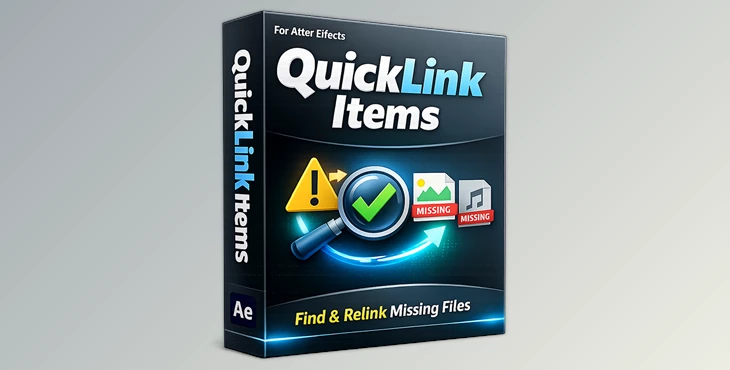
QuickLink Items is a smart project manager that finds missing files for you. It’s simple, efficient, and incredibly satisfying.
Imagine having an old client project that’s all over the place (and drives and folders) and in multiple languages. You don’t have time to mess around with files; you need to get your work done. This plugin finds everything for you and can even scan an entire drive on your computer.
That’s what this has been designed for: to save you time and effort with your projects.
Why this improves your workflow:
You save hours of manual relinking.
You reduce errors caused by wrong file replacements.
You can confidently recover complex or multilingual projects.
Meet the Tool: QuickLink Items by aescripts
QuickLink Items is a professional After Effects plugin developed to make broken projects usable again — quickly and cleanly.
It turns a stressful technical problem into a simple, almost automatic process.
Features
Comprehensive Search
Scan entire drives or specific folders to locate missing assets in seconds.Multi-Language Support
Works smoothly with nearly all languages and scripts, even on non-English systems.Broad Compatibility
Supports a wide range of After Effects versions on both macOS and Windows.Detailed Feedback
Clear logs show which items were found and which are still missing — no guessing.Intuitive Plugin Interface
Simple controls: choose a folder, wait a few seconds, grab a coffee ☕, and check the results.
Real-world example:
You receive a damaged AE project from another editor. Assets are scattered across different folders with non-English names. QuickLink Items scans once and restores most links automatically — saving the project and your deadline.

Pro Tips for Better Results
Choose the highest-level folder possible
Let the plugin scan parent folders to maximize match accuracy.Keep original filenames intact
Renaming assets before scanning can reduce successful relinking.Check the log results carefully
The detailed feedback helps you quickly spot what still needs manual attention.Use it early
Run QuickLink Items as soon as you open a broken project to avoid compounding issues later.
These small habits make your workflow smoother and your projects feel more professional.
A Small Tool with Big Impact
As an editor, this is a simple tool for a real problem that After Effects users face all the time. By taking advantage of QuickLink, you can save time and make editing projects much easier.
For those who work on archives of old projects, this could be a lifesaver. Knowing how powerful this smart solution can be is inspiring, and it’s clear why many editors rely on it.
Happy linking 🚀