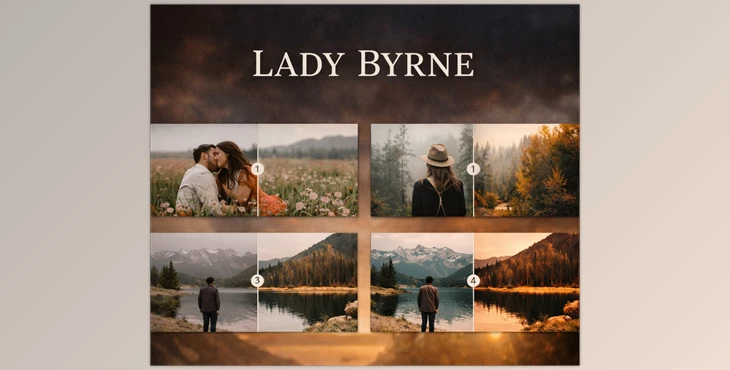
Are Your Photos Not Quite Right?
Have you used the Lady Byrne Presets in any projects? We all want photos with perfect lighting, vibrant colors, and a great mood. But when you sit at your computer and start editing… many times the result either looks flat or overly artificial! The main problem is that fine-tuning color and light is difficult and time-consuming, especially if you want your photos to feel professional.
What Are Presets and Why Are They Amazing?
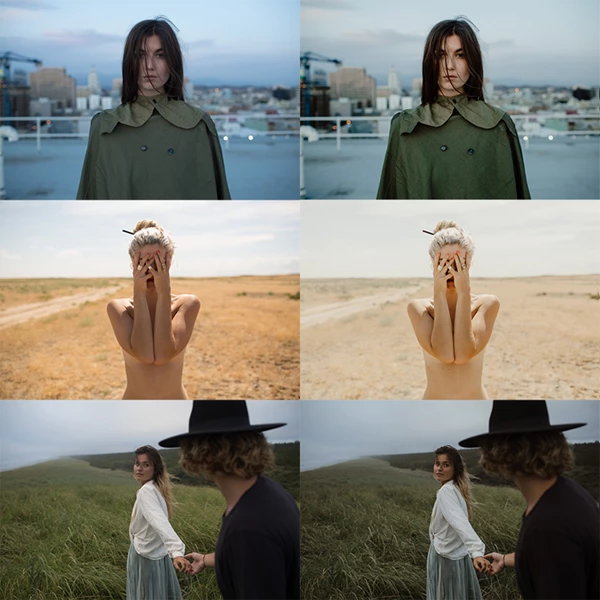
Presets are the editing magic. Presets are pre-defined adjustments that, with a single click, will adjust the colors, exposure, and tones of your images to make them look pro without having to spend hours editing.
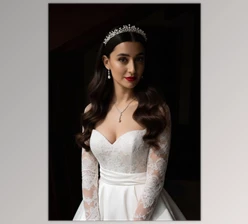
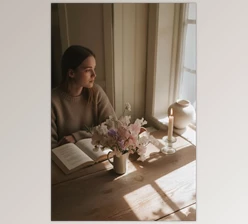
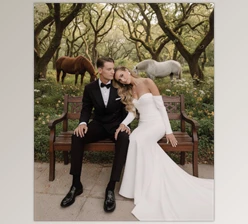
For example, if it’s a portrait lit by window light, it can have the warmth you envision in the skin and surroundings with the right preset, making it realistic and appealing. The result? Your images are cohesive, efficient, and organic rather than having to fight with every color and light element from the ground up.
What Did We Do Before Presets?
Before presets came into play, photographers had to edit each photo from scratch. Tools like Lightroom and ACR have everything—light, contrast, color, details—but all of this requires time and precision, with every adjustment done manually.
The problem is that this process takes a long time and demands high skill. Even after all that effort, the final results might not look cohesive or natural, and the professional feel you want may not be achieved.
Lady Byrne Presets: A Magical Assistant for Your Photos
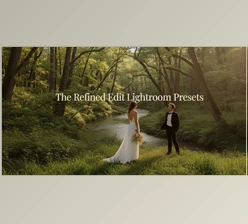
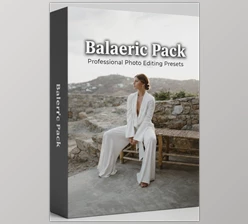
This is where Lady Byrne Presets shines. This product is a package of 14 ready-to-use presets—12 color presets, and 2 black-and-white presets—each giving a unique mood and style to your photos. With a single click, you can completely change the look of your photos and give them the dreamy or professional feel you want.
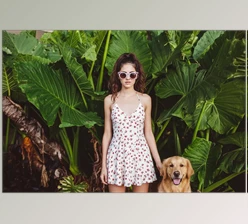
- Natural and appealing colors and tones: These presets are designed to enrich and enliven colors without making photos look artificial or unnatural. Reds appear deep and warm, blues are rich and pleasant, and shadows remain natural.
- Versatile styles for any situation: Whether you want a bright, classic portrait, a soft and calm scene, or warm sunlight, the presets cover it all. There are even cool and crisp styles perfect for outdoor or nature photos.
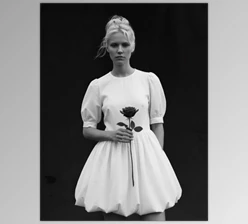
- Black-and-white presets: Two options for lovers of classic and artistic photography—a simple black-and-white preset and a higher-contrast version for detailed, impactful photos.
With Lady Byrne Presets, you no longer need to spend hours on each photo. Just select the right preset, and your photos instantly become cohesive, attractive, and professionally styled. In short, it’s a fast and magical assistant for photo editing that works for both beginners and professionals.

Tips for Professional Use
When you want to get the best results from presets, a few simple tips can make your work much easier and give natural, professional outcomes.
- Adjust the base light and contrast before the preset
Make sure your photo’s exposure and contrast are correct first. If the image is too dark or bright, even the best preset won’t give a natural result. A quick adjustment of light and white balance creates a strong foundation for presets, making the photo look more natural and professional. - Adjust preset intensity
All presets are adjustable—you can increase or decrease their intensity. This allows your photo to retain a personal touch and add your own style. For instance, a preset for outdoor scenes may be strong; by reducing its intensity, you keep the charm while maintaining a natural look. - Combine presets with local tools (Brush or Radial Filter)
Sometimes you only want to edit parts of the photo- like the face or the background. You can use Lightroom’s local editing capabilities (the Brush or Radial Filter) to apply the preset only to those sections for a cleaner, more tailored look. This works great for portraits or photos with intricate lighting. - Choose a main preset for your photo series.
If you’re editing a series of photos, it’s better to select one main preset and apply it to all. This ensures that all images are cohesive and maintain a professional feel. You can then make minor adjustments for specific photos to keep everything natural and visually appealing. - Experiment with light and color, be creative.
One advantage of presets is the freedom to experiment and see which style suits your photo. Don’t hesitate to slightly adjust color intensity or tone, or combine presets. Sometimes blending two presets or making a minor tweak can completely transform a photo and make it stand out. - Remember: presets are tools, not rules.
A little experimentation, some creativity, and a few tweaks can transform your images into a polished product and make editing enjoyable.
How a Small Tool Can Make Your Photos Dreamy
With Lady Byrne Presets, editing won’t be tiring and overwhelming anymore. In minutes, you can enhance and naturalize tones and colors, balance light and shadows, and get that professional, gorgeous look. All of your images will be cohesive and dreamy without having to edit for hours or master every single detail!
Lady Byrne Presets are a small but magical tool that can take the mood and style of your photos to the next level. Even if you’re a beginner, trying them can make your editing experience faster and easier, pushing your photos to a fully professional standard. In short, a small investment with a big impact on the look and cohesion of your photo collection.

Files Password : gfxplugin.com OR 123456