Colors Speak!
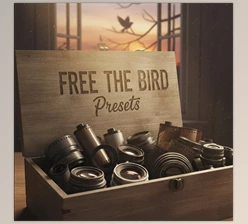
Are you familiar with what the Colour Collection Presets by Alice Mahran can do? Have you ever taken an amazing photo but felt something was missing? Maybe the colors don't match, or that warm feeling you see in magazine photos just isn’t there in your shot. This is a small but very important problem that most of us face.
What Are Presets and What Are They For?
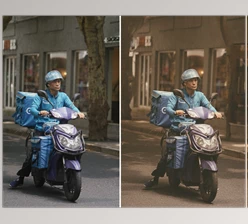
Presets are essentially ready-made settings for color, light, and contrast that you can apply to a photo with just one click.
Their Uses:
- Give photos a specific mood, like warm and cozy or cold and mysterious
- Harmonize multiple photos, for example, for Instagram or a photography collection
- Save time, without manually adjusting light and color
With these presets, even if you’re not a professional, your photos will look like they were edited by a pro.
What Did We Do Before Presets?
Before presets became part of our workflow, everything was a bit harder and more time-consuming. To make a photo attractive, we had to manually adjust everything: light, contrast, shadows, colors… every detail!
Tools We Used:
- Basic Settings in Lightroom: Such as Exposure, Contrast, Highlights, and Shadows, which had to be adjusted carefully one by one
- Curve and Color Grading: For precise color correction and creating a specific mood, but it took time to learn
- Simple Filters and Effects: Like Vignette or Saturation, which sometimes didn’t work or made the photo look exaggerated
The Problem:
- Time-consuming: Each photo could take minutes or even half an hour to perfect
- Hard to harmonize multiple photos: When working with a set, every adjustment had to be applied individually to maintain a consistent mood
- Difficult to achieve a professional and warm look: Even after all the effort, the photo sometimes still didn’t feel “magazine-ready”.
In short, without presets, photo editing was precise, time-consuming, and a bit tiring, especially if you wanted a consistent, professional look.
Colour Collection Presets - Golden Presets That Make Everything Easy
Colour Collection Presets truly acts like a professional assistant, making photo editing fast, easy, and cohesive. The collection includes two main categories:
Black & White Golden: includes several different styles such as 1, 2, Bright, Contrast, and Dance.
Color Golden: includes styles 1, 2, 3, 4, as well as presets with names like Cream, Dream, Sunset, and Warm.
What They Do:
- Professional results with one click: All light, color, and contrast settings are ready; just apply the preset
- Consistency across photos: When you have multiple photos, presets ensure they all share the same mood, making your collection look organized and professional
- Full flexibility: You can adjust the preset intensity or tweak settings like Exposure and Highlights to achieve your unique style
Concrete Examples:
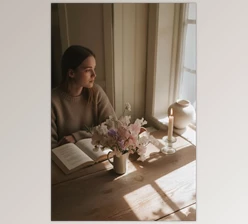
- Got a sunset photo? The Sunset preset warms and brightens the colors, giving the photo a special sense of calm
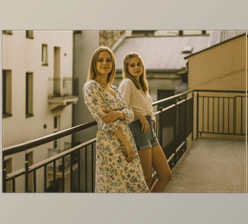
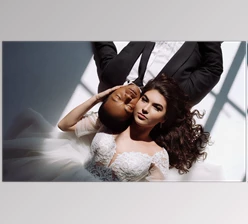
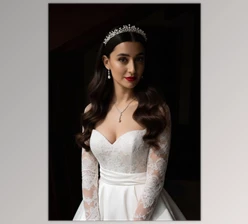
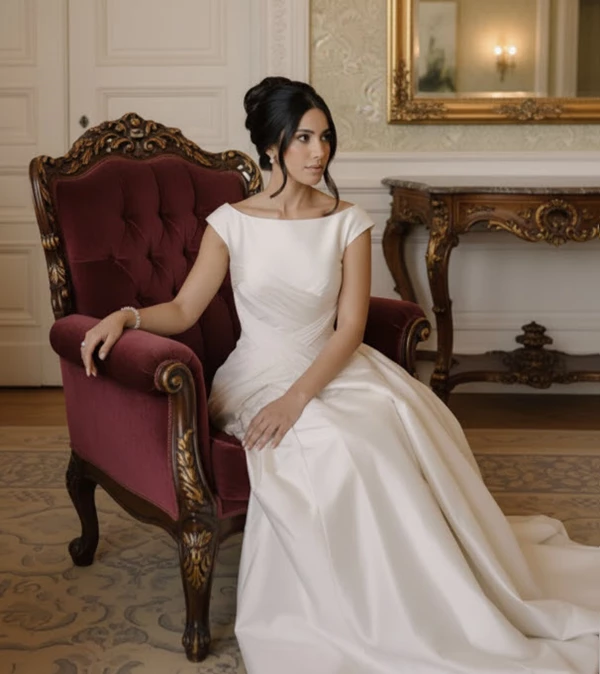
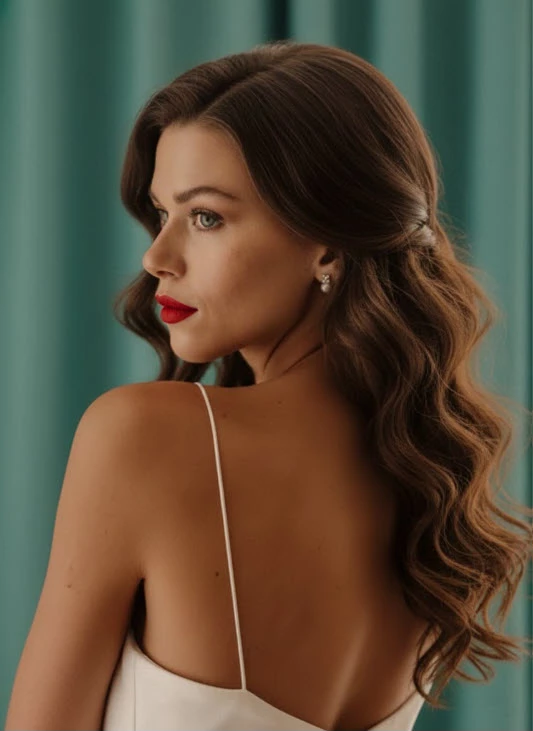
- Have a portrait? The Cream preset makes skin look natural and soft, adding a cozy, inviting feel
- Even black-and-white photos with Bright or Contrast presets get a classic, stylish vibe, as if freshly out of a magazine
With these presets, you no longer need to spend hours adjusting light and color—everything becomes quick and visually appealing, like having a professional editor by your side!
Pro Tips for Better Use
Presets like Colour Collection Presets make editing easier, but a few simple tips can make the results look even more natural and professional:
- Adjust preset intensity:
Instead of applying at 100%, try 50–70%. This keeps the photo natural and avoids an exaggerated look - Fine-tune light and color settings:
After applying a preset, slightly adjust Exposure, Highlights, and Shadows. These small changes preserve details and give a precise, professional finish - Combine presets for variety:
For projects or photo sets, you can apply different presets to different photos. This creates a diverse yet cohesive mood throughout the collection without breaking color harmony - Test and experiment:
Each preset gives a different feel. Trying different presets and combinations helps you find your personal style and make photos more attractive and professional
Following these simple tips, even ordinary photos can achieve the look and feel of a professional, polished image—without spending hours on manual adjustments.
A Happy Ending for Your Photos
Presets may seem small, but their impact is huge! Colour Collection Presets relieve you of the hassle of constantly re-editing, color, and contrast measures for each separate image. Your images will be professional and cohesive in no time, and your collections will always have that aesthetically pleasing vibe across the board.
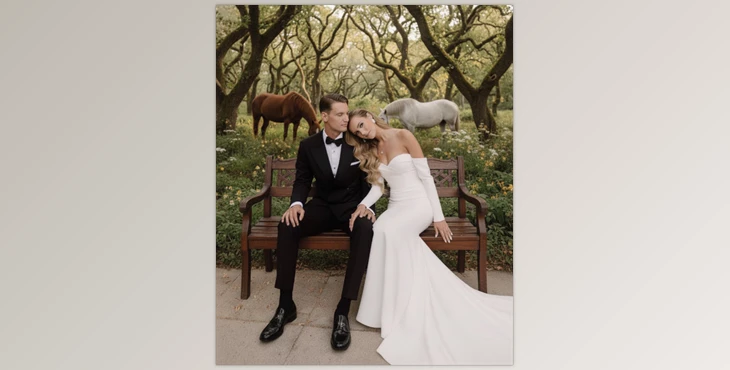
Furthermore, presets create a homely feel to your images. Whether it's a personal portrait, sunset or landscape, your images will always appear as though a professional editor got their hands on them. Essentially, it's a little annoying but an extremely intelligent assistant helping you out so your projects are engaging and ready to present at any time.

Files Password : gfxplugin.com OR 123456