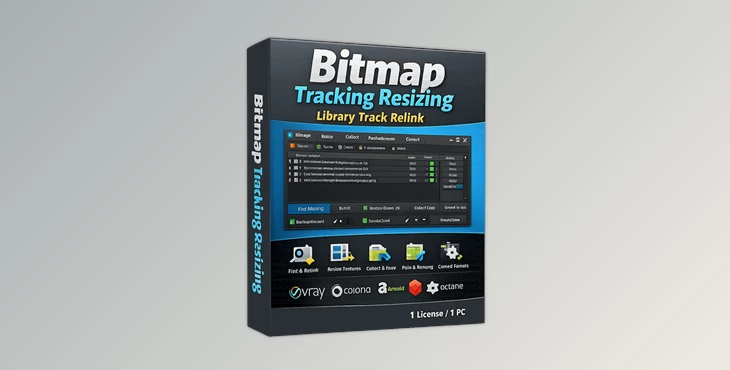
Pixamoon - Bitmap Tracking Resizing & Library Track Relink:
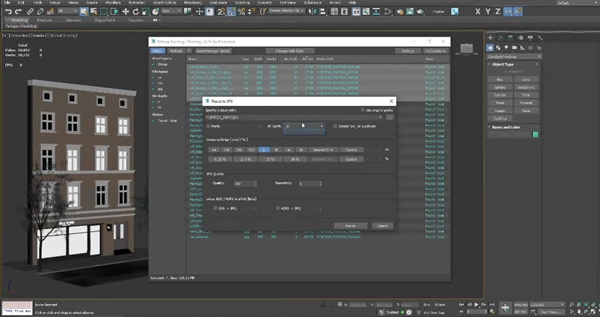
Pixamoon Bitmap Tracking / Resizing is a useful plug-in for scene assets as it works with all scene assets, allows you to re-size your bitmaps (selected and in bulk) down to 2k, 1k, 512, smaller; collect and save in a folder for easy access as well as uses a built in sorting option for files sorted by name, dimensions, size, path, etc. easily filtered and sorted. It auto-relinks, so in the event of missing assets, it can reconnect them easily, and Pixamoon allows renaming and path adjustments. It has a history and batch rename that allow you to select objects and materials via bitmaps, select materials and objects by bitmaps, copy assets, collect assets, and collect assets for proxies (auto-generation) with ease, even for distributed or network rendering.
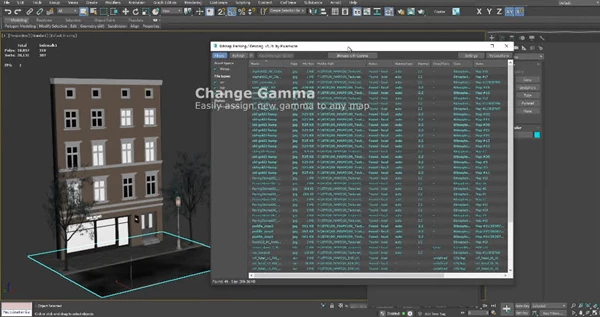
It works with your hard drive files, whether they are on a local or network hard drive. You can customize the color options for File Status and the File Path Options for better management. It is compatible with IFL sequences and .xml PointCache files, among other file types, and can batch-export proxies, even to distributed or rendered proxies in other programs/referenced systems. It can link IFL files/collages and relink them with confidence. You can change gamma (blacks/whites), change file format, and rename files in your scene and on your disk, and recognize which files are used in a .MAX file.MAT, XRef without opening the files and relinking multiple libraries or projects at once for organization. Even batch-export proxies with confidence. Relink your custom scripting options.
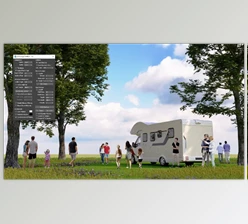
"Pixamoon - Bitmap Tracking Resizing & Library Track Relink" Samples: