Blender - Easy Envelope:
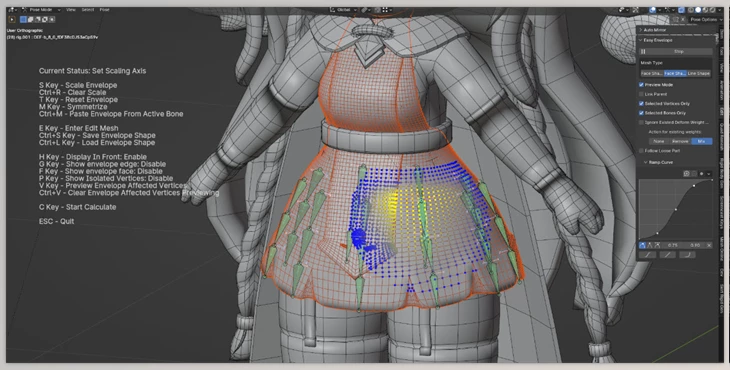
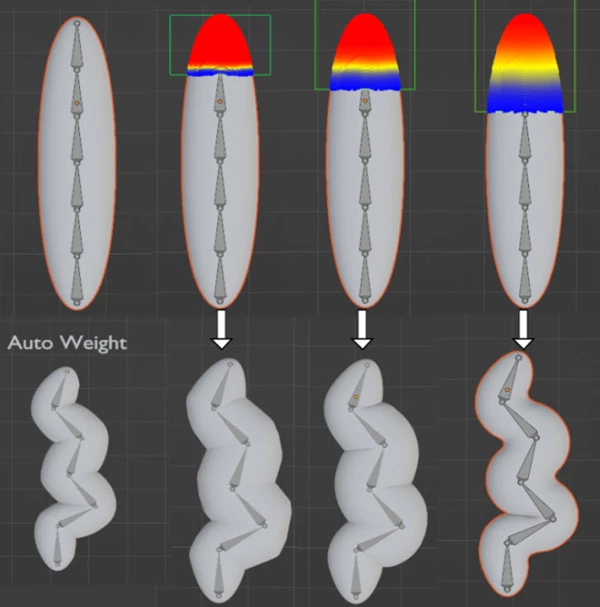
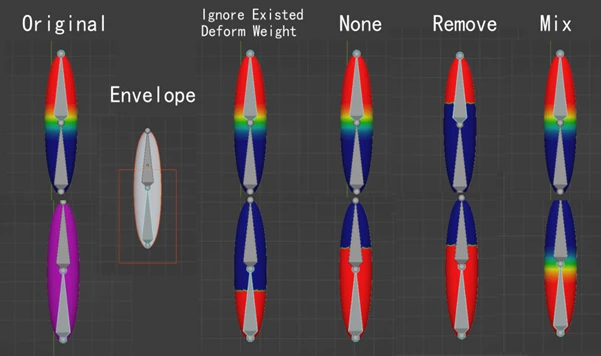
Blender - Easy Envelope is an Addon that will help you with your weight binding tasks more easily and more efficiently. When working with complex meshes - like a mesh skirt on top of a mesh skirt, for example, or multilayered hair - automatic weighting can take time and/or provide unreliable results that are frustrating to re-work. For example, Easy Envelope uses an envelope-like method that lets you see in real time which parts are affected by which bones and gives you the ability to better set ranges based on which meshes you want to manipulate and to what extent.
Some great features of Blender - Easy Envelope:
- You can see the envelope shape and the vertices it affects in real time.
- You can edit the envelope shapes and load/save them as files.
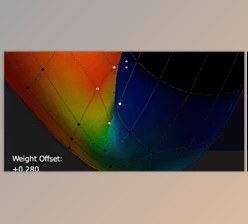
- You can see the calculation without going into weight paint mode (where red equals weight 1, blue equals weight zero, and white equals untouched).
- You can adjust the gradient curves of the results.
- There is a "Loose Part" that gives you different results.
- There are different calculations for different kinds of meshes.
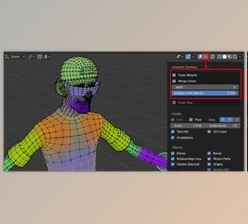
- In edit mode, there are quick options to select vertices with deform weights, remove deform weights from parts quickly, and select vertices with specific deform bones.
- Save your current mesh as an envelope file (named after the object).
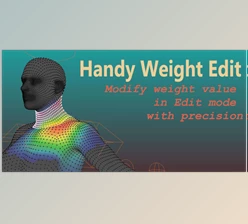
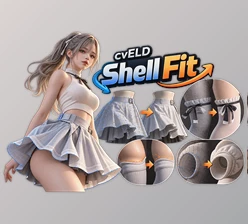
"Blender - Easy Envelope" Samples:
Blender - Download Easy Envelope 1.0.0 from the below link now!

Files Password : gfxplugin.com OR 123456