Aescripts - Line Em Up:
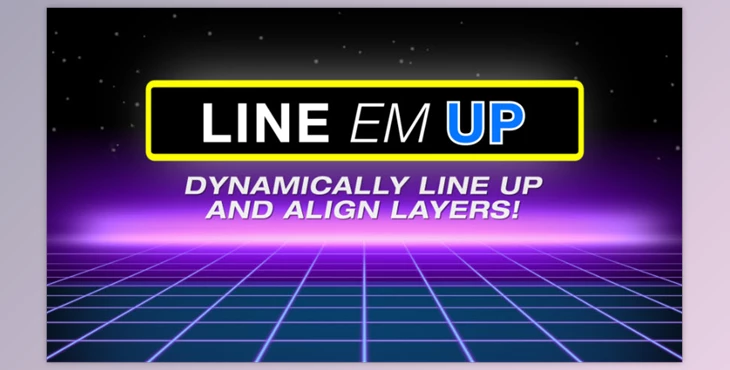
Line Em Up. Have you ever wanted to align text and non-text layers without going through a painful manual process? Line Em Up will set expressions to aligned text with selected rotation and interval spacing, and then align or distribute vertically/horizontally non-text layers as well.
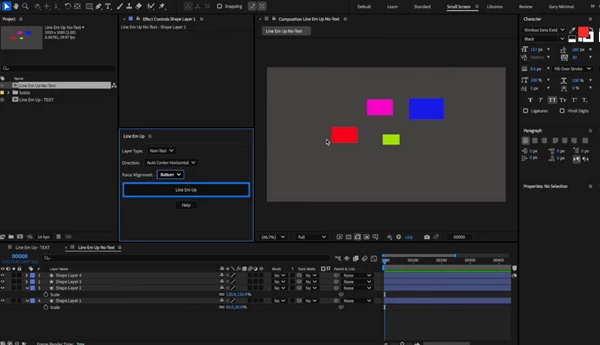
To apply Line Em Up, just select your layers in the order you want them lined up, select the direction or auto-center, and hit the Line Em Up button. This is useful when making MOGRTs for Essential Graphics and adjusting text/image layers. If you change the size of one of the non-text layers or the text (excluding one-pixel changes), the aligned layers will all adjust accordingly. In addition, there exists a slider control for group or individual spacing for complicated assemblies.
If you want to make single-use resize animations based on which text layers are visible, or if you wish to resize non-text elements as they're scaled, Line Em Up makes it super easy to resize and arrange necessary layers without taking up too much time.
"Aescripts - Line Em Up" Samples:
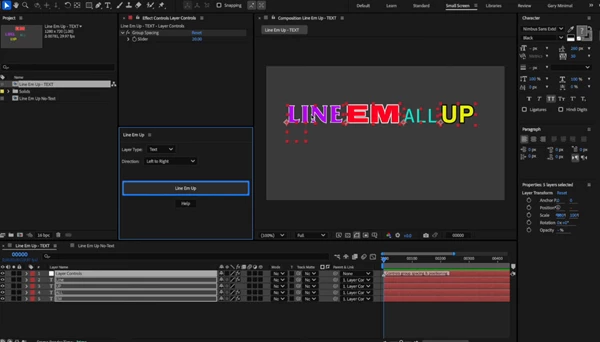
Aescripts - Download Line Em Up 1.0 from the below link now!

Files Password : gfxplugin.com OR 123456