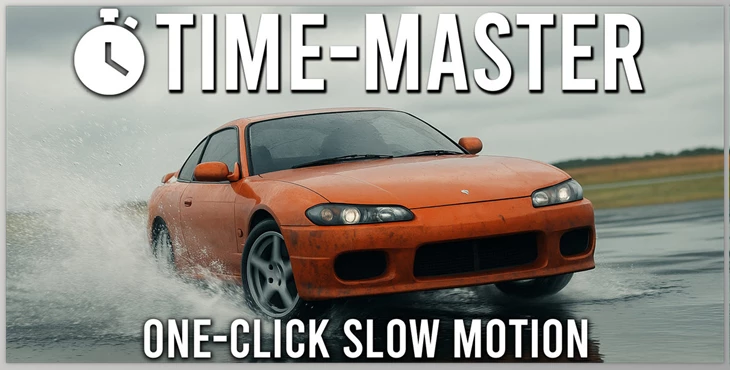
Blender - TimeMaster: One-Click Slow Motion:
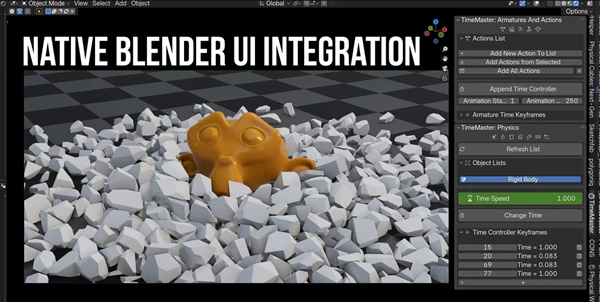
Get the ultimate control of time for your Blender scenes with TimeMaster! With a few clicks, you can make your animations, physics, and scenes play faster or slower, making it an incredible addition for editing and creative building! Whether you're trying to capture amazing slow-mo shots or fast-paced action, TimeMaster is the simplest, most intuitive solution that blends seamlessly within the Blender UI.
Includes
- Animation & Keyframe Control: TimeMaster operates within its own "Armatures and Actions" tab, allowing users to incrementally add existing actions to selected armatures and edit them for playback speed. You can even adjust the tempo of each action for recorded animations, as the playback speed is purely keyframe-based for an easy-to-change approach.
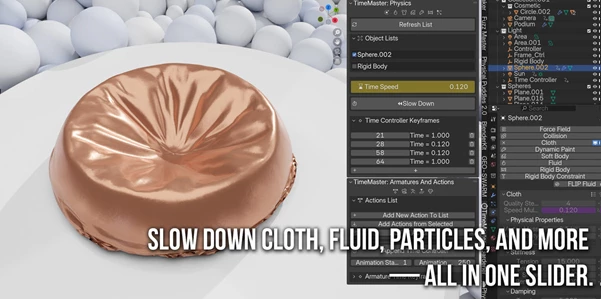
- Physics Time Control: The "Physics" portion of the TimeMaster tool will compile a list of all objects that possess simulations that work in Blender - such as: Cloth, Soft Body, Fluid, Particles, Dynamic Paint, and Rigid Body. Each item's time scale can be adjusted easily through a Time Speed slider with automatic adaptation for cohesive results.
"Blender - TimeMaster: One-Click Slow Motion" Samples:
Blender - Download TimeMaster: One-Click Slow Motion from the below link now!

Files Password : gfxplugin.com OR 123456