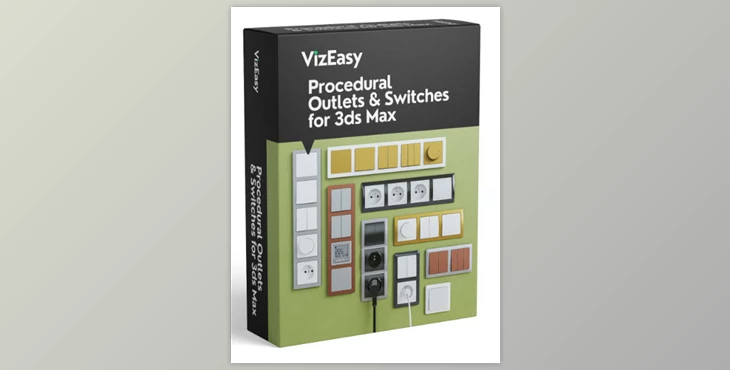
VizEasy - Procedural Outlets & Switches:
Transform your interior 3D renders with the VizEasy Procedural Outlets & Switches for 3ds Max. This script allows you to plug-and-play high-quality and customizable electrical pieces into your scenes without needing to model them individually. Just with a click, you can add and edit outlets or switches in seconds! Boost realism and your rendering speed with this unique product.
Some great features of VizEasy - Procedural Outlets & Switches:
- Placing an outlet or switch is as easy as clicking on a wall.
- Holes for the switches or outlets are created automatically for an immediate flush fit.
- The Glue option ensures that the socket frame will be positioned to adhere perfectly to the nearest wall.
- Set the height of the outlet/switch via presets or blank boxes for exact measurements.
- The choice of three types of frames can blend into any design.
- Switch from horizontal to vertical frame orientation easily.
- Frame types can be flipped horizontally and vertically.
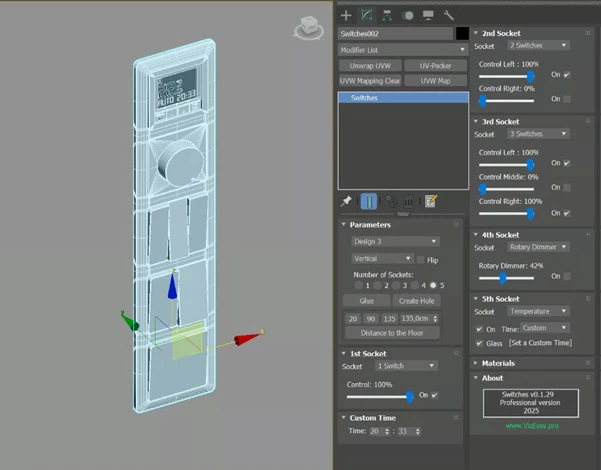
- Select how many sockets are on a frame, with options from 1 to 5.
- Multiple socket options: Blank Panel, Switch UP (L, M, R), 220V socket, Rotary Dimmer, and Temperature Display.
- Switches can be adjusted with a slider up/down and have a definite “On” position.
- The Rotary Dimmer has adjustable knobs.
- The Temperature Display has an On/Off setting, time adjustments, and can hide/show its Glass.
- You get two different types of plugs for the 220V socket.
- The script can automatically create cables that will be connected to the plug.
- The wires follow the natural laws of gravity; use Put Down to ensure they fall correctly onto the surface.
- Set the length of cable needed; you can create a custom length.
- Knots in the cable allow for precise placement adjustments.
- The wires can be Smooth or Braided in material, which comes in black or white.
- Frames can be preset to match a material or colorized to fit your scene.
- Socket materials are preset, but they can be colorized for different shades.
"VizEasy - Procedural Outlets & Switches" Samples:
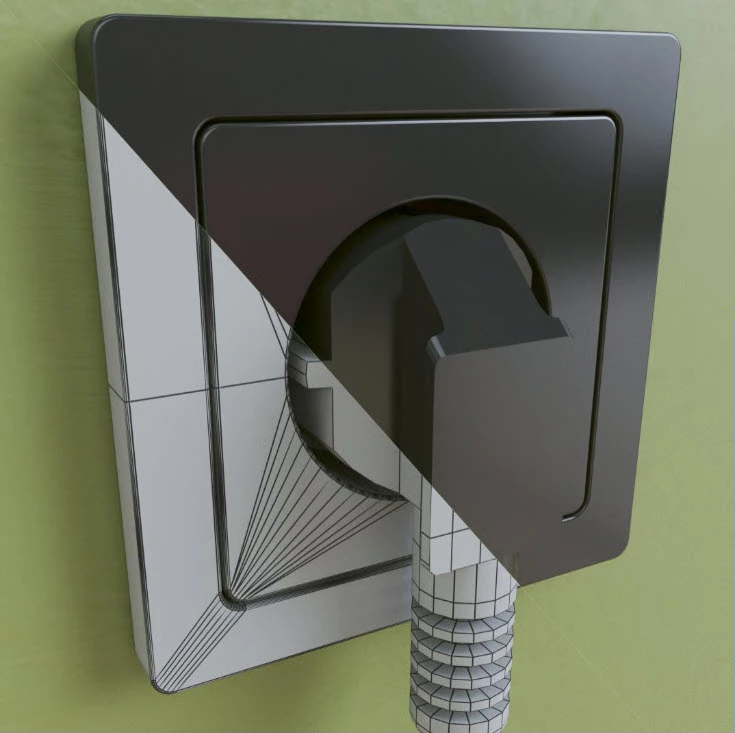
VizEasy - Download Procedural Outlets & Switches for 3ds Max PRO from the below link now!

Files Password : gfxplugin.com OR 123456