Aescripts - Batch Shot:
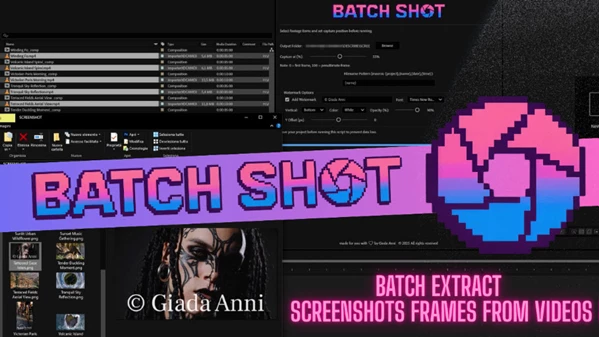
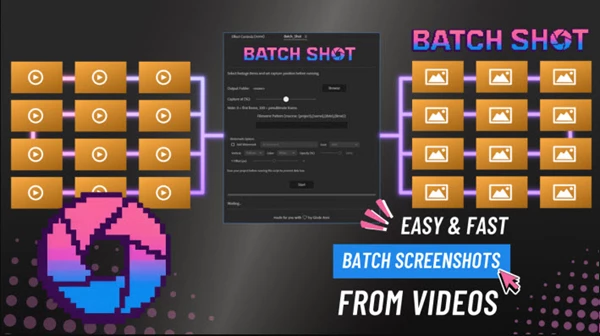
Batch Shot is a simple After Effects script that allows you to avoid scrubbing through footage to create PNG screenshots from your videos. Instead of taking the time to export single shots from the timeline, with Batch Shot, you select the footage you want and, using a percentage slider, choose the right frame (percentage-wise), and it will export images in a folder, including a text watermark of your choice, all within seconds. This makes Batch Shot the perfect way to create thumbnails and still images for previews, client reviews, or web use straight from After Effects.
Some great features of Aescripts - Batch Shot:
- Batch export of PNG shots at once
- Select which frame you want via the percentage slider
- Ability to add text watermark with font size, color, and opacity options
- 5 different fonts: Arial, Helvetica, Verdana, Times New Roman, Courier New
- Automatic naming using project and clip name, and current date and time macros
- Includes a progress bar and logging when shooting things in a batch
"Aescripts - Batch Shot" Samples:
Aescripts - Download Batch Shot 1.0 from the below link now!

Files Password : gfxplugin.com OR 123456