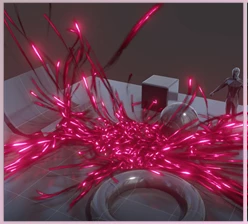
cgtrader - Sweep Modifier Addon for Blender:
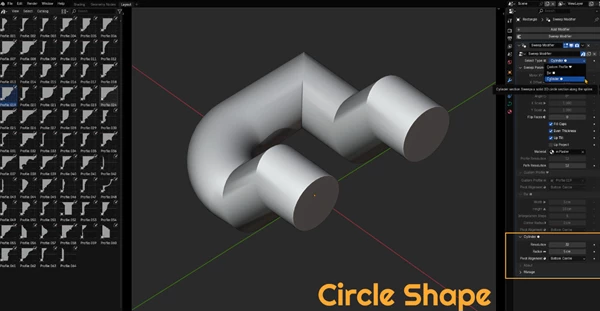
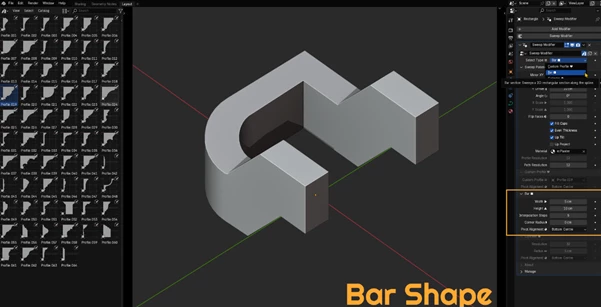
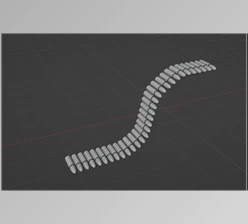
The Sweep Modifier add-on for Blender changes the game by letting artists apply smooth, flowing shapes to mesh or curve objects straight from Geometry Nodes. Instead of wrestling with node trees, you simply drop in the add-on, point it to a local .blend file, and pull in a ready-made group that does all the heavy lifting. This shortcut is a lifesaver for anyone who needs to run an extruded profile-say, tracks, gutters, or along a path without diving deep into procedural setup. Because the new tool sits like any other modifier, the whole process stays non-destructive, so you can tweak, reorder, or remove it at any stage.
Some great features of cgtrader - Sweep Modifier Addon for Blender:
- Adds a Sweep Modifier through Geometry Nodes in the Generate section of the Modifier panel.
- Quickly calls up a handy Pie Menu by tapping Ctrl + Shift + Q, so you can dive in without hunting through buttons.
- It loads the needed Geometry Node setup straight from a local .blend file, so no extra steps are required.
- Whether you are working with Mesh or Curve objects, the tool plays nice with both and adapts to whatever you model.
Installation and Usage
Grab the add-on ZIP file (for example, SweepModifierAddon_v2.zip), unzip it, and activate it in Blender Preferences. After that, just pick any mesh or curve, open the Modifiers panel, or hit the Pie Menu shortcut, and the tool appears. From there, drag the modifier up or down the stack and tweak settings like profile outline and path to match your scene.
"cgtrader - Sweep Modifier Addon for Blender" Samples: